
PROMPT
THREADS
A Week of Threads Posts From One Idea
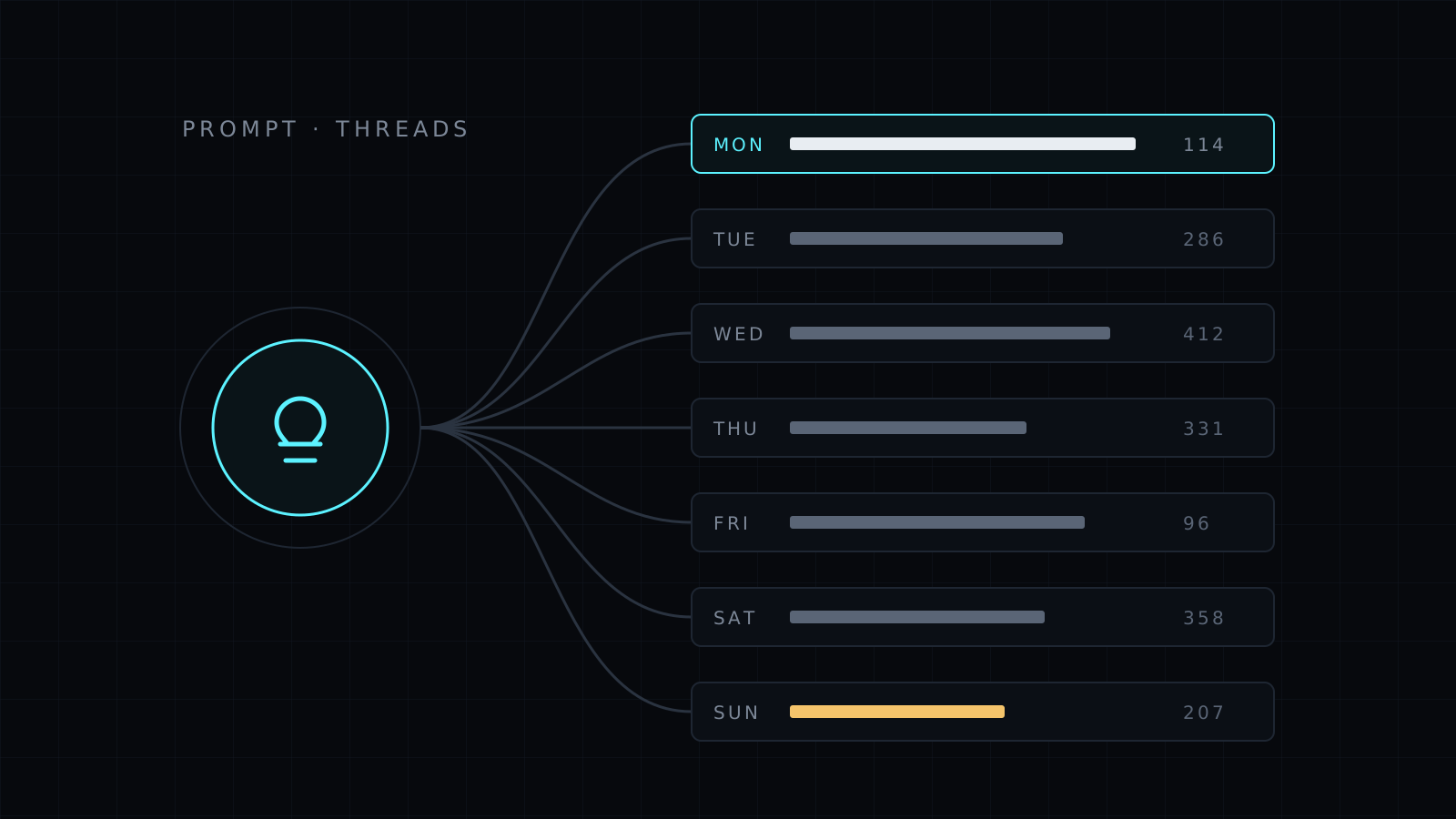
Turns one idea into seven Threads posts in seven shapes, each under 500 characters, so you post every day of the week without repeating yourself.

Tutorial · Claude · Free
How to add a downloaded skill to Claude in under two minutes, check that it loaded, and ask for work that makes Claude use it.
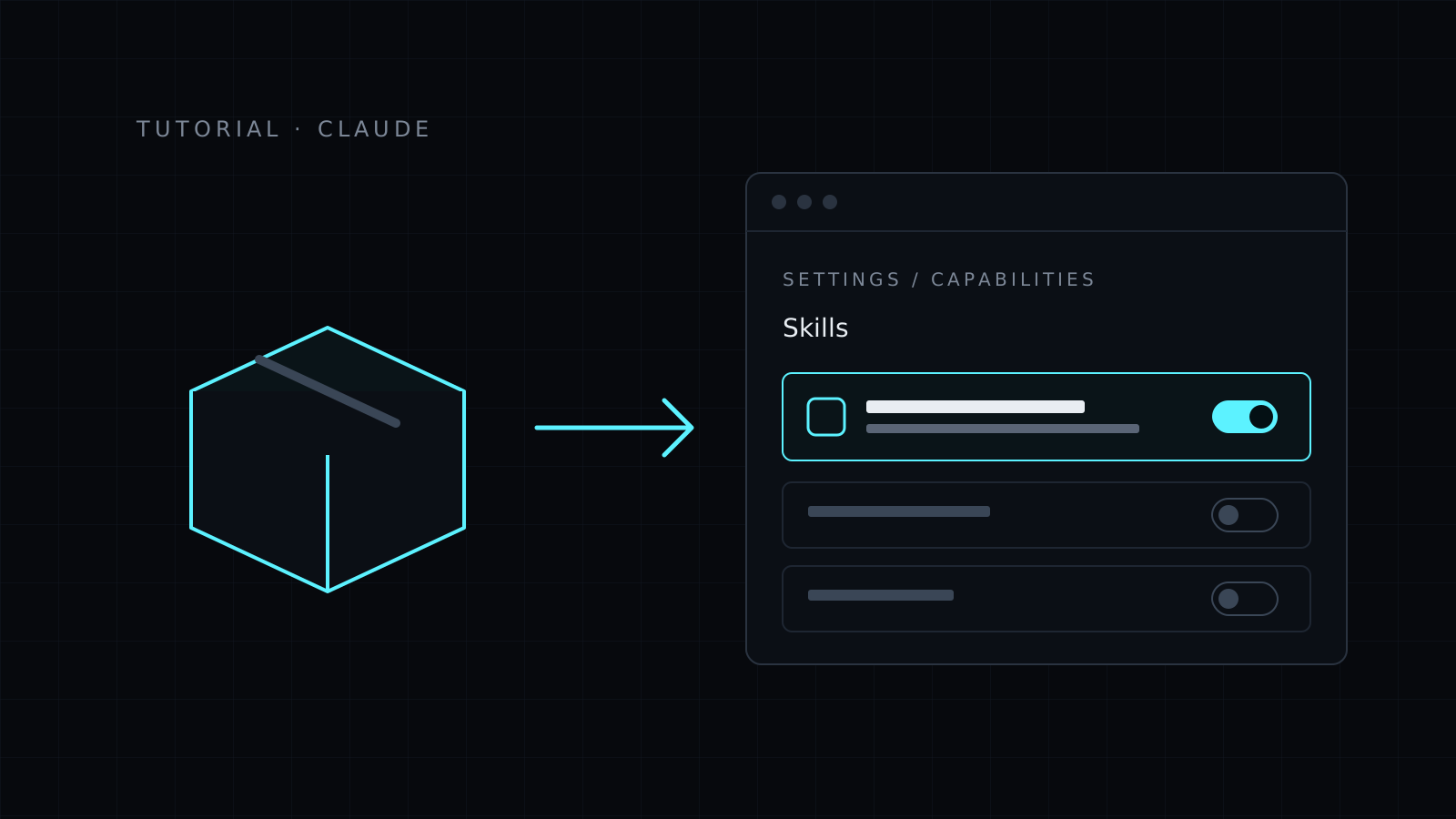
A skill is a folder with a SKILL.md file inside: instructions Claude reads when your request matches what the skill does. Every skill in the Nexin library downloads as a .zip that Claude accepts as it is.
.zip, from the Download skill button on its page in your library. Don’t unzip it..zip you downloaded.That’s it: there is nothing to restart. The skill is available in every new chat.
Unzip the file into your skills folder, so the path ends in <skill-name>/SKILL.md:
~/.claude/skills/instagram-carousel-writer/SKILL.md
Use ~/.claude/skills/ to have it in every project, or .claude/skills/ inside one repository to share it with that project only. Claude Code picks it up the next time it starts.
Ask for the job the skill does, in plain words, the way you’d ask a person:
Write a 7-slide Instagram carousel about why most meal plans fail.
Claude says it’s using the skill, or follows its steps: for the carousel skill, you see a spine sentence, three cover options and a slide table. If it answers without them, start a new chat, check that the toggle is on, and name the job more directly (“Instagram carousel”, “10 slide carousel”).
.zip, remove the old skill and upload the new one.On Nexin Pro you connect Nexin once, as a connector in Claude or ChatGPT, and every skill in the library is there without downloading anything, always on its latest version. Nexin also keeps your voice, preferences and rules in the Nexus, so you never paste your brand into a chat again.
Turns one idea into seven Threads posts in seven shapes, each under 500 characters, so you post every day of the week without repeating yourself.
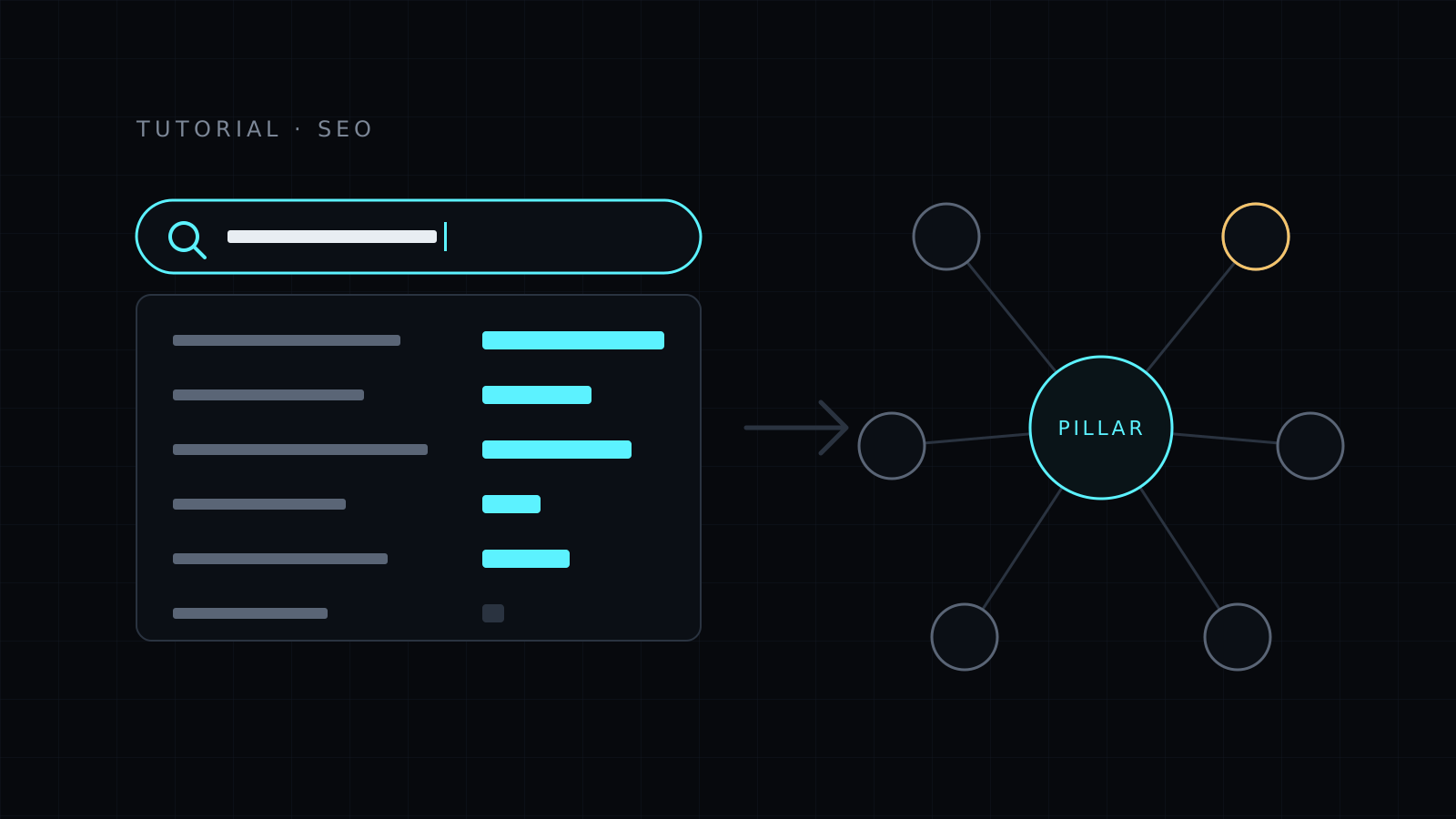

A 30-minute routine to go from a niche to a list of ten blog topics with real search demand, grouped in one cluster, using free tools and one prompt.