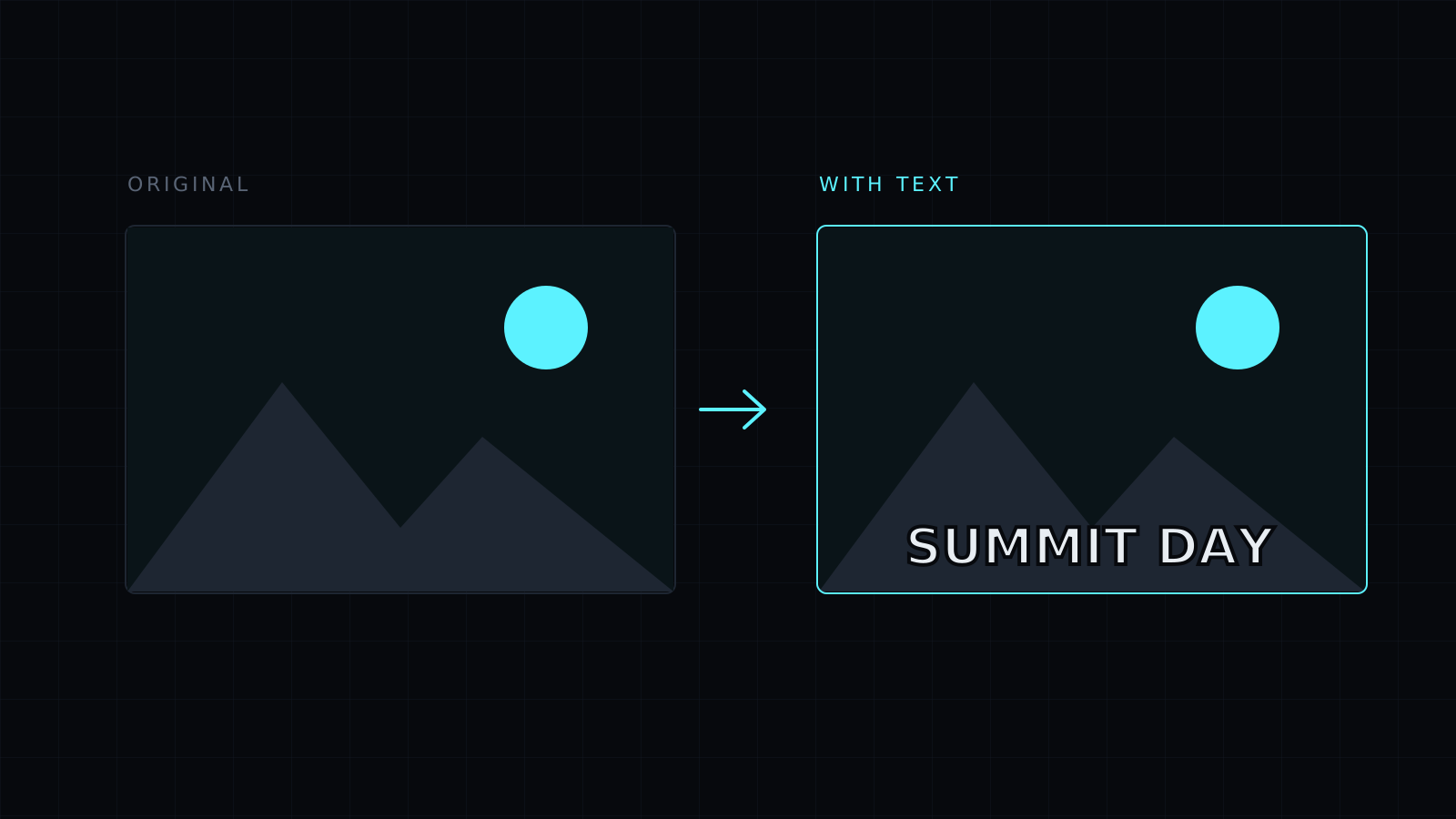
Add Text to Image is a quick way to add text to image files in your browser: drop a picture, type your words, choose the size and color, and click where they should sit. A bold sans-serif font and an optional outline keep the text readable on any background. The image never leaves your device, nothing is stored, and it spends no credits.
How do I add text to an image?
Drop the picture or choose it from your device; JPG, PNG, WebP, HEIC and AVIF all open. Type the text, set the size and the color, and decide on the outline. Press Place on the image, then click the spot where the center of the text should be. For a second line or a second label, type again and place again. Then pick a format and download. The file keeps its name with -edited added.
How do I make text readable on a photo?
Turn the outline on. Light text gets a black outline and black text gets a white one, so it stands out from a sky, a crowd or a patterned wall. Other habits that help:
- Go bigger than feels necessary; phones show images small.
- Place text on calm areas, such as sky, a wall or a table, rather than across faces.
- Keep it short: a few words read at a glance, a paragraph doesn’t.
- Blur the area behind it first, with the Blur effect in the same editor, for a soft backdrop.
What can I add text to an image for?
- Captions: a date and place on a travel photo, a punchline on a reaction picture.
- Labels: a word or a number next to each item in a product photo, a step number on a screenshot.
- Quotes: a line over a background picture for a post or a slide.
- Notices: “Sold”, “New” or a price on a listing photo.
Can I move the text after placing it?
No. Once placed, text becomes part of the image. If the spot isn’t right, press Undo and place it again; Undo keeps the last 12 steps. There is one font, and no shapes, stickers or drawing tools.
FAQ
Is my image uploaded?
No. Everything runs in your browser and the image stays on your device.
Which format should I save as?
PNG keeps the text edges crisp. JPG makes smaller photos but turns transparent areas white. WebP is a good middle for the web.
What does it cost?
It comes with the Nexin library: Nexin Lite or Nexin Pro opens it, and it spends no credits.