
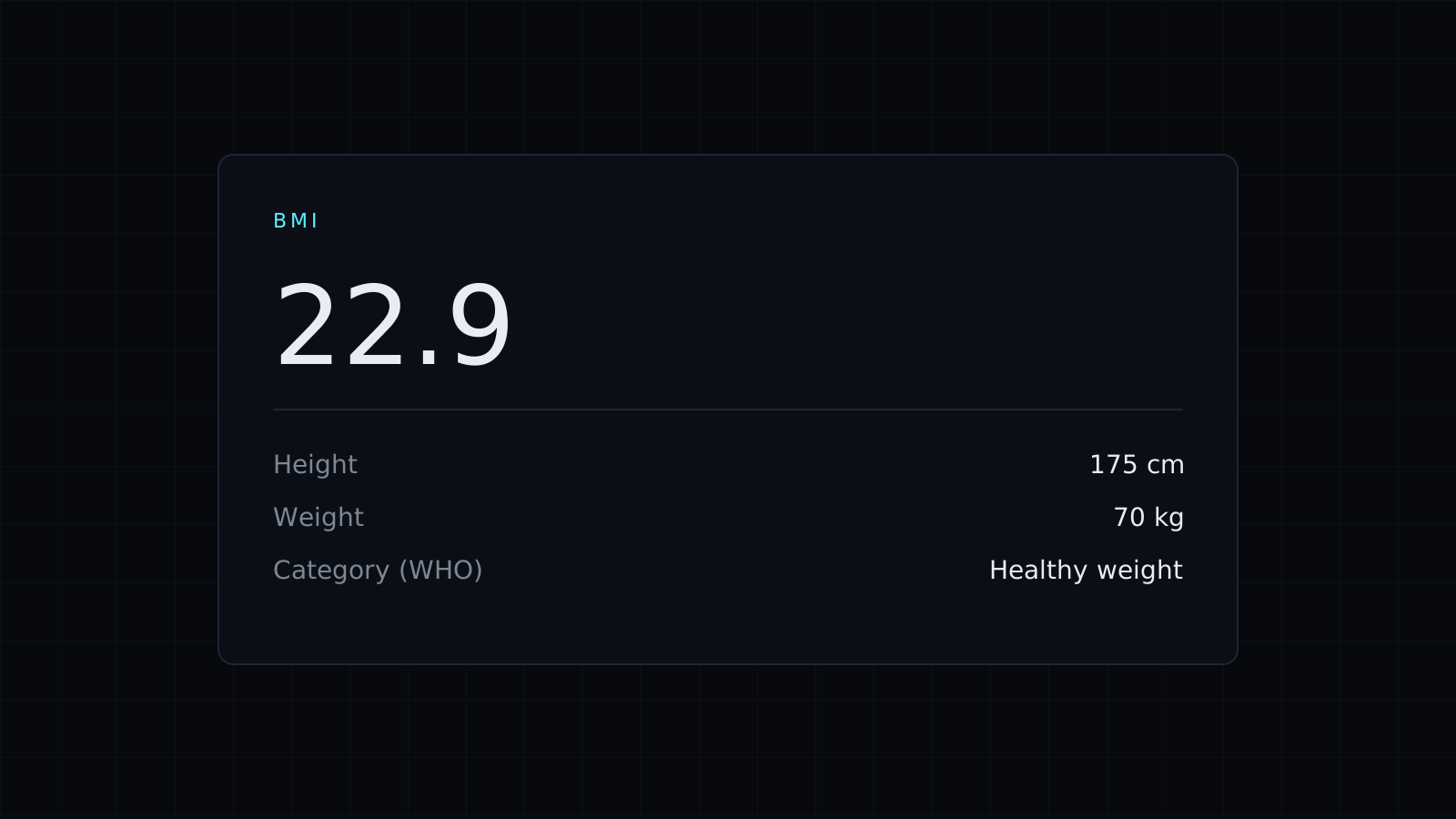
This BMI calculator works out your body mass index from your height and weight, right in your browser. Enter centimeters and kilograms, or feet, inches and pounds, and you get your BMI to one decimal, the World Health Organization’s adult category and the weight range that counts as healthy for your height. Nothing is sent to a server, and it spends no credits.
How to calculate BMI
BMI is your weight in kilograms divided by the square of your height in meters. Someone 175 cm tall who weighs 70 kg has a BMI of 70 / (1.75 x 1.75), which is 22.9. In US units the formula multiplies pounds by 703 and divides by the square of the height in inches: at 5 ft 9 in and 180 lb, the BMI is 26.6. The BMI calculator converts the units for you, so you can use whichever you know.
What are the BMI categories?
For adults, the WHO groups BMI like this:
- Under 18.5: underweight.
- 18.5 to 24.9: healthy weight.
- 25 to 29.9: overweight.
- 30 and over: obesity.
So the first example, 22.9, falls in the healthy weight range, and the second, 26.6, in the overweight range.
What is a healthy weight for my height?
The tool turns the 18.5 to 24.9 band back into weights for the height you entered. At 175 cm that is about 56.7 to 76.3 kg. At 5 ft 9 in it is about 125.3 to 168.6 lb.
What BMI doesn’t tell you
BMI uses only height and weight. It doesn’t measure body fat, muscle or where weight is carried, and the adult categories are not meant for children and teens. That is why the page calls it a screening number, not a diagnosis. Questions about your own health belong with a doctor or another qualified professional.
FAQ
Can I use the BMI calculator for a child?
The categories it shows are the WHO adult ones. Children and teens are assessed with age- and sex-specific charts, which this tool doesn’t include.
Are my height and weight stored?
No. The BMI calculator runs entirely in your browser and saves nothing.
What does it cost?
It comes with the Nexin library: Nexin Lite or Nexin Pro opens it, and it spends no credits.



