
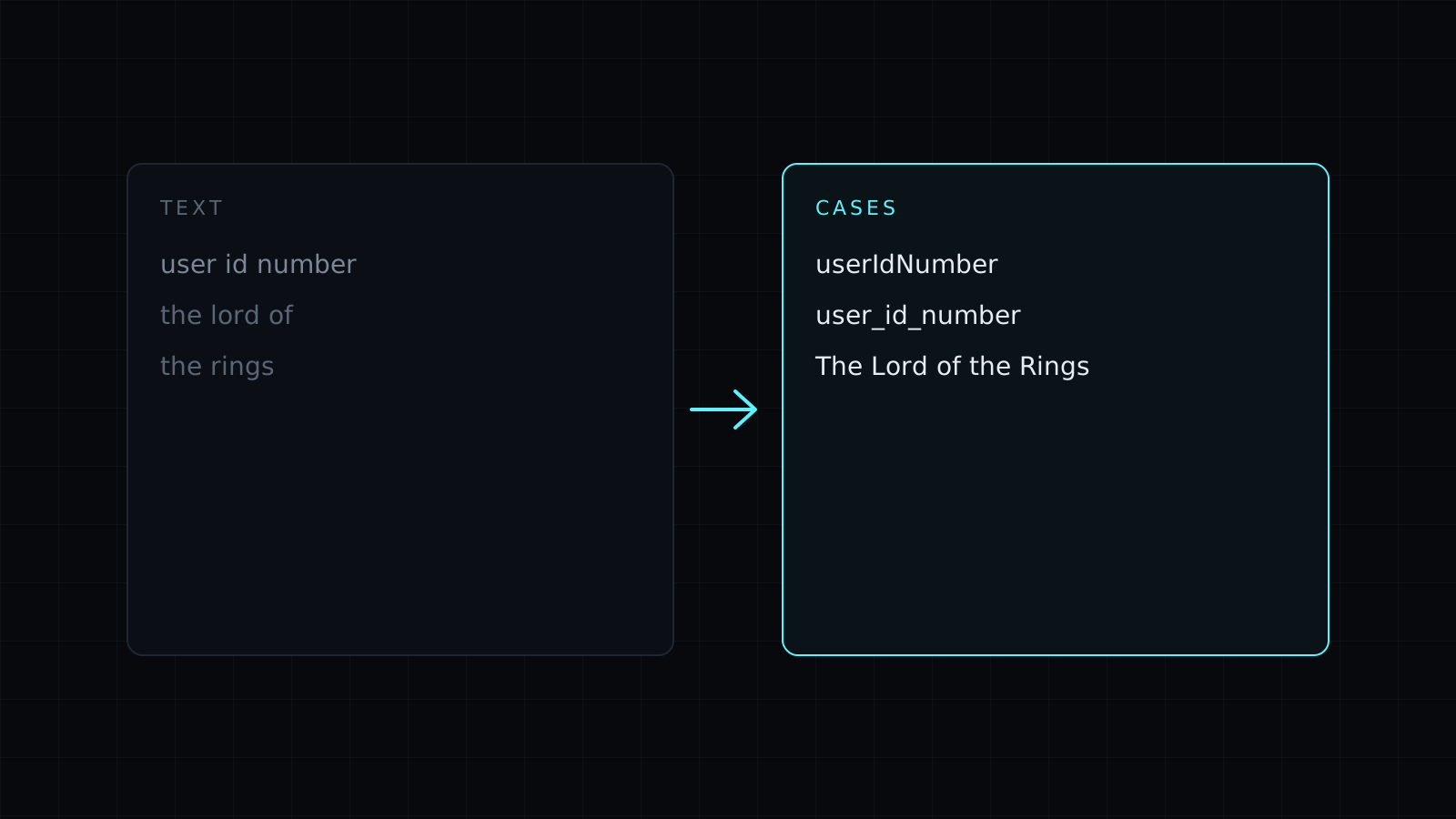
Case Converter is a case converter that changes the capitalization of any text right in your browser. Paste a heading, a paragraph or a list of variable names, pick a case, and the converted text appears as you type. Nothing is sent to a server, nothing is stored, and it spends no credits.
Which cases can I convert to?
Nine, in two groups.
For writing:
- Title Case. Each word gets a capital, except small words like “a”, “and”, “of”, “the”, “to” and “via”, which stay lowercase unless they come first: “The Lord of the Rings”.
- Sentence case. Only the first letter of each sentence is a capital.
- UPPERCASE and lowercase. Every letter, one way or the other.
For code, where the words are joined:
- camelCase:
userFirstName - PascalCase:
UserFirstName - snake_case:
user_first_name - kebab-case:
user-first-name - CONSTANT_CASE:
USER_FIRST_NAME
How do I fix text typed in all caps?
Paste it and pick Sentence case or Title Case. Both start by lowering every letter, then add the capitals back where they belong. Names, places and acronyms get the same treatment as every other word, so read the result once and fix those by hand.
How do I convert between camelCase and snake_case?
Paste the names, one per line, and pick the target case. The case converter finds the words inside each name, whether they are split by spaces, underscores, hyphens or a change from lowercase to uppercase, then joins them the new way. userFirstName, user_first_name and User First Name all become the same user-first-name in kebab-case. Each line is converted on its own, so a whole column of field names keeps its rows. Punctuation between words is dropped in the code cases, since identifiers can’t hold it.
Who it’s for
- Writers and editors fixing headlines and titles.
- Developers renaming variables, columns, CSS classes and environment variables.
- Anyone cleaning up a spreadsheet column or a list pasted in all caps.
Under the result you see the word and character count of what you pasted.
FAQ
Is my text sent to a server?
No. The conversion runs entirely in your browser. Your text never leaves your device and nothing is stored.
Why did my acronym lose its capitals?
Title Case and Sentence case lower every letter before capitalizing, so “NASA” becomes “Nasa”. Fix acronyms by hand after converting.
What does it cost?
It comes with the Nexin library: Nexin Lite or Nexin Pro opens it, and it spends no credits.



