
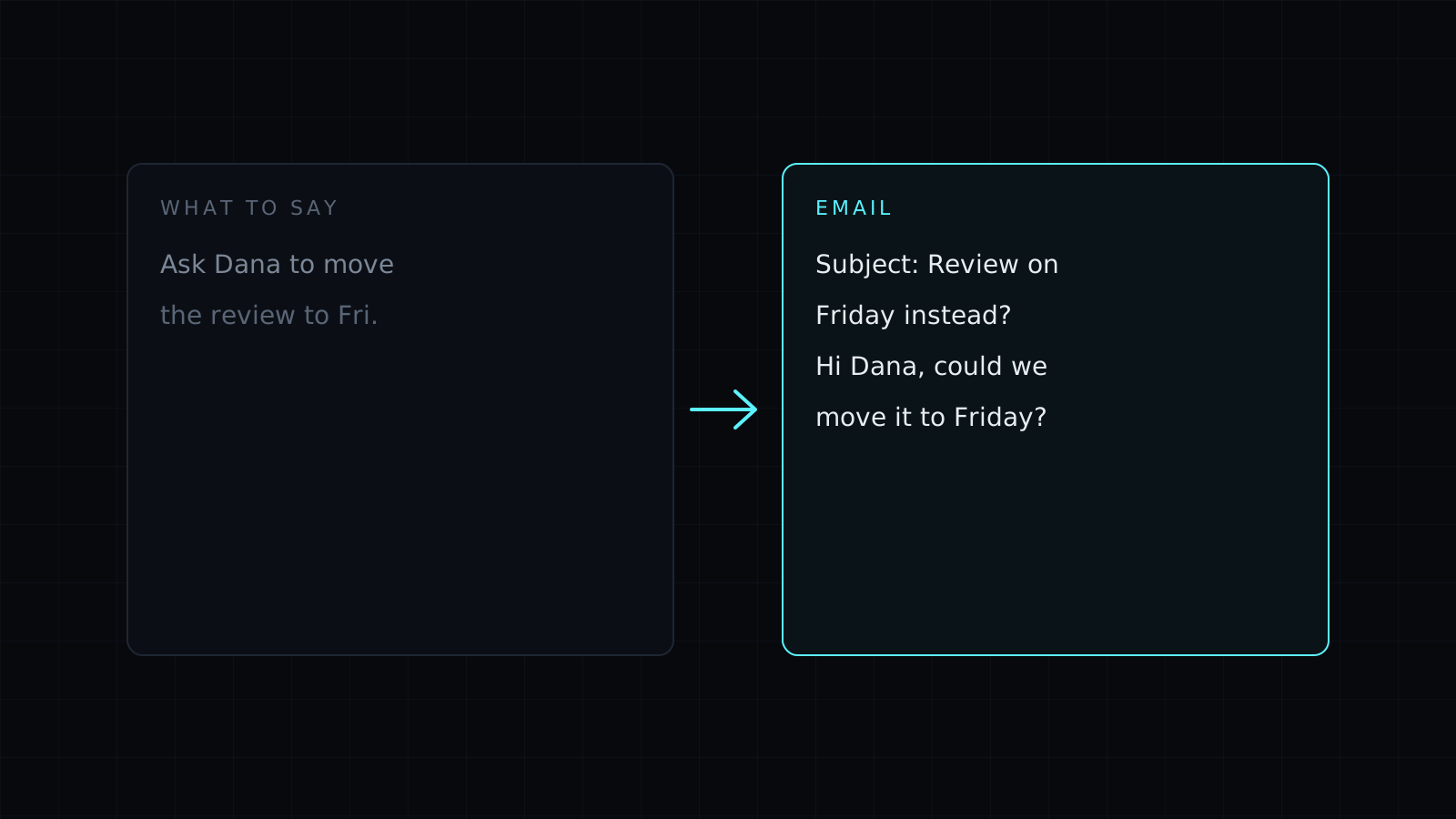
This email writer is a skill for Claude that turns a few rough notes, or an email you have been putting off answering, into a message that is clear, polite and ready to send. It handles work and personal email alike: an invoice follow-up, a declined meeting, a client complaint, a note to a landlord.
How does an AI email writer know what to say?
It starts with three questions: who is reading, what you need from them, and what the relationship can take. From your notes it works out the one thing the email has to achieve and builds the message around it. The ask goes near the top, the context stays short, and the email ends with a clear next step instead of “let me know your thoughts”.
Then it sets the tone. A note to a colleague can be friendly and brief. A message to a new client is more formal. A third reminder about an unpaid invoice is firm without being rude. You can name the tone yourself or let the skill choose; it tells you which one it picked so you can change it.
Writing a reply to an email
Paste the email or the whole thread and say what you want to answer. In reply mode the skill reads every message first, lists the questions the other person asked and makes sure the reply covers each of them, in the order that makes sense to the reader. It keeps the thread’s subject line and matches the other person’s level of formality.
It never makes promises for you
An email writer that fills gaps with plausible details is risky: a made-up deadline or price is now in writing. This skill never invents dates, amounts, names or commitments. When the email needs a detail you didn’t give, it leaves a placeholder like [DATE] and asks for it.
A shorter version every time
Most emails are longer than they need to be. With every draft you also get a shorter version that keeps the ask and drops the rest, for busy readers and phone screens.
FAQ
Can it write a professional email from just a few words?
Yes. A line like “ask Sam to move Thursday’s call to next week” is enough. It asks a question only when a missing detail would change the email.
Does it send the email?
No. It writes the email in your Claude conversation for you to copy into your email app.
Can it match my own writing style?
Yes. Paste an email you wrote and it follows your greeting, sign-off, sentence length and level of formality.



