
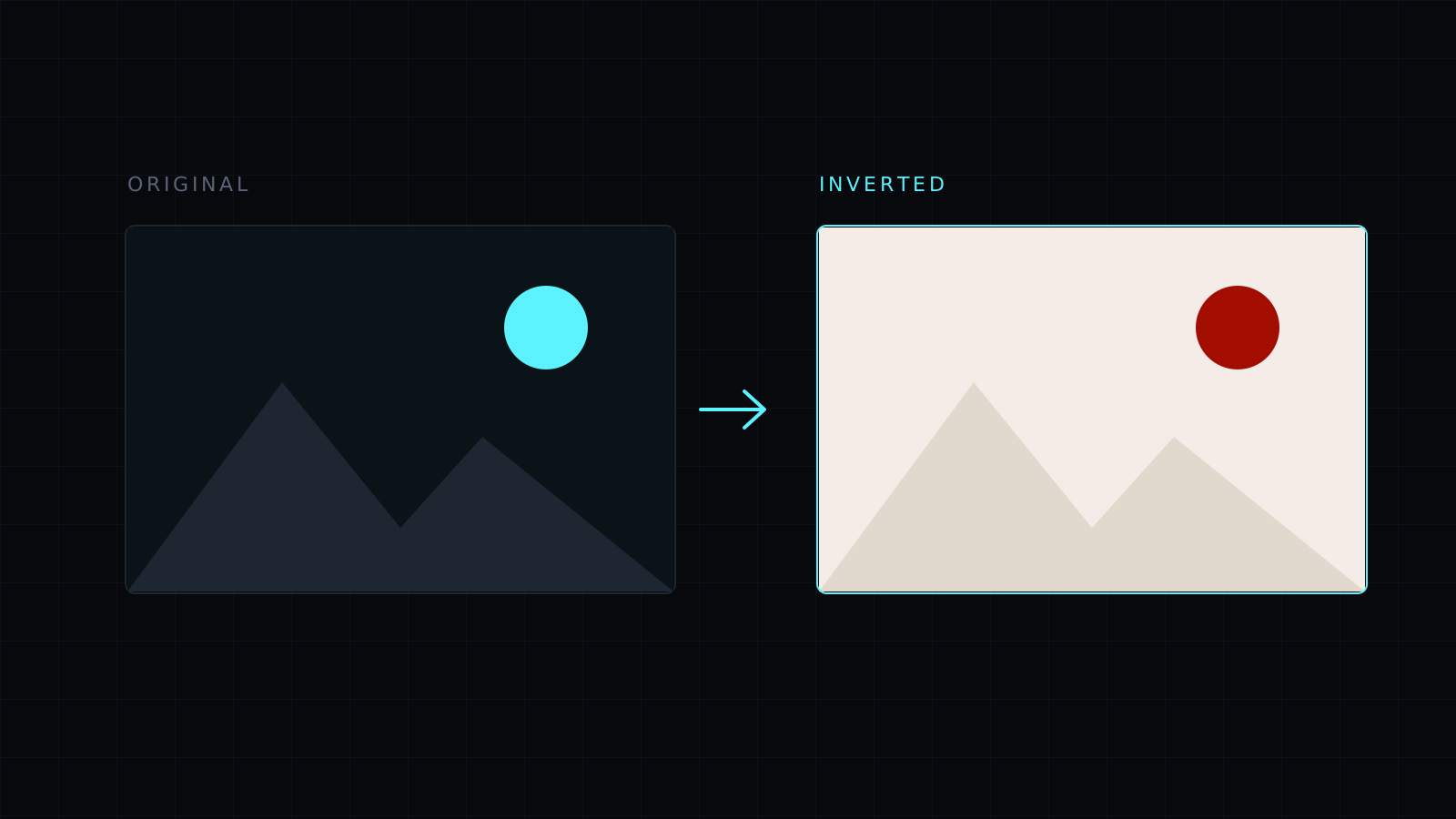
Invert Colors lets you invert colors in an image right in your browser: every color is replaced by its opposite, so white turns black, black turns white, and blue turns orange. Apply it to the whole picture or only to an area you drag. The image never leaves your device, nothing is stored, and it spends no credits.
How do I invert colors in a picture?
Drop the image or choose it from your device; JPG, PNG, WebP, HEIC and AVIF all open. With nothing selected, press Invert colors and the whole image turns into its negative. To invert only part of it, drag a rectangle first. Pressing Invert colors again on the same area brings the original colors back. Then pick a format and download.
What can I use inverted colors for?
- Film negatives: a photo of a negative held up to the light becomes a rough positive once inverted. Color negatives keep an orange-blue tint, so for those it is a preview rather than a finished scan; black and white negatives come out cleaner, especially if you also press Black and white.
- Dark mode screenshots: a bright screenshot of a document or a code editor turns into light text on a dark background, easier on the eyes in a dark slide deck or a night-mode article.
- Accessibility: some people read light text on dark more comfortably. Inverting a diagram, a scanned page or a chart can make it easier for them to follow.
- Design and art: an inverted photo gives a striking, unreal look for posters and covers.
- Spotting detail: inverting a scan can make faint pencil marks or a watermark stand out.
Does inverting colors work on photos of people?
It works on anything, but skin and sky turn into blue and orange tones, which looks surreal. That is the effect for art; for readability, inversion suits text, diagrams and screenshots best.
What about transparent areas?
PNG and WebP keep them. Saving as JPG turns transparent areas white, which happens after the inversion, so a logo with a transparent background is best saved as PNG.
FAQ
Is my image uploaded?
No. Everything runs in your browser and the image stays on your device.
Can I invert only part of an image?
Yes. Drag a rectangle over the area before pressing Invert colors.
What does it cost?
It comes with the Nexin library: Nexin Lite or Nexin Pro opens it, and it spends no credits.



