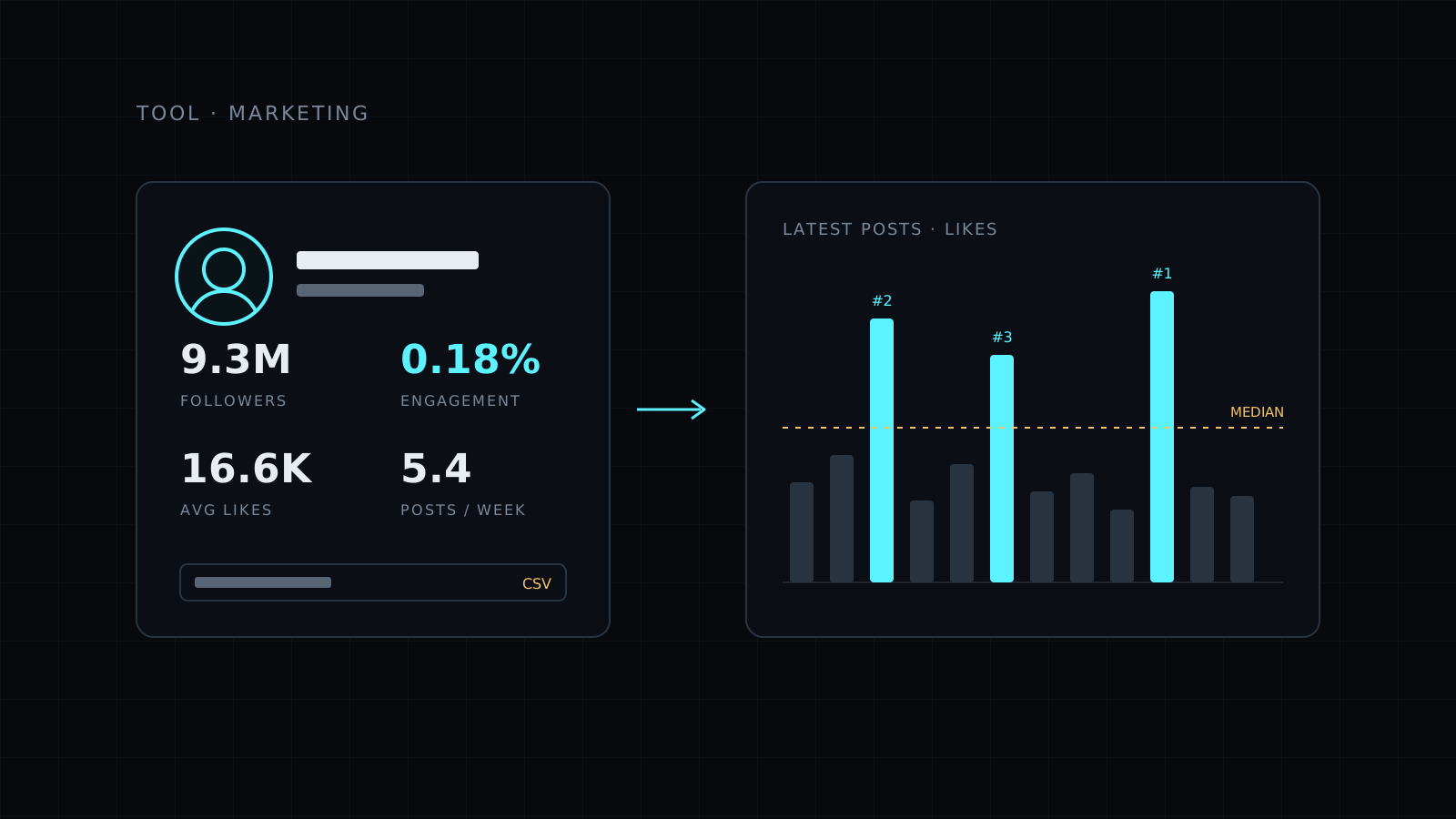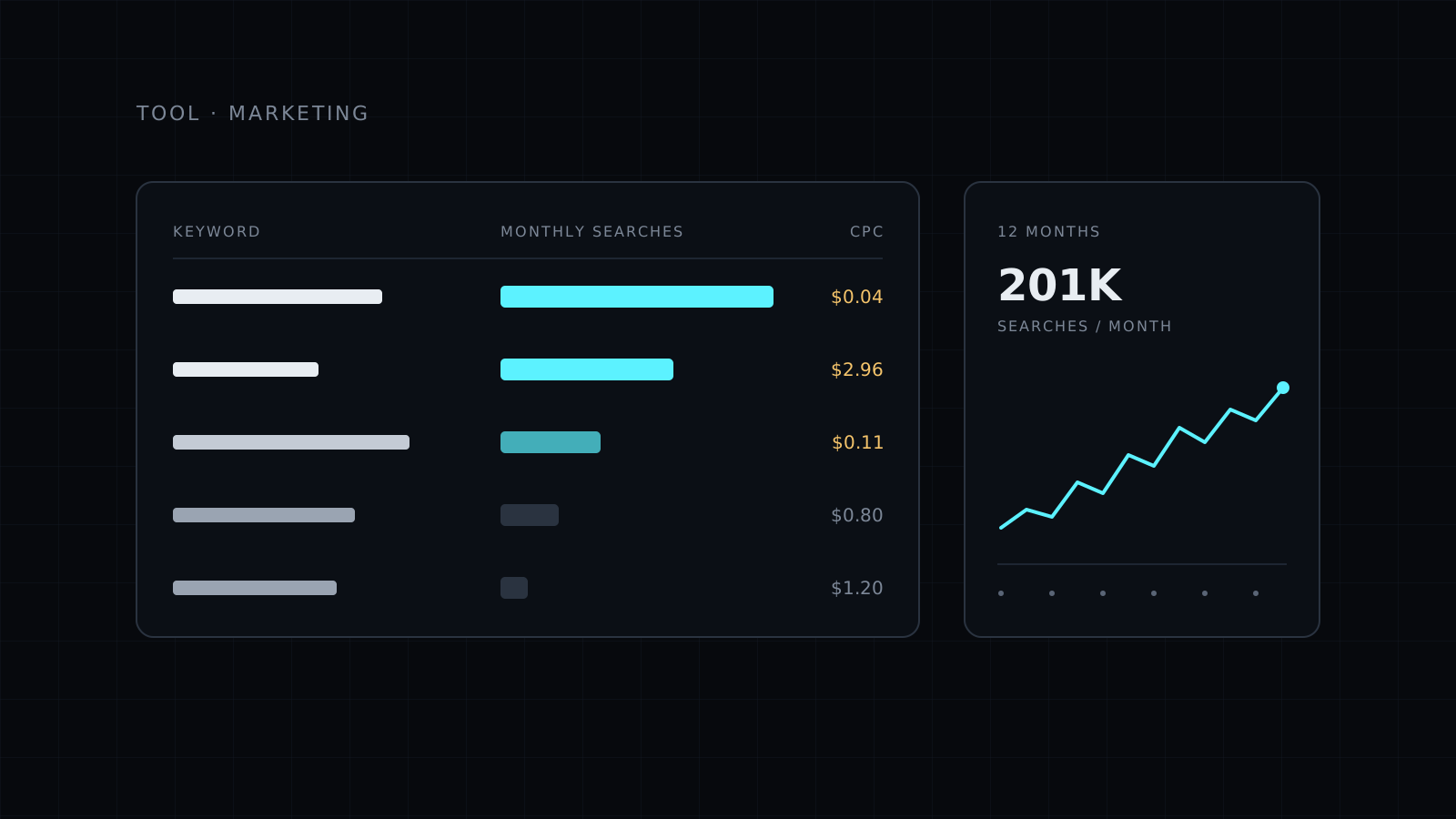
The Keyword Volume Checker shows how many people search each keyword on Google every month, what advertisers pay per click and how much competition there is, for up to 100 keywords at once. You paste your list, pick a country and get the numbers sorted from the biggest, with the last 12 months of each keyword in a CSV you can download.
What does a keyword volume checker do?
It tells you whether anyone is actually looking for the words you want to write or advertise about. Guessing topics is how blogs end up with posts nobody reads. Checking volume first lets you keep the queries with real demand and drop the ones that don’t move.
Cost per click adds a second signal. When advertisers pay more for a keyword, it usually means the people searching it are closer to buying. Competition shows how many advertisers bid on it, so you can spot queries that are less crowded.
What you get for each keyword
- Monthly Google searches, with the full list sorted from the biggest.
- Cost per click in US dollars, a sign of buying intent.
- Competition from 0 to 100%, based on how many advertisers bid.
- The last 12 months for every keyword in the CSV, so you can see seasons and trends.
Countries available: global, United States, United Kingdom, Canada, Australia, New Zealand, India and South Africa.
How to use the keyword volume checker for blog topics
Start with the questions your readers already ask. Paste them in, keep the ones with real searches and low competition, and look at the trend line for anything seasonal. Write the biggest query as your pillar page and turn the rest into articles that link back to it.
If you don’t have a list yet, the blog topics tutorial shows where to collect questions in your readers’ own words and how to group them into a cluster.
Who it’s for
- Bloggers choosing what to write next.
- Marketers checking demand before a campaign.
- Founders testing whether people search for the problem they solve.
- Freelancers doing keyword research for clients.
FAQ
How many keywords can I check at once?
Up to 100, one per line, in a single run.
Can I export the results?
Yes. Everything downloads as a CSV, including the last 12 months of searches for each keyword.
Is it included in Lite?
No. It is a paid tool, so it runs on credits and is available on Nexin Pro only.