
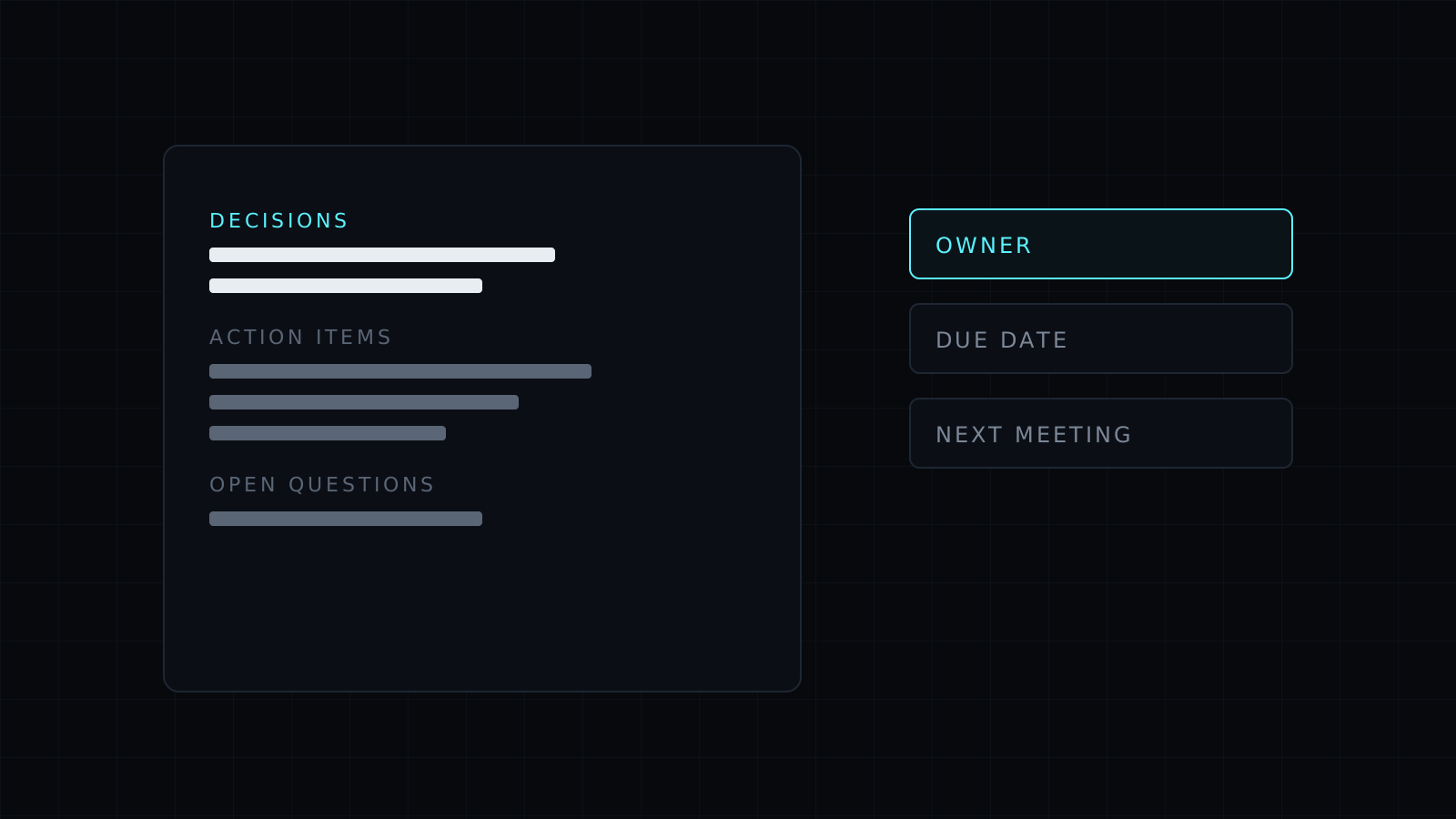
Meeting minutes are the record of what a meeting decided and who owes what next, and this skill writes them for you in Claude from a transcript or a page of rough notes. Paste what you have after the call, and you get clean minutes, an action item table and a short recap to share, without spending twenty minutes rereading the transcript.
How do you write meeting minutes from a transcript?
The slow part is not typing; it is finding the decisions inside an hour of conversation. The skill reads the whole transcript first, separates discussion from conclusions, and lists each decision with the reason given for it. Tasks become action items with an owner and a due date, but only when someone actually took the task or named the date. Anything nobody claimed is marked owner: TBD, which is usually the most useful line in the document: it shows what will fall through the cracks unless someone picks it up.
It also keeps a list of open questions and parked topics, and notes the next meeting when one was set.
What should meeting minutes include?
Good minutes are short. They name the meeting, the date and the attendees, then the decisions, the action items and what is still open. The skill follows that order and leaves out the back-and-forth that led there, unless you ask for fuller notes. For a board or committee meeting it can switch to a more formal layout with motions and outcomes.
A meeting notes template that fills itself
Most people searching for a meeting notes template want the structure, not a blank page. Here the structure comes filled in from your own material, plus a recap of a few lines for Slack or email, so attendees and people who missed the call read the same version.
FAQ
Does it make up who said what?
No. It attributes a statement or a task to a person only when the transcript or notes show it. When speakers aren’t labelled, it writes the decision without a name and asks you who owns it.
Can it work from handwritten or messy notes?
Yes. Paste them as they are, or a photo in Claude. Where a line can be read two ways, the skill asks rather than picking one.
Which meetings is it for?
Team stand-ups, client calls, project reviews, one-on-ones and board meetings: any meeting where someone has to send a summary afterwards.



