
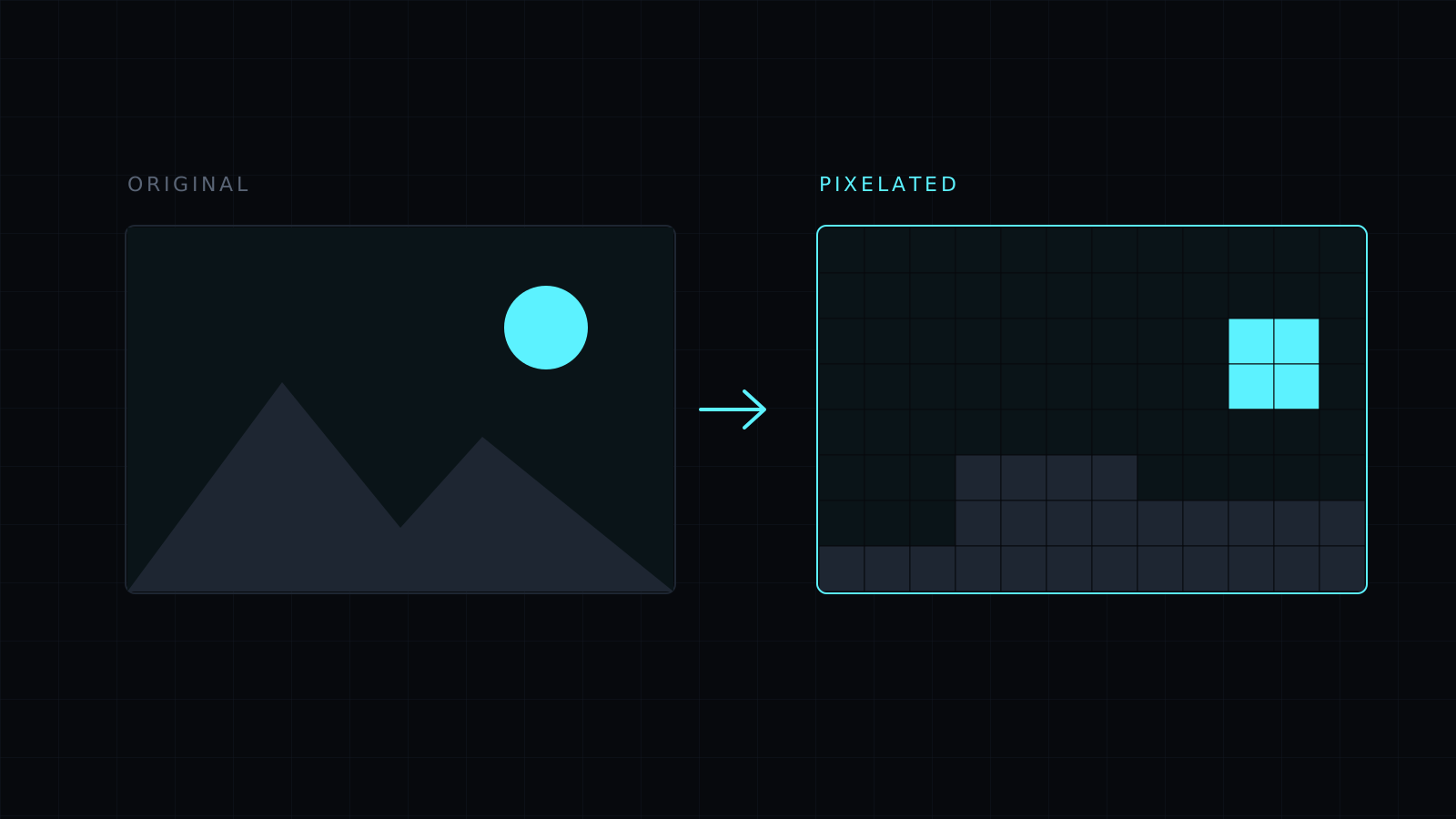
Pixelate Image is a tool to pixelate image areas in your browser: drop a picture, drag over a face or a name, and turn it into large square blocks. Select nothing and the whole picture is pixelated, for a retro look. A slider sets the block size. The image never leaves your device, nothing is stored, and it spends no credits.
How do I pixelate part of an image?
Drop the image or choose it from your device; JPG, PNG, WebP, HEIC and AVIF all open. Drag a rectangle over what you want to hide, set the strength, and press Pixelate. The selection becomes blocks; the rest stays sharp. Drag the next area and repeat. Then pick a format and download.
Is pixelating safer than blurring?
For hiding text, large blocks work well because each block becomes one flat color and the letters disappear. The key is size. Small blocks over large text can leave enough of the shapes for someone to guess a short word or number. Choose a block size bigger than the letters’ strokes, zoom in to check, and when in doubt pixelate again or add a strong blur on top. Cropping the detail out is the only way to be fully sure.
Typical things to pixelate before sharing:
- Faces of people who didn’t agree to be posted.
- License plates and house numbers.
- Names, emails and order numbers on screenshots and receipts.
- Barcodes and QR codes on tickets and boarding passes.
How do I make an image look like pixel art?
Select nothing and pixelate the whole image. A small block size gives a light mosaic; a large one gives the chunky look of early video games. Simple pictures with bold shapes and strong colors read best. You can pixelate a small area first, like a sign, and leave the rest of the photo sharp for contrast.
Can I pixelate the edges of a person?
No. Selections are rectangles, so the effect fills the box you drag. Drag a tight box around a face to cover as little of the background as possible.
FAQ
Is my image uploaded?
No. Everything runs in your browser and the image stays on your device.
Can I undo pixelation after downloading?
No. Undo works while you edit. The downloaded file only contains the blocks.
What does it cost?
It comes with the Nexin library: Nexin Lite or Nexin Pro opens it, and it spends no credits.



