
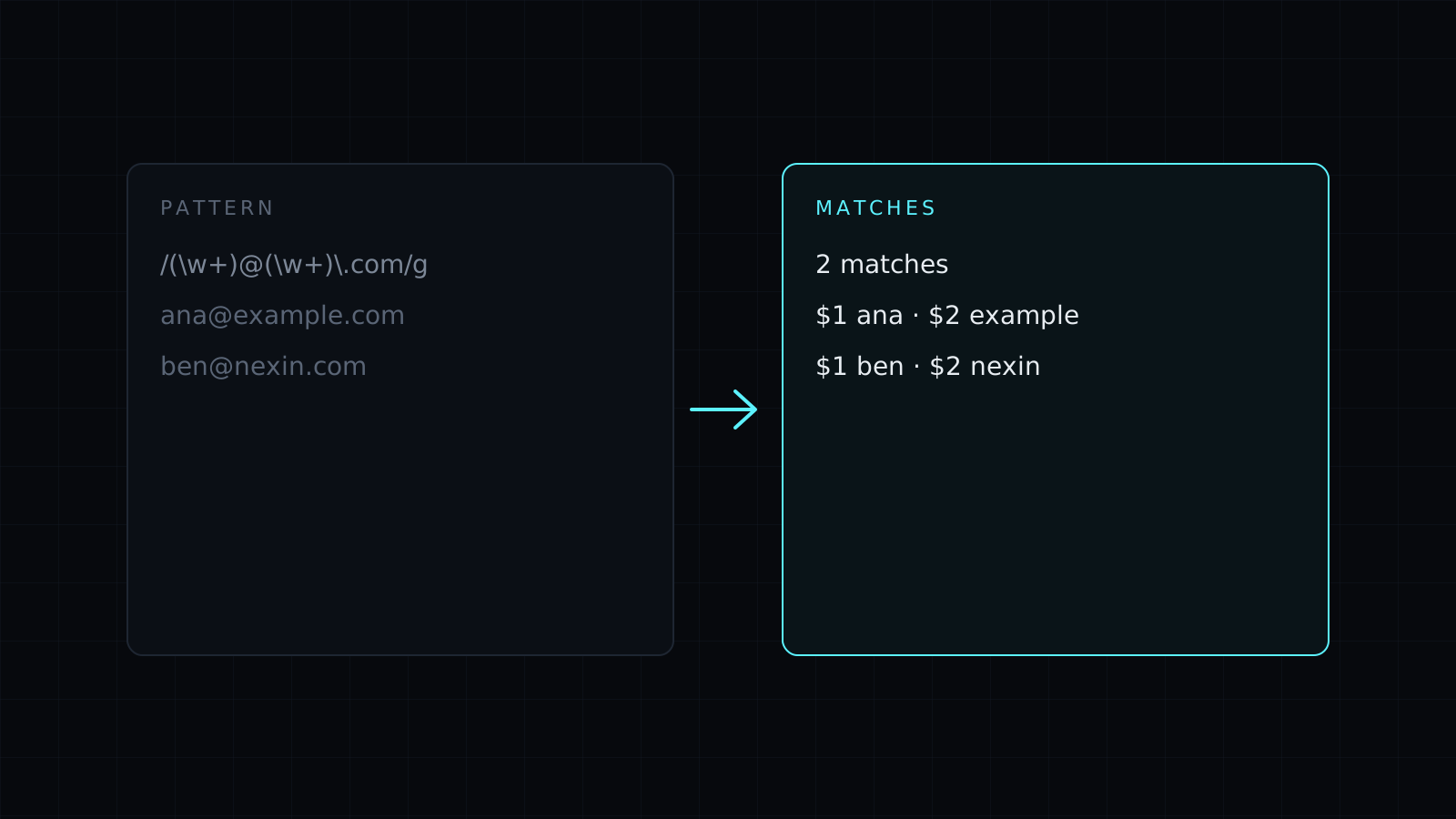
The Regex Tester is a regex tester for JavaScript regular expressions: type a pattern, paste some text, and every match lights up as you type, with its groups listed beside it. It runs in your browser, so your text stays on your device, nothing is stored, and it spends no credits.
How do I test a regular expression?
- Type the pattern without slashes, for example
(\d{4})-(\d{2})-(\d{2}). - Tick the flags:
gfor every match,ito ignore case,mso^and$match at each line,sso.also matches line breaks,ufor full Unicode. The flags field and the checkboxes stay in step, so you can typegidirectly. - Paste your test text and read the highlights and the list of matches.
With that pattern and the g flag, the text Invoice 2026-10-21, paid 2026-11-03. gives two matches: 2026-10-21 at position 8, with groups 2026, 10, 21, and 2026-11-03 at position 25.
How do I use capture groups in a replace?
Fill the replace field. $1, $2 and so on insert the numbered groups, and $& inserts the whole match. Replacing the dates above with $2/$3/$1 turns the text into Invoice 10/21/2026, paid 11/03/2026. Named groups work too: in (?<user>[\w.+-]+)@(?<domain>[\w-]+\.[a-z]{2,}) with the gi flags, the list shows user and domain for each email address it finds.
Why does a regex freeze the browser?
Some patterns take exponential time on text that almost matches. The classic case is (a+)+$ run against a long string of a characters ending in b: the engine tries every way to split the letters between the two + signs before giving up. This regex tester runs the matching in a separate worker and stops it after one second, so the page stays responsive and you can fix the pattern. It lists up to 5,000 matches and shows the first 200.
Is JavaScript regex the same as PCRE or Python?
Mostly, and simple patterns behave the same. The differences that catch people:
- No possessive quantifiers (
a++) or recursion ((?R)). - No
\Aor\Zanchors; use^and$without themflag. - Named groups are written
(?<name>...). Python’s(?P<name>...)is a syntax error.
This page matches what browsers and Node.js do.
FAQ
Do I type the slashes?
No. Type only the pattern, and set the flags with the checkboxes or the flags field.
Is my test text uploaded?
No. Everything runs in your browser, and nothing is kept.
What does it cost?
It comes with the Nexin library: Nexin Lite or Nexin Pro opens it, and it spends no credits.



