
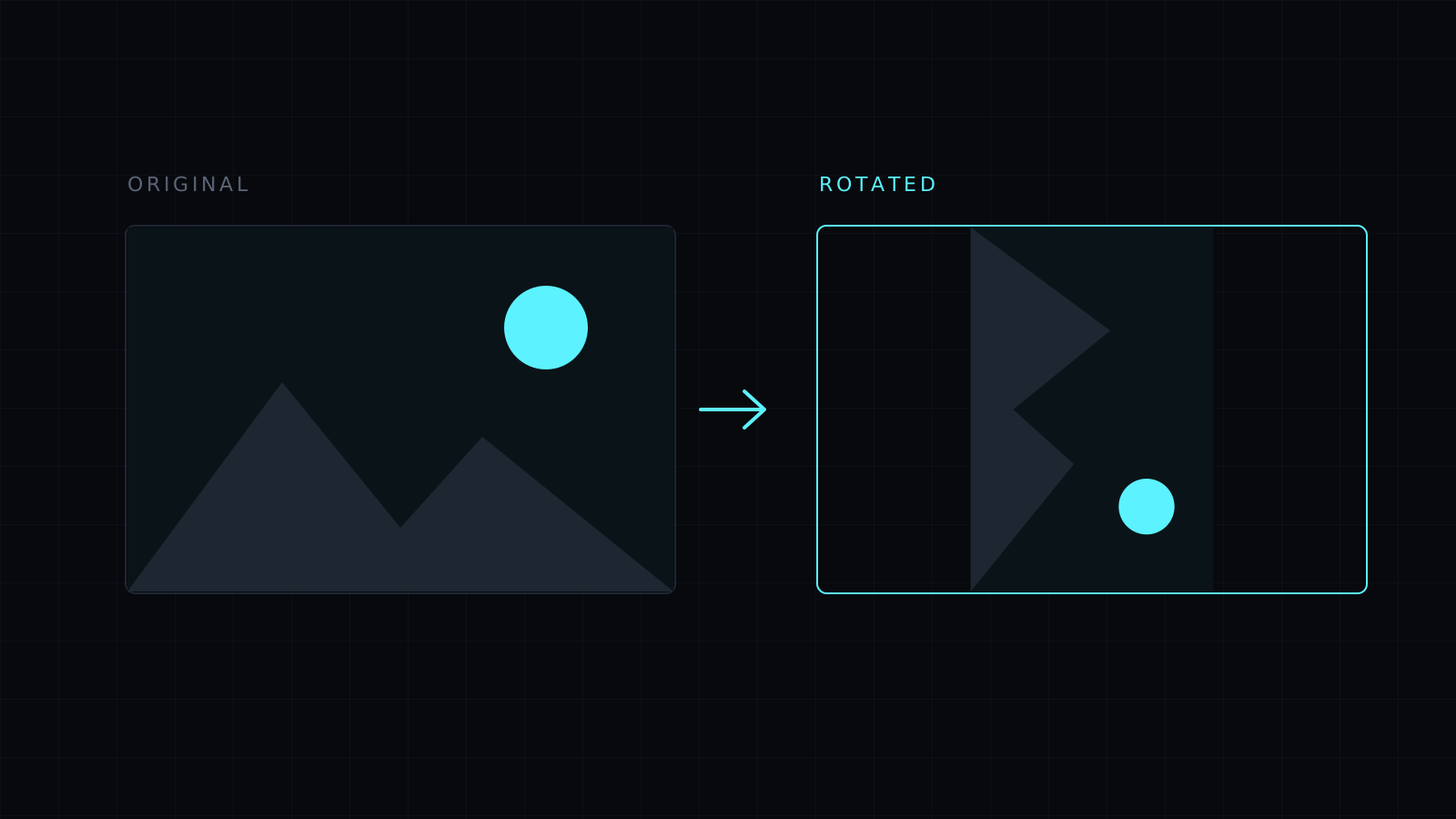
Rotate Image is a simple way to rotate image files in your browser: drop a sideways or upside down picture and turn it 90° at a time until it stands up straight. It works at full resolution and saves as PNG, JPG or WebP. The image never leaves your device, nothing is stored, and it spends no credits.
How do I rotate an image?
Drop it or choose it from your device; JPG, PNG, WebP, HEIC and AVIF all open. Press Rotate right to turn it clockwise or Rotate left to turn it counterclockwise, 90° each time. Two presses turn it 180°. When it looks right, pick a format and download. The file keeps its name with -edited added.
Why does my photo show up sideways?
Phones store photos the way the sensor captured them and add a note saying which way is up. Most apps read that note, but some websites, forms, older programs and printers ignore it, so a photo that looked fine on your phone arrives on its side. Rotating the image and saving it again writes the pixels the right way up, so it displays correctly everywhere instead of relying on the note.
What can I rotate an image for?
- Phone photos that open sideways in an email, a form or a document.
- Scans of receipts, letters and IDs fed in the wrong way.
- Screenshots taken in landscape that need to be portrait, or the reverse.
- Design work, where a texture or a photo fits a layout better turned on its side.
Can I rotate an image by any angle?
No. The editor rotates in 90° steps, which covers sideways and upside down pictures. It does not straighten a slightly tilted horizon. If what you need is a reflection rather than a turn, Mirror swaps left and right and Flip turns the image upside down as a reflection; both sit next to the rotate buttons.
Does rotating reduce quality?
A 90° turn only moves pixels, so nothing is lost. PNG saves them exactly. JPG compresses slightly each time it is saved and turns transparent areas white, so rotate once and save once.
FAQ
Is my image uploaded to rotate it?
No. Everything runs in your browser and the image stays on your device.
Can I rotate many images at once?
No. The editor handles one image at a time; press Another image for the next.
What does it cost?
It comes with the Nexin library: Nexin Lite or Nexin Pro opens it, and it spends no credits.



