
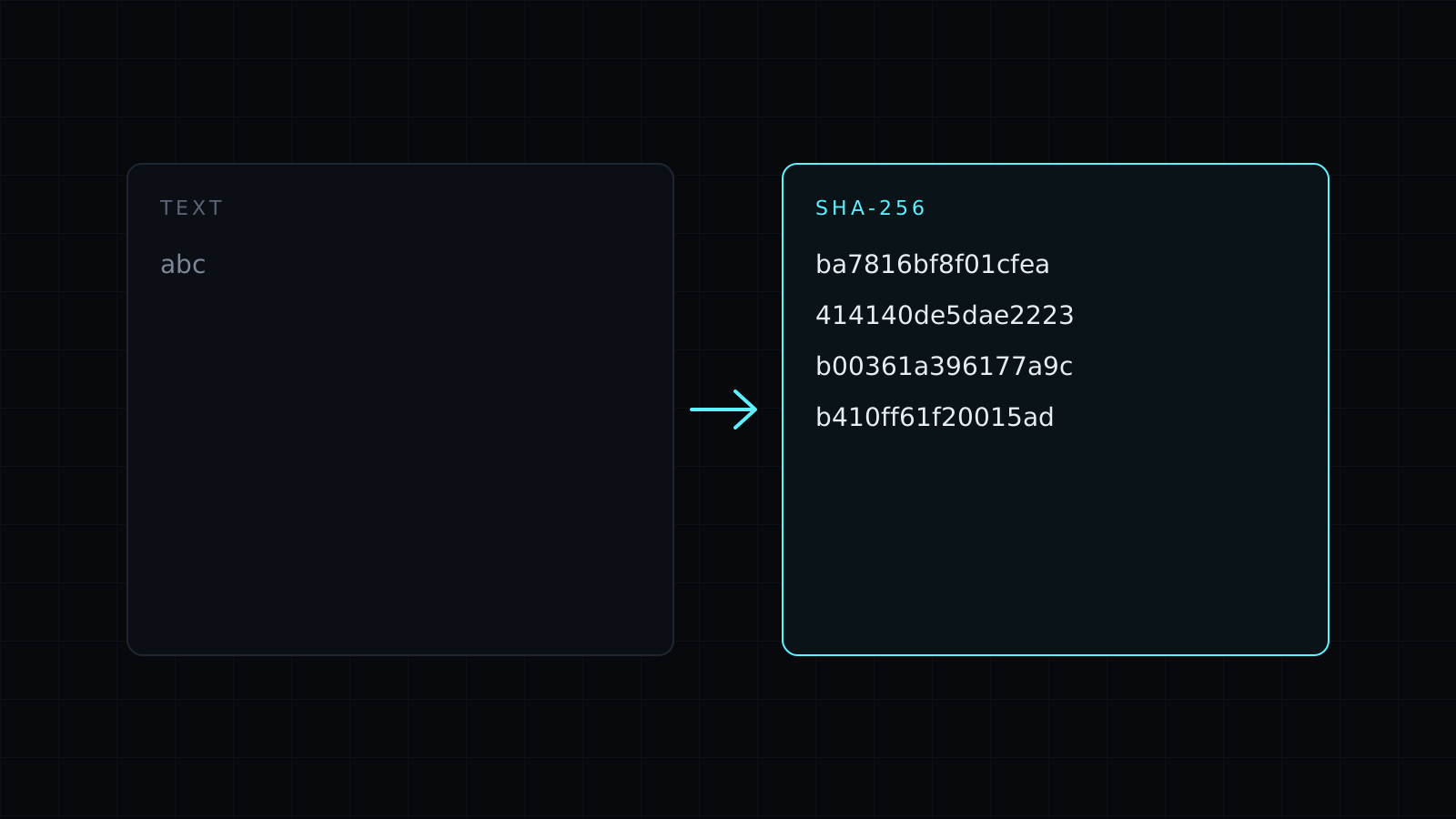
The SHA256 Hash Generator makes a sha256 hash of any text right in your browser. Type or paste, and the 64-character hex digest updates as you go. Nothing is sent to a server, nothing is stored, and it spends no credits.
How do I generate a SHA-256 hash?
Type your text with SHA-256 selected. The tool hashes the UTF-8 bytes of exactly what you typed and shows the result in hex:
hellogives2cf24dba5fb0a30e26e83b2ac5b9e29e1b161e5c1fa7425e73043362938b9824Hellogives185f8db32271fe25f561a6fc938b2e264306ec304eda518007d1764826381969abcgivesba7816bf8f01cfea414140de5dae2223b00361a396177a9cb410ff61f20015ad
One capital letter changes the whole sha256 hash, and so does a trailing space or a line break. If your hash doesn’t match one you were given, check for invisible whitespace first. Turn on uppercase when a system expects capital hex letters: the value is the same either way.
Which algorithm should I pick?
- SHA-256 is the common default for checksums, API signatures, cache keys and content fingerprints.
- SHA-384 and SHA-512 give longer digests, used by some signing schemes and subresource integrity attributes.
- SHA-1 is here for matching older systems, such as legacy checksums. It is no longer considered safe against deliberate collisions, so don’t choose it for anything new.
MD5 isn’t offered.
What is a SHA-256 hash used for?
A hash is a fixed-length fingerprint of some data. The same input always gives the same sha256 hash, and you can’t work back from the hash to the input. Developers use it to compare values without storing them side by side, to build cache keys, to check that a string wasn’t altered, and to reproduce a signature while debugging an API or a webhook.
Is hashing the same as encryption?
No. Encryption can be reversed with a key; a hash can’t be reversed at all. That also means a plain SHA-256 is the wrong tool for storing passwords: short or common inputs can be guessed by hashing candidates until one matches. Password storage needs a dedicated, deliberately slow algorithm such as bcrypt or Argon2 in your application.
FAQ
Can I hash a file?
No. This tool hashes text only. For a file checksum, use your operating system’s command line tool.
Is my text sent anywhere?
No. The hash is computed by your browser’s Web Crypto, on your device, and nothing is stored.
What does it cost?
It comes with the Nexin library: Nexin Lite or Nexin Pro opens it, and it spends no credits.



