
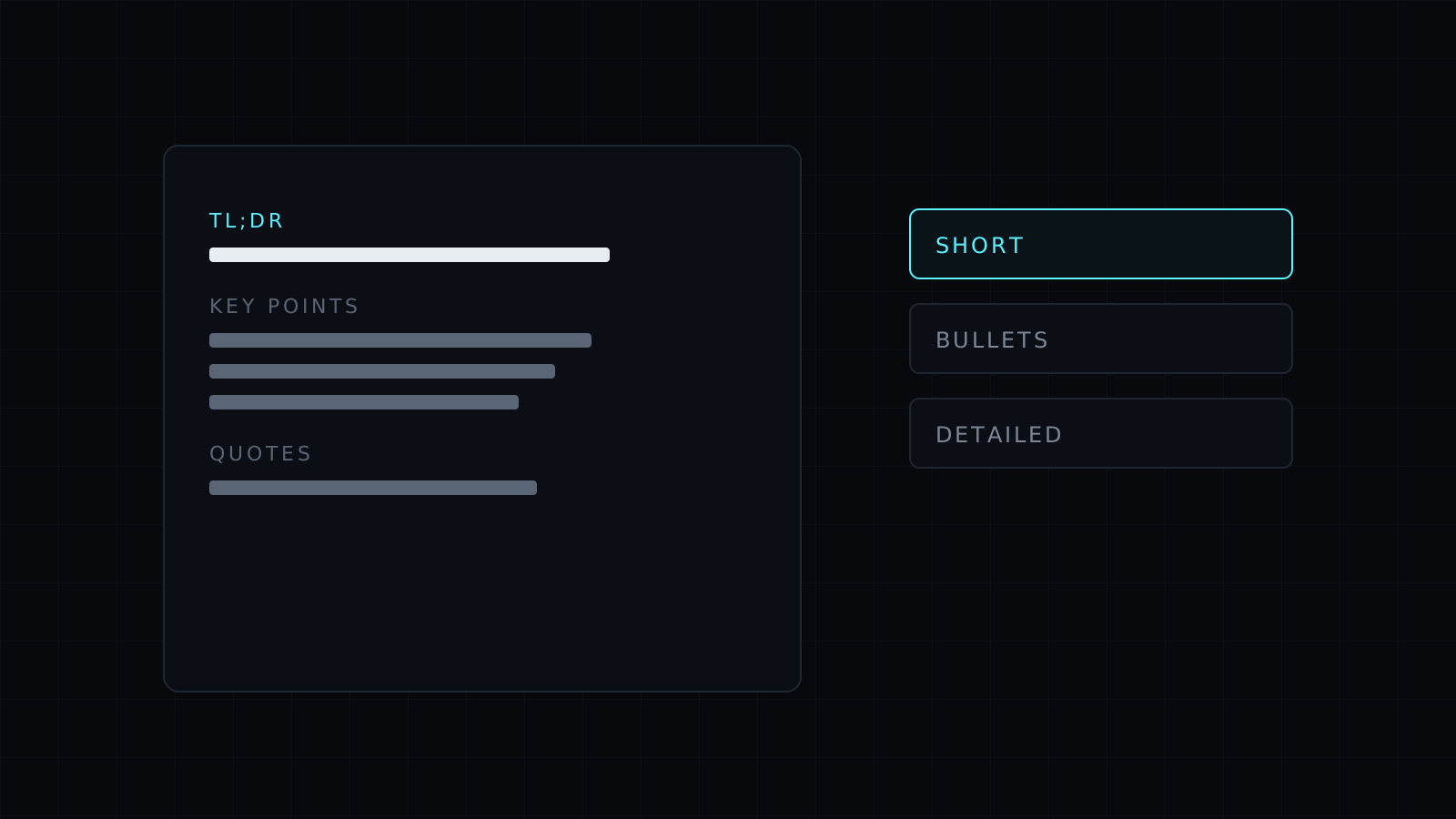
This summarizer is a skill for Claude that turns long reading into something you can use in a minute: a report, a PDF, a meeting transcript, a contract, a research paper or a long email thread. You choose how short, and it keeps the parts a careless summary loses, such as the exact numbers, who said what and where it says it.
How does this text summarizer work?
Most text summarizer tools compress sentences until the nuance is gone. This skill reads the whole source first and works out what it is for: a decision, a status update, an argument, a set of findings. Then it writes to the length you pick. A one-line TL;DR for a quick yes or no. Five bullets for most things. A detailed summary section by section when you need to brief someone or check the source without rereading it.
Figures, names, dates and units are copied exactly. Quotes carry their location, a page number in a PDF, a section heading or a timestamp in a transcript, so you can check them in seconds.
Source versus interpretation
A summary that blends what the author wrote with what the summarizer thinks is risky to forward. The skill keeps them apart: the summary states only what the source says, and any reading of it (what it implies, what to do next) sits under its own heading. If the source is vague, incomplete or contradicts itself, a short “Gaps” list says where.
What can you summarize?
- Long articles, reports and white papers
- PDFs such as contracts, papers and manuals
- Meeting and podcast transcripts
- Slack threads, email chains and support tickets
- Several documents at once, compared side by side
FAQ
How long can the text be?
As long as fits in your Claude conversation. For very long documents, the skill summarizes section by section and then writes the overall summary from those parts.
Will it add facts from outside the document?
No, not unless you ask. If you do, outside information is marked as such and kept out of the summary itself.
Can it summarize for a specific purpose?
Yes. Say what you need, for example “what changed in the pricing” or “risks for us”, and it summarizes with that focus and says what it left out.



