
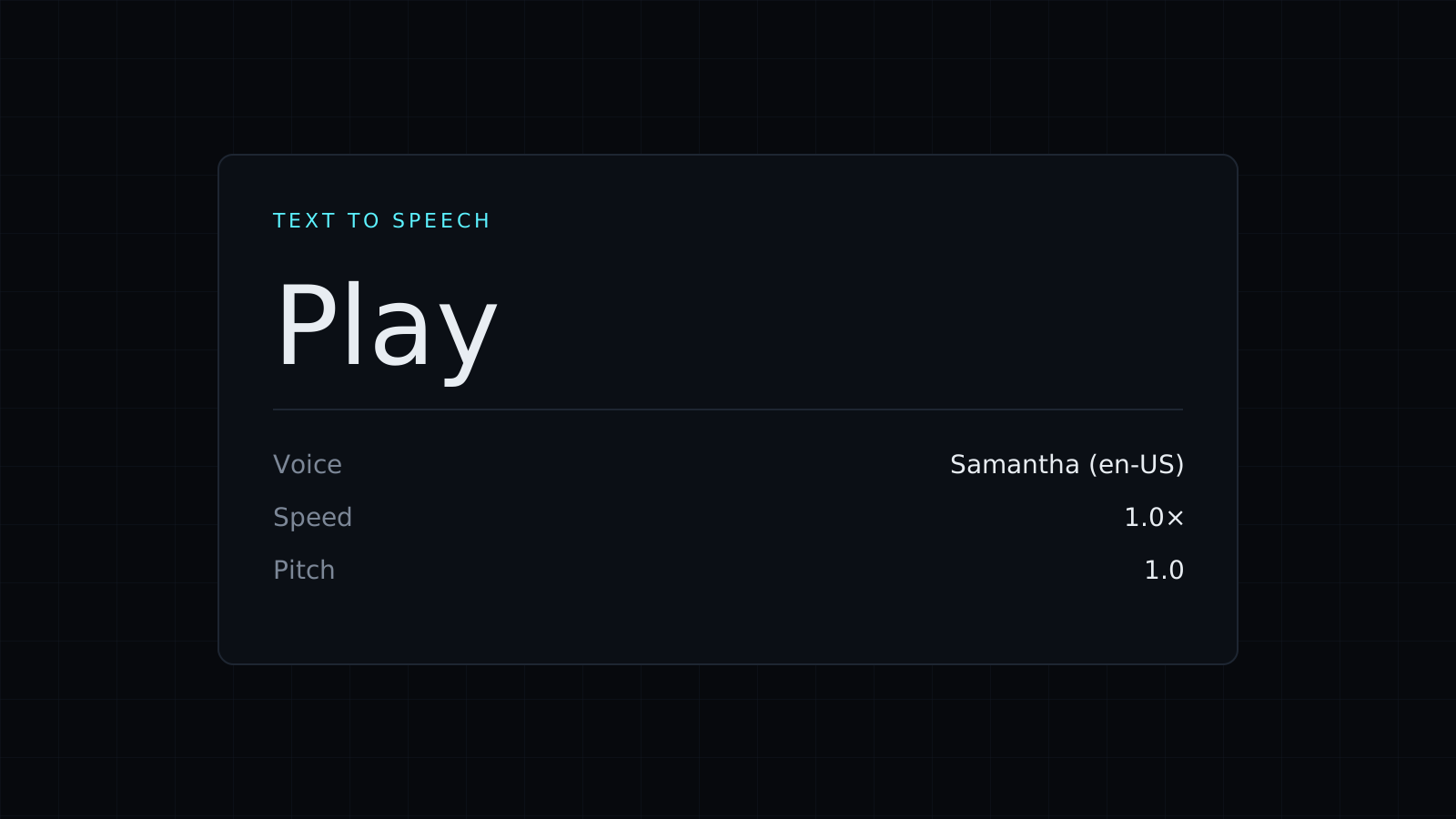
Text to Speech is a text to speech tool that reads any text aloud in your browser, using the voices already installed on your device. Paste the text, choose a voice, set the speed and press Play. The text stays on your device, nothing is stored, and it spends no credits.
How do I make my computer read text out loud?
- Paste the text: an email draft, an article, notes for a talk, a chapter of a book.
- Pick a voice from the list.
- Set the speed anywhere from 0.5x to 2x, and the pitch if you like.
- Press Play. Pause and Resume keep your place; Stop ends it.
Long text is read sentence by sentence, so a long article keeps playing instead of stopping partway.
Which voices can I use?
The voices come from your operating system and browser through the Web Speech API, so the list changes from one device to another. A Mac shows the macOS voices, Windows its own set, and Android and iOS theirs, often with several languages and accents. If you want more voices, most systems let you download extra ones in their speech or accessibility settings, and they then appear in the list. This text to speech page doesn’t add AI or cloud voices of its own.
Can I download the speech as an MP3?
No, and it’s better to know that up front. Browsers play these system voices but don’t let a web page capture them as audio, so there is no MP3, WAV or other file to save. This tool is for listening: proofreading by ear, resting your eyes on a long read, or checking how a script sounds before you record it.
Why use text to speech for proofreading?
Your eyes skip over repeated words and missing ones because your brain fills the gap. Hearing the text at normal or slightly slower speed makes those slips obvious, along with sentences that run too long to say in one breath.
FAQ
Is my text sent anywhere?
The page sends nothing to Nexin. The speech is produced by your browser with your device’s voices; on some systems a voice marked as online may be handled by the browser maker’s own service, so pick a local voice for private text.
Why does the voice list look different on my phone?
Each system ships its own voices, so the list on an iPhone differs from the one on a Windows laptop.
What does it cost?
It comes with the Nexin library: Nexin Lite or Nexin Pro opens it, and it spends no credits.



