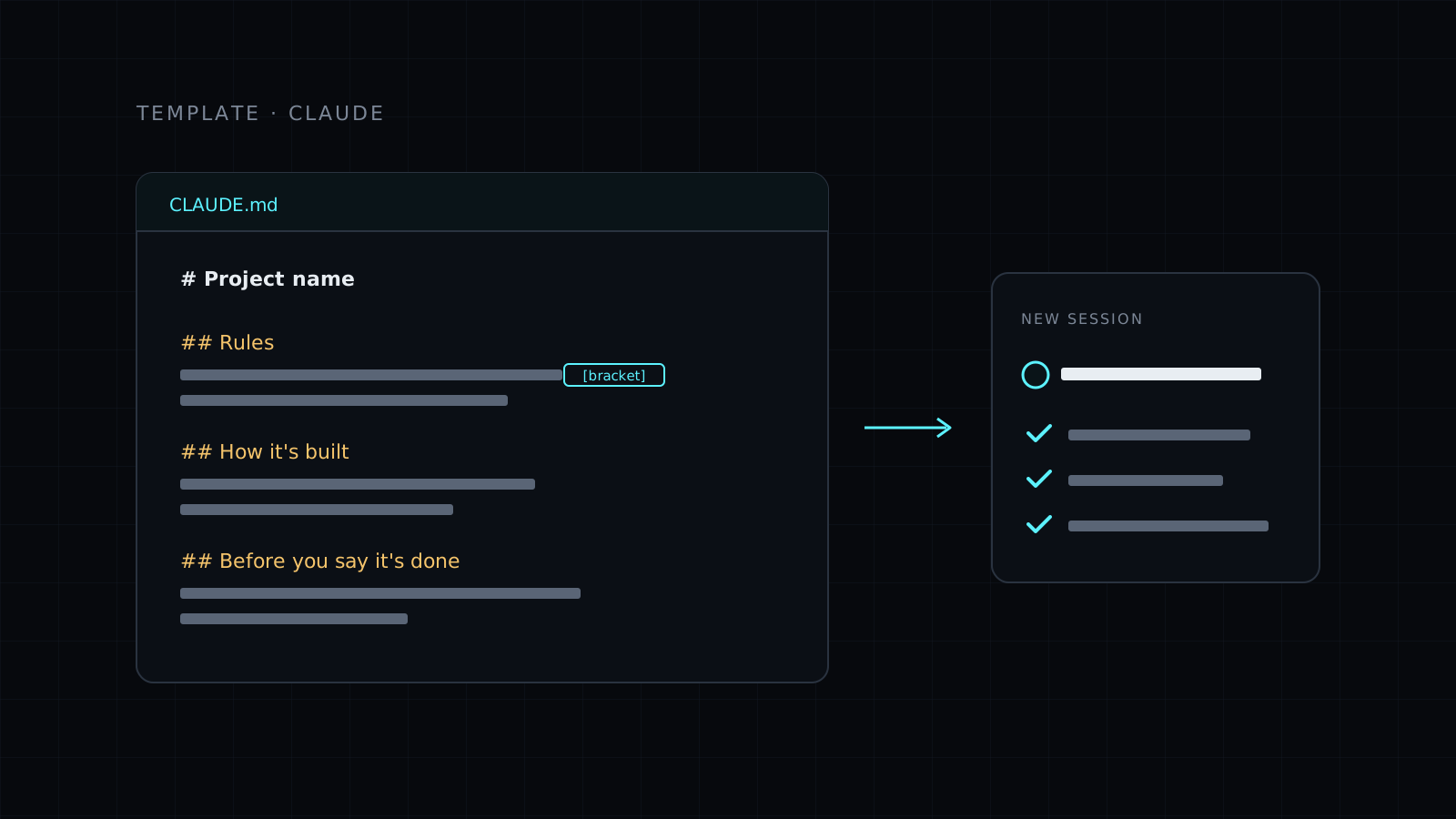
This CLAUDE.md template is a ready file you drop at the root of any project so Claude knows what the project is, how you want it to work and how to check its own work from the first message. Claude reads CLAUDE.md at the start of every session in that folder, so you fill it in once and stop repeating the same context in every chat.
What is a CLAUDE.md file?
It is a plain Markdown file that Claude loads automatically when it starts working in a folder. Think of it as the briefing you would give a new teammate on day one: what the project is for, the rules of the house, where things live and what “done” means. You can keep one per project, and one in your home folder for rules you want everywhere.
Without it, every new session starts cold. You explain the stack again, remind Claude not to touch certain folders, and ask it to run the tests before it says it’s finished. With it, that context is there before you type.
What’s inside this CLAUDE.md template
The template is short on purpose. It gives you a structure with brackets to replace, grouped into a few clear parts:
- A one-line description of the project and who it’s for.
- House rules: language, what to ask before doing, how big changes should be, and where keys and passwords belong.
- How the project is built: the stack, the command to run it, and what lives in each main folder.
- A finish line: the checks to run before calling the work done, and how to report what changed.
- Context: decisions already made and the names or links Claude will need.
It also comes with short guidance on where to save the file, how to trim lines that don’t apply, and when to add a new rule.
Who it’s for
- People starting to use Claude Code on a real project.
- Developers tired of pasting the same instructions into every session.
- Teams that want Claude to follow the same rules for everyone in a repository.
- Non-developers using Claude on a folder of documents who want consistent behavior.
How do you use a CLAUDE.md template well?
Fill in the brackets, delete what doesn’t fit and keep it to about a page. A short file that Claude reads every time beats a long manual nobody updates. The best habit is simple: the second time you correct Claude on the same thing, turn that correction into a rule in the file.
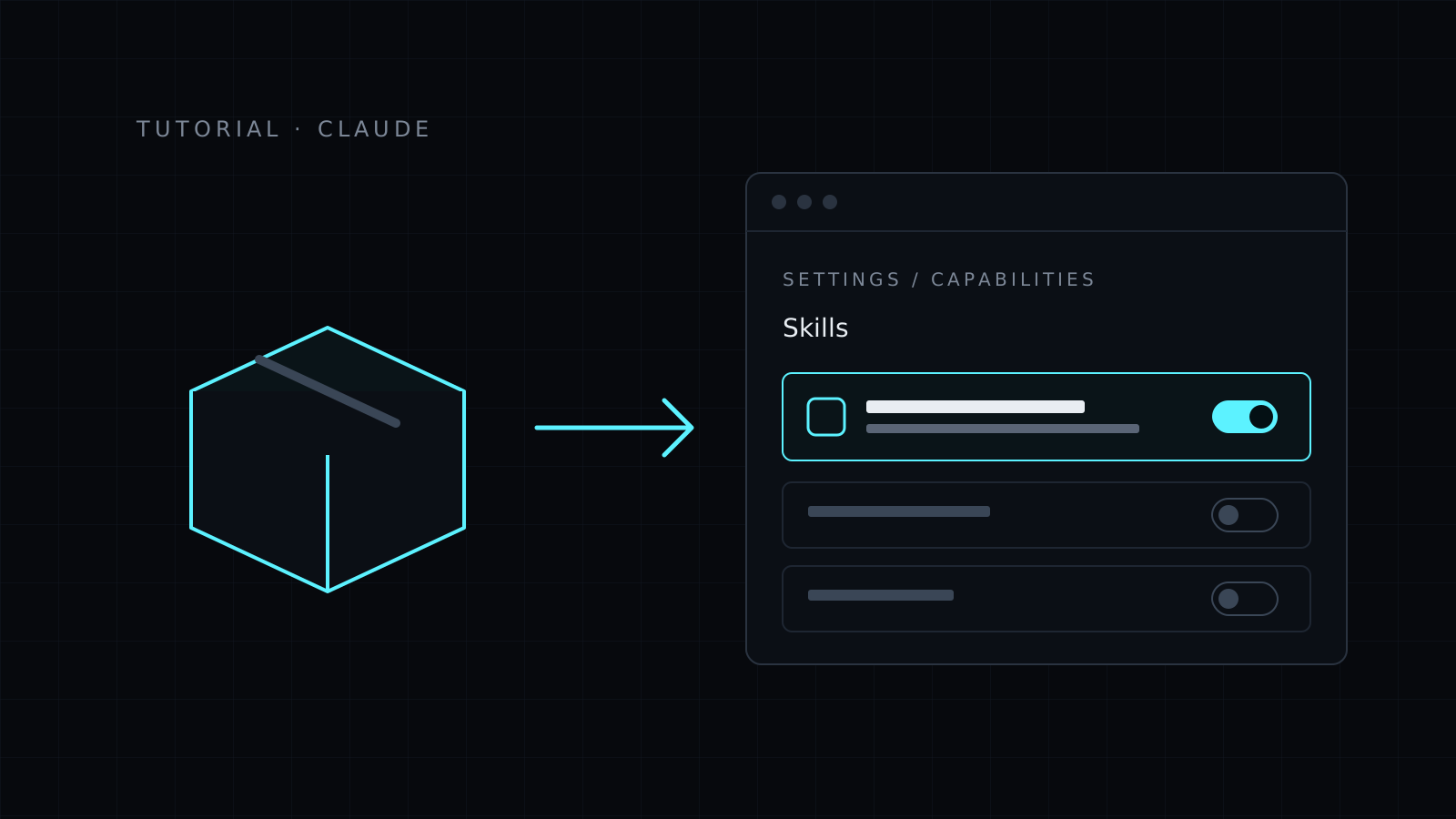
If you also add skills to Claude, the install a skill tutorial shows how. Skills and a CLAUDE.md work well together: the file sets the rules for the project, the skill brings a method for one kind of task.
FAQ
Where do I save the CLAUDE.md file?
At the root of the project for project rules. For rules you want in every project, save it in ~/.claude/CLAUDE.md.
Does it work outside Claude Code?
The file is plain Markdown, so you can paste it into any chat as context. Claude Code is where it loads automatically at the start of each session.
Is it included in Lite?
Yes. Templates are part of the library, so this one is in both Nexin Lite and Nexin Pro.