
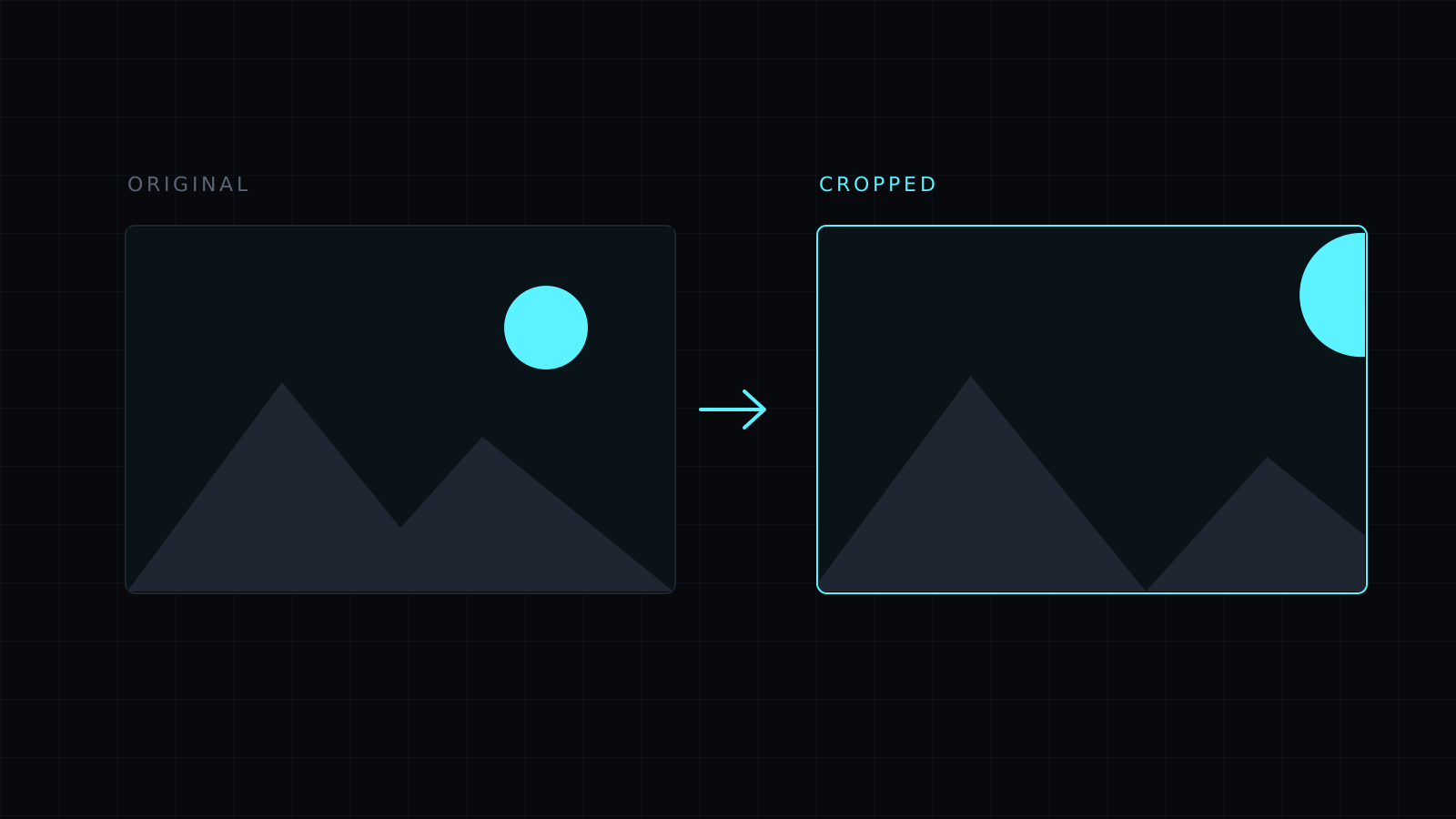
Crop Image is a tool to crop image files in your browser: drop a picture, drag over the part you want, and keep only that. You can crop freely or lock the selection to a common shape such as 1:1, 16:9 or 4:5. The image never leaves your device, nothing is stored, and it spends no credits.
How do I crop an image?
Drop the image or choose it from your device. It accepts JPG, PNG, WebP, HEIC and AVIF, one at a time. Drag on the image to draw the selection, then press Crop to selection. If the result isn’t what you wanted, Undo brings the previous version back and you can drag again. When it looks right, pick PNG, JPG or WebP and download. The file is named after the original with -edited added.
What size should I crop a picture to for social media?
Pick the ratio first, then drag. The selection keeps that shape:
- 1:1 for profile pictures and avatars, which most sites show as a square or a circle.
- 16:9 for video thumbnails, presentation slides and banners.
- 4:5 for portrait Instagram posts, which take more of the feed than a square.
- 9:16 for stories, reels and phone wallpapers.
- 4:3 and 3:2 for the shapes cameras and phones shoot in, useful for prints.
Cropping sets the shape, not the pixel count. If a site wants an exact size such as 1080 x 1080, crop to 1:1 here, then use the Image Resizer.
Does cropping an image lower its quality?
No. The editor works at full resolution, up to 8000 px on the long side, and keeps the pixels inside the selection as they are. What changes is that the image has fewer pixels overall, so a tight crop of a small photo will look soft when shown large. Start from the original rather than a screenshot of it. Saving as JPG compresses a little and turns transparent areas white; PNG keeps everything exactly.
Can I crop and edit at the same time?
Yes. After the crop you can rotate, mirror, blur a face, add a caption and more on the same image, then download once.
FAQ
Is my image uploaded to crop it?
No. Everything runs in your browser and the image stays on your device.
Can I crop several images at once?
No. The editor works on one image at a time. Press Another image to start the next one.
What does it cost?
It comes with the Nexin library: Nexin Lite or Nexin Pro opens it, and it spends no credits.



