
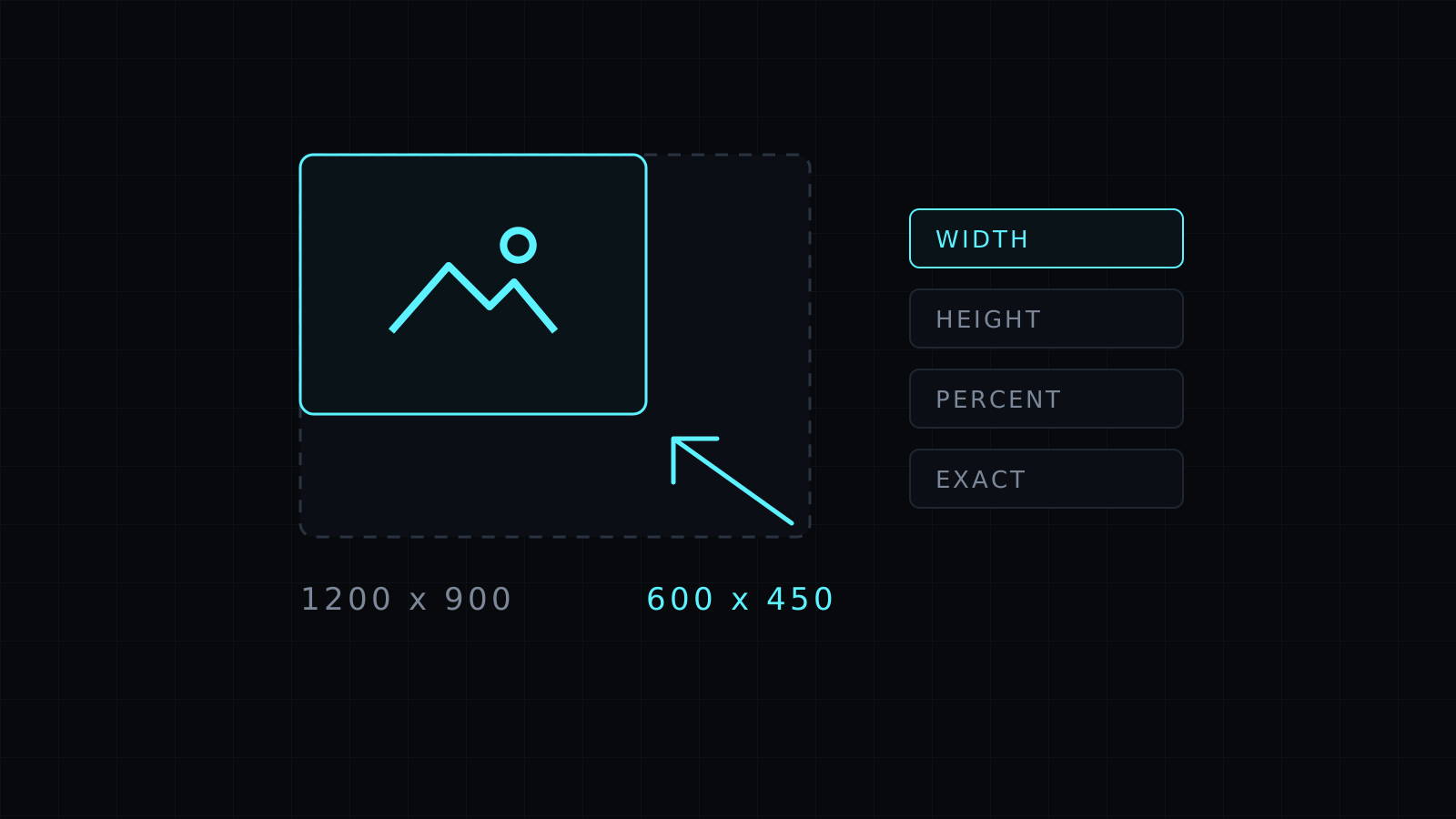
The Image Resizer is an image resizer that works in your browser: drop one or more pictures, set the new size, and download them resized. You can resize by width, height or percent and keep the proportions, or set an exact size. Your images never leave your device, nothing is stored, and it spends no credits.
How do I resize an image?
Drop the image, pick a mode, type a number and resize. The four modes cover the usual cases:
- Width: set the width in pixels and the height follows, so nothing looks squashed.
- Height: set the height and the width follows.
- Percent: scale everything by the same amount, like 50% to halve both sides.
- Exact size: set both width and height. The image stretches to fit both numbers, so use it when a form or platform demands precise dimensions and the shape already matches.
Sizes go from 1 to 20000 px on each side.
Can I resize several images at once?
Yes. Drop a batch and the same setting applies to every file. Resizing a folder of product photos to one width, or a set of screenshots to 50%, takes one pass. Download each file, or all of them together.
Which format should I save as?
Keep the same format, or switch while you resize:
- JPG for photos that need to be small and open anywhere. Transparent areas become white.
- PNG for logos, screenshots and graphics, with transparency kept and no loss.
- WebP for websites, usually the smallest for the same look.
Does resizing reduce quality?
Making an image smaller keeps it sharp and makes the file lighter. Making it larger can’t add detail that wasn’t there, so a small image blown up will look soft. Start from the largest version you have.
Why resize an image before uploading?
Many places set limits: profile photos, marketplace listings, email attachments, application forms. A photo straight from a phone is often far bigger than any screen shows. Resizing to the size you need avoids rejected uploads and slow pages. For a lighter file at the same size, Compress Image adds a quality slider, and the Image Converter changes format only.
FAQ
Are my images uploaded to resize them?
No. Everything runs in your browser and your images stay on your device.
Will resizing keep the aspect ratio?
Width, Height and Percent keep it. Exact size stretches to the two numbers you enter.
What does it cost?
It comes with the Nexin library: Nexin Lite or Nexin Pro opens it, and it spends no credits.



