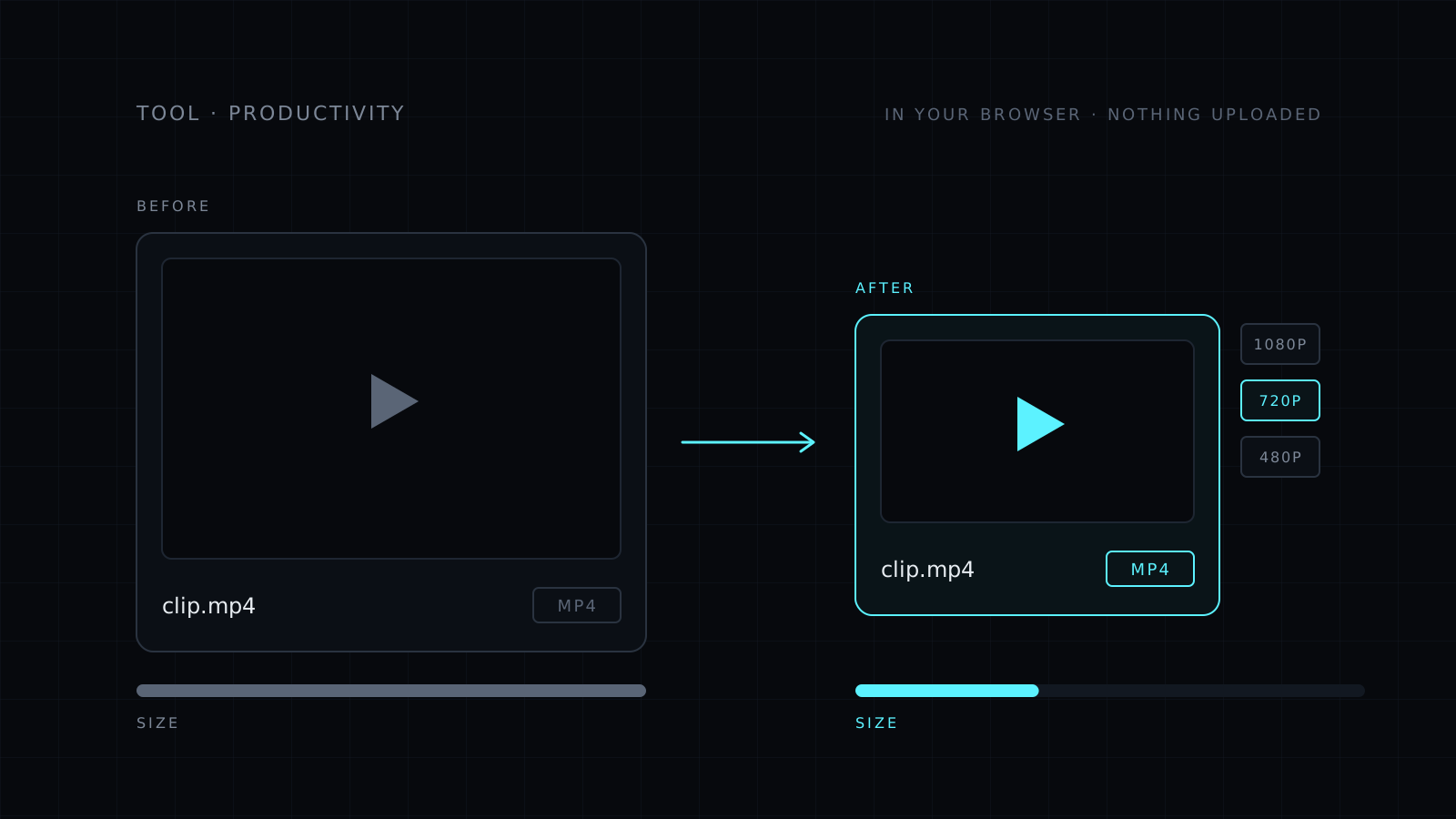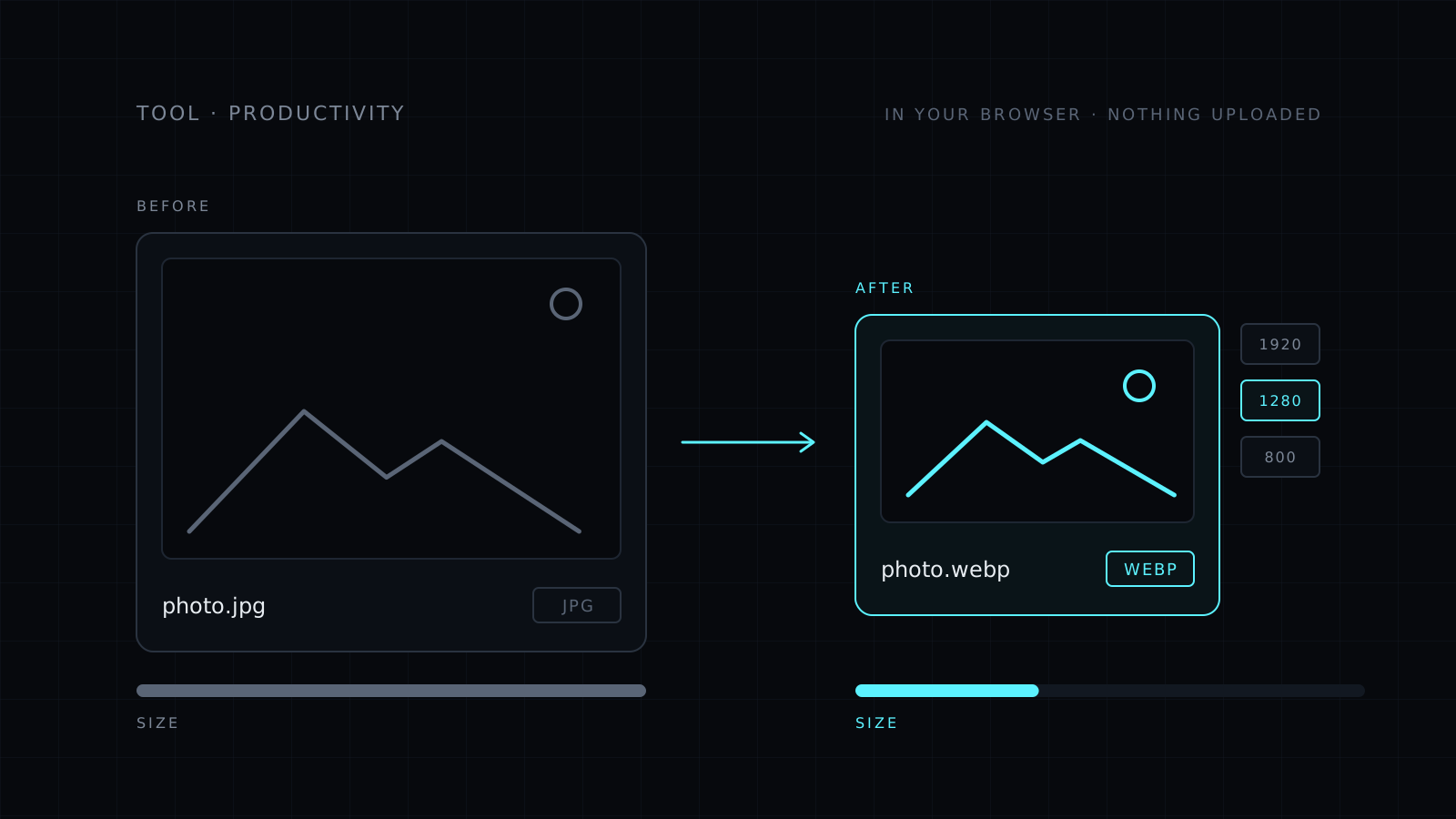
Compress Image is a tool to compress image files right in your browser. You drop one or more images, set the quality, and download lighter versions. You can also cap the width and switch to JPG or WebP. Your images never leave your device: nothing is uploaded, nothing is stored, and it spends no credits.
Why compress an image?
Heavy images slow pages down, fill phones and get rejected by forms. A photo straight from a camera is often far bigger than any screen needs. Compressing keeps it looking right while cutting the file down to what the job requires.
How do I compress an image without losing quality?
Use the controls in this order:
- Max width. If the image will be shown at 1280 px, there is no reason to keep 4000 px. Pick 2560, 1920, 1280 or 800 px and the file shrinks a lot before any quality change.
- Quality. Move the slider down until you notice a difference, then go back a step. Most photos lose size long before they lose detail you can see.
- Format. Keep the original, or switch to JPG or WebP. WebP is usually the smallest for the same look.
The tool shows the size before and after for every file, so you can check and adjust.
Why didn’t my PNG get smaller?
PNG is lossless: it keeps every pixel, so the quality slider can’t shrink it. Only resizing makes a PNG smaller. For big savings, switch it to WebP. If you need a JPG instead, the Image Converter handles that too, and you can convert several files at once.
It needs a modern browser: recent Chrome, Edge or Firefox, or Safari 17 and later. Very large images depend on your device’s memory.
Who it’s for
- Bloggers and site owners who want faster pages.
- People hitting size limits on forms and uploads.
- Sellers preparing product photos for a store.
- Anyone who wants smaller photos without sending them to a stranger’s server.
FAQ
Are my images uploaded to a server?
No. Compression runs entirely in your browser. Your images never leave your device and nothing is stored.
Which format gives the smallest files?
WebP is usually the smallest for the same look. JPG works everywhere. PNG stays lossless and only gets smaller when you resize it.
What does it cost?
It comes with the Nexin library: Nexin Lite or Nexin Pro opens it, and it spends no credits.