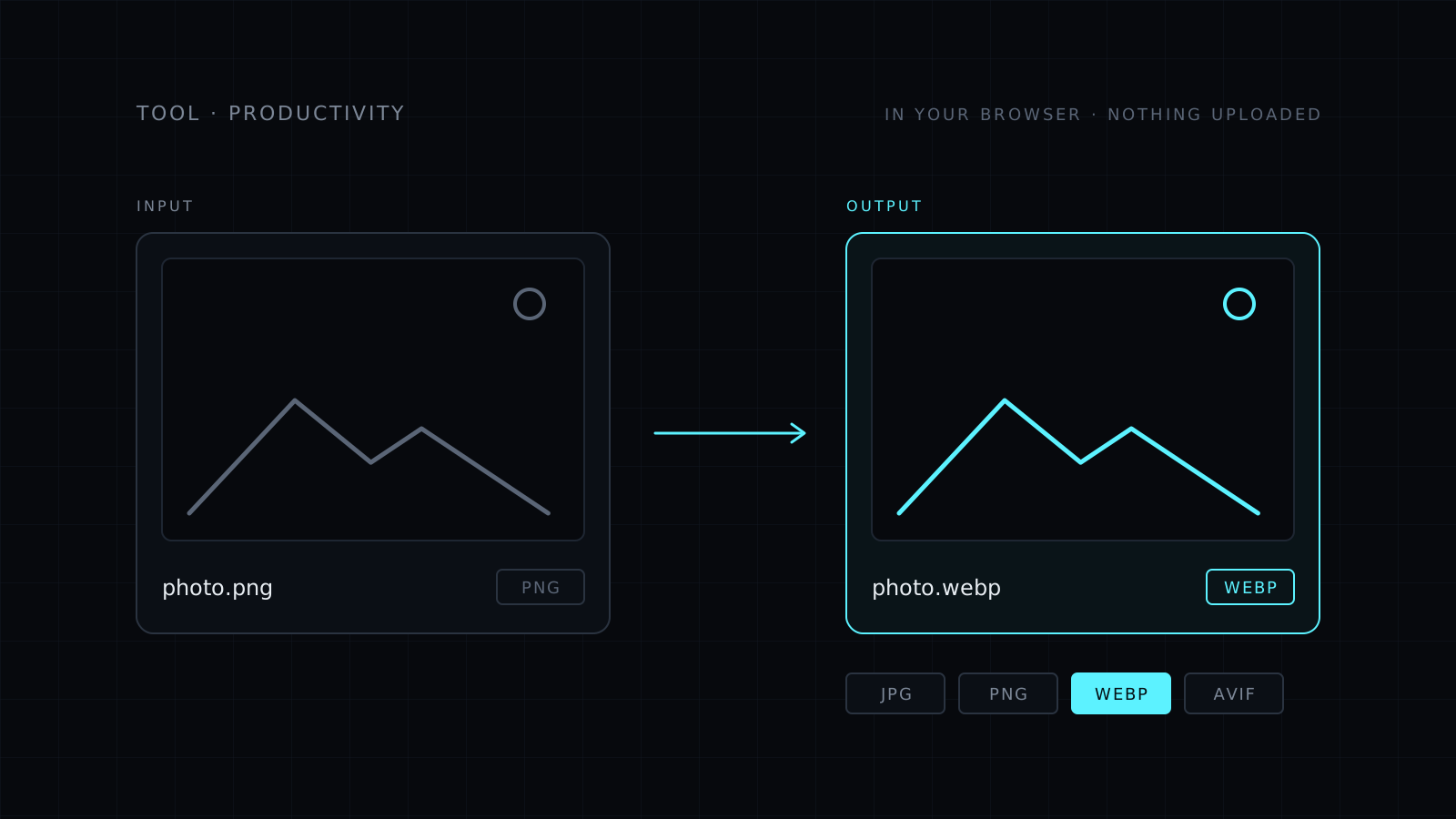
The Image Converter is an image converter that runs in your browser. You drop one or more images, pick JPG, PNG or WebP, and download the converted files. AVIF is there too when your browser can encode it. Your images never leave your device: nothing is uploaded, nothing is stored, and it spends no credits.
What does an image converter do?
It saves a picture in a different file format. Formats matter because not every app, site or printer takes every one. A form may only accept JPG. A design tool may want PNG to keep transparency. A website loads faster with WebP. A converter gets you the format the place you’re sending it to expects.
How do I convert images to JPG, PNG or WebP?
Drop your files, choose the output format, and convert. You can do several at once, so a whole folder of screenshots or photos takes one pass. Each file downloads in the new format.
A few things to know:
- JPG has no transparency. Transparent areas become white, so a logo on a clear background gets a white box behind it.
- PNG keeps every pixel. It is the right pick for screenshots, logos and graphics with sharp edges.
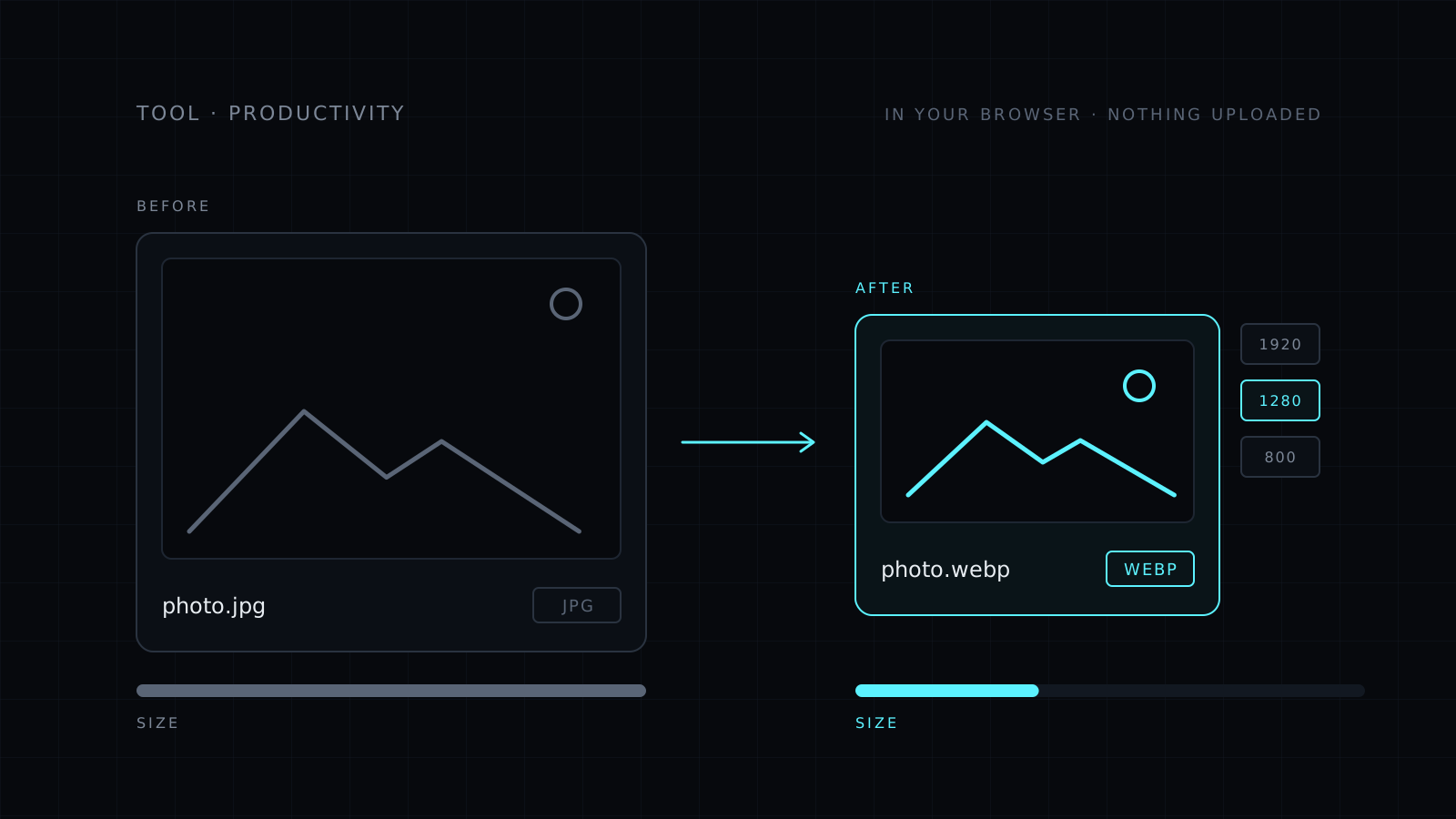
- WebP is usually smaller for the same look, which helps pages load and files send.
- GIFs convert from their first frame, as a still image.
What you can convert
- Input: JPG, PNG, WebP, GIF, BMP and AVIF. HEIC, the format many iPhones use, works in Safari.
- Output: JPG, PNG or WebP, plus AVIF when your browser supports encoding it.
Want the files lighter too? Compress Image adds a quality slider and a max width.
It needs a modern browser: recent Chrome, Edge or Firefox, or Safari 17 and later. Very large images depend on your device’s memory.
Who it’s for
- People whose form or site only accepts one format.
- Bloggers and site owners moving images to WebP.
- Designers who need a PNG or a JPG from whatever the client sent.
- Anyone with private photos they’d rather not upload to a stranger’s server.
FAQ
Are my images uploaded anywhere?
No. The conversion runs entirely in your browser. Your images never leave your device and nothing is stored.
Can I convert HEIC photos from my iPhone?
Yes, in Safari. Other browsers can’t read HEIC, so open the tool in Safari for those files.
What does it cost?
It comes with the Nexin library: Nexin Lite or Nexin Pro opens it, and it spends no credits.