
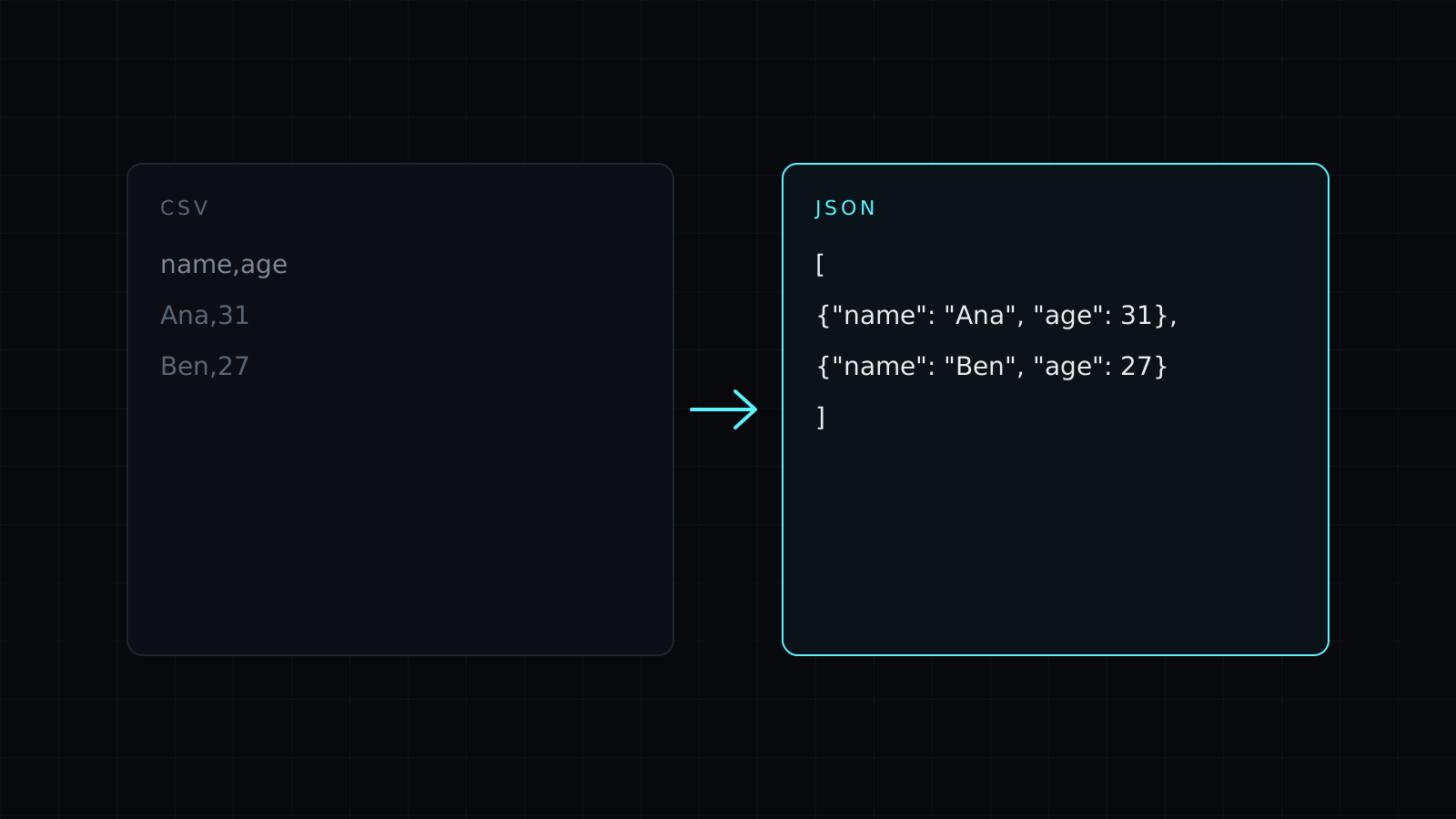
CSV to JSON is a csv to json converter that turns rows from a spreadsheet into an array of JSON objects, one per row, with the header row as the keys. Paste the CSV and the JSON appears as you type. It runs in your browser, so your data stays on your device, nothing is stored, and it spends no credits.
How do I convert CSV to JSON?
- Paste the CSV, copied from Excel, Google Sheets or a .csv file opened in a text editor.
- The first row becomes the keys, and every following row becomes an object.
- Copy the JSON into your code, a config file or an API request.
The separator is detected from the header row: commas, semicolons (common in European exports of Excel) or tabs (what you get when you copy cells straight out of a spreadsheet).
What does the output look like?
This semicolon CSV:
name;age;active;zip
Ana;31;true;02139
"Ben; Jr.";27;false;
becomes:
[
  {
    "name": "Ana",
    "age": 31,
    "active": true,
    "zip": "02139"
  },
  {
    "name": "Ben; Jr.",
    "age": 27,
    "active": false,
    "zip": ""
  }
]
The quoted "Ben; Jr." stays one value even though it contains the separator. Quoted fields can hold line breaks too.
Should numbers stay as numbers?
With Numbers and true/false as values on, the default, 31 becomes the number 31 and true, false and null become JSON values instead of strings. Values with a leading zero, like the zip code 02139, stay strings, so they aren’t damaged. Turn the option off when every value must be a string, for example IDs or phone numbers your code compares as text: then 31 comes out as "31".
What are the limits?
There is no file upload, so paste the text. The first row is always read as the header, and the output is a flat array: dotted headers such as address.city stay as keys with a dot rather than turning into nested objects. Empty cells come out as empty strings.
FAQ
Can I convert JSON back to CSV?
Yes. Switch the direction, or open JSON to CSV.
Is my data uploaded?
No. The csv to json conversion runs entirely in your browser, and nothing is kept.
What does it cost?
It comes with the Nexin library: Nexin Lite or Nexin Pro opens it, and it spends no credits.



