
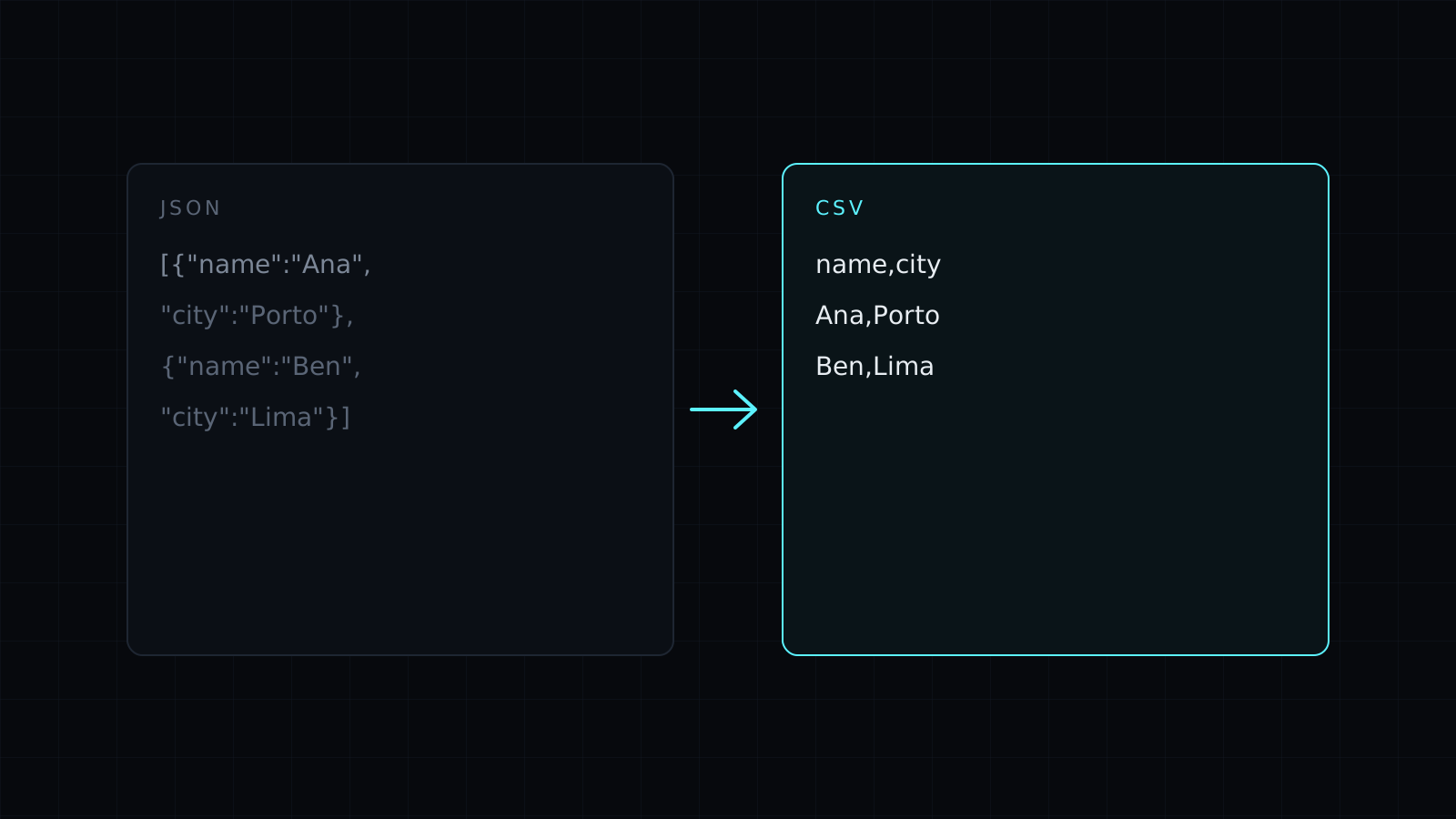
JSON to CSV is a json to csv converter that turns an array of JSON objects into rows and columns you can open in Excel, Google Sheets or Numbers. Paste the JSON and the CSV appears as you type. It runs in your browser, so your data stays on your device, nothing is stored, and it spends no credits.
How do I convert JSON to CSV?
- Paste the JSON: an API response, an export, a list of records. It can be an array of objects or a single object.
- The CSV updates as you type, with a header row built from the keys.
- Copy it and paste it into a spreadsheet, or save it as a .csv file.
Every key found in any object becomes a column, in the order it first appears. When an object lacks a key, its cell is left empty.
What happens to nested JSON?
Nested objects are flattened into dotted column names, and arrays are kept as JSON text inside one cell. This input:
[
  {"name": "Ana", "age": 31, "address": {"city": "Lisbon", "zip": "1100"}, "tags": ["admin", "beta"]},
  {"name": "Ben, Jr.", "age": 27, "address": {"city": "Austin", "zip": "78701"}, "tags": []}
]
becomes:
name,age,address.city,address.zip,tags
Ana,31,Lisbon,1100,"[""admin"",""beta""]"
"Ben, Jr.",27,Austin,78701,[]
Notice the quoting. Ben, Jr. contains a comma, so it is wrapped in quotes, and the quotes inside the tags array are doubled. That is the RFC 4180 rule spreadsheets expect, and it keeps every value in its own column. Values with line breaks are quoted the same way.
Why use JSON to CSV?
JSON suits programs; CSV suits people with spreadsheets. Converting helps when you want to sort and filter API results, hand data to a colleague who works in Excel, or import records into a tool that only takes CSV.
What are the limits?
There is no file upload, so paste the text. Arrays stay as JSON text instead of being spread over extra rows or columns, which keeps one row per object. If the JSON isn’t valid, the tool says why; JSON Formatter helps find the broken spot.
FAQ
Can I convert CSV back to JSON?
Yes. Switch the direction, or open CSV to JSON.
Is my data uploaded?
No. The json to csv conversion runs entirely in your browser, and nothing is kept.
What does it cost?
It comes with the Nexin library: Nexin Lite or Nexin Pro opens it, and it spends no credits.



