
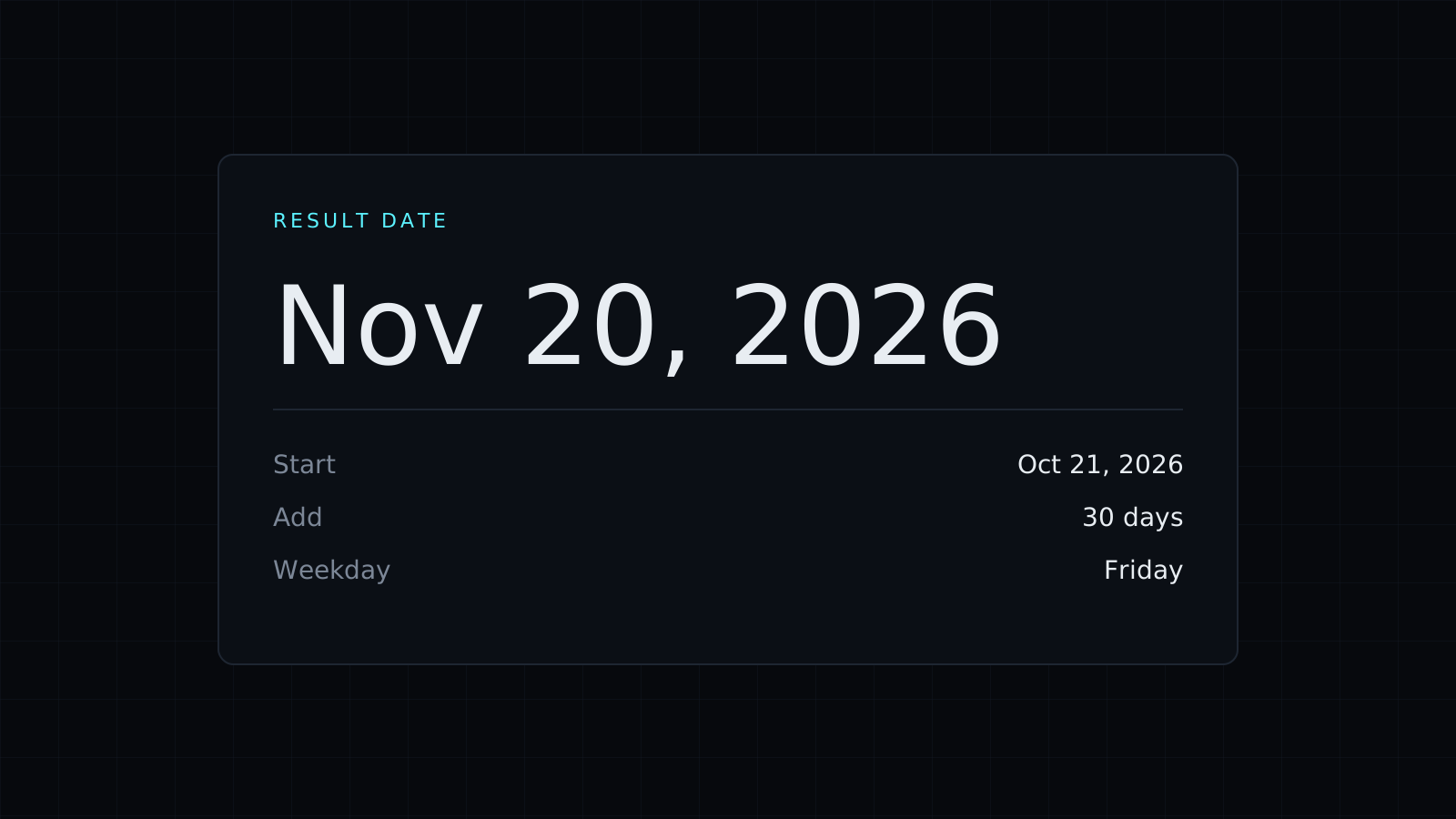
This date calculator adds or subtracts time from a date in your browser. Pick a start date, type an amount, choose days, weeks, months or years, and it shows the date you land on and its weekday. A second mode counts the days between two dates. Nothing is sent to a server, and it spends no credits.
How to add days to a date
Enter the start date and the number of days. From Wednesday, October 21, 2026, adding 90 days lands on Tuesday, January 19, 2027. Counting that on a wall calendar means flipping through three months of different lengths; the date calculator does it at once.
How to subtract days from a date
Type the amount with a minus sign. October 21, 2026 minus 30 days is Monday, September 21, 2026. Use it to find when a 30-day notice had to be given, or which day a return window opened.
How to add weeks, months or years
Switch the unit. Six weeks after October 21, 2026 is Wednesday, December 2, 2026. Months follow the calendar rather than a fixed number of days: adding a month keeps the same day of the month, or moves to the last day when the next month is shorter. January 31, 2027 plus one month is Sunday, February 28, 2027, and January 31, 2028 plus one month is Tuesday, February 29, 2028, because 2028 is a leap year.
Common uses
- A deadline “90 days from today” in a contract or a policy.
- A due date set a number of weeks out.
- A renewal date a year or a few months away.
- Looking back: the date that was 30 or 60 days ago.
Counting the days between two dates
Switch to “Days between two dates” to go the other way: give a start and an end and get the days, weeks and days, years, months and days, and the number of weekdays. The Days Between Dates page opens the date calculator in that mode directly.
FAQ
Does adding days skip weekends or holidays?
No. Adding days counts calendar days. The weekday count in the between mode covers Monday to Friday and doesn’t know about public holidays.
What happens when I add a month to the 31st?
The result keeps the day of the month when it exists, and otherwise uses the last day of that month, like February 28.
What does it cost?
It comes with the Nexin library: Nexin Lite or Nexin Pro opens it, and it spends no credits.



