
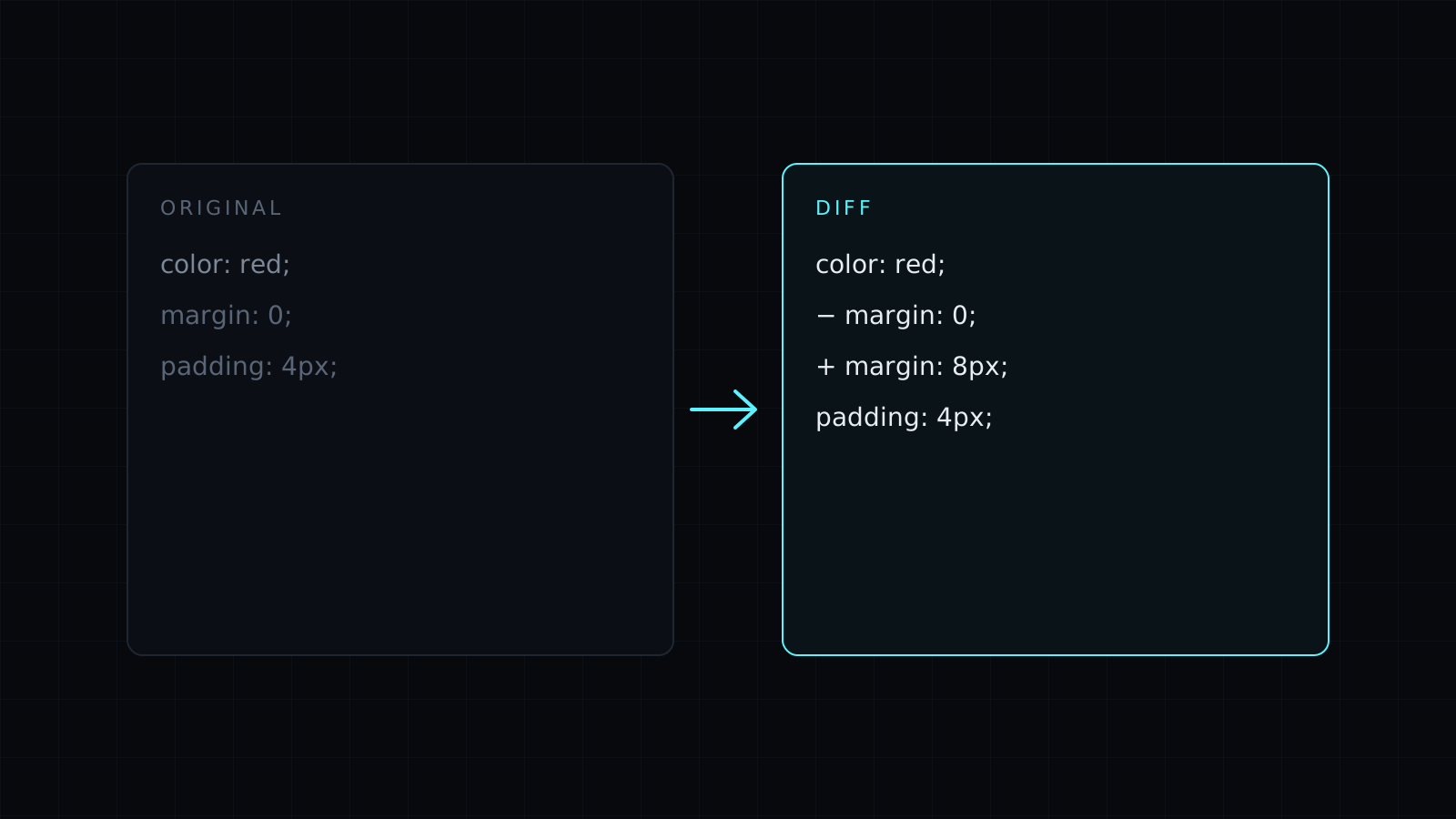
Diff Checker is a diff checker that shows the lines added and removed between two versions of code, config or any plain text, right in your browser. Paste both versions and the diff updates as you type. Nothing is sent to a server, nothing is stored, and it spends no credits.
How do I check the diff between two files?
Paste the old version into Original and the new one into Changed. Added lines are highlighted, removed lines are struck through, and every line shows its number on both sides, like a unified diff with the line numbers spelled out. The counts at the top give you the size of the change at a glance: how many lines were added and how many were removed.
When is a diff checker useful without Git?
Version control already diffs your repository, but plenty of text lives outside it:
- Config files on two servers, such as an
nginx.confor a.envthat works on staging and fails in production. - API responses before and after a deploy, pretty-printed JSON pasted side by side.
- SQL queries and migrations someone sent you in a chat.
- Logs from a good run and a failing run.
- A snippet from a tutorial against what you actually typed.
How do I ignore whitespace in a diff?
Turn on ignore spacing. Indentation changes, trailing spaces and different spacing inside a line stop counting as differences, which is what you want after a formatter reflowed a file. Ignore case helps with SQL keywords or hex values written in different capitals. Show only changes hides the unchanged lines so a long file shrinks to the lines that matter, and Swap flips the direction of the diff.
This diff checker compares whole lines. It doesn’t highlight the changed characters within a line, it doesn’t load files from disk (copy and paste their contents), and it doesn’t merge or produce a patch. When a line changed, read the removed and added pair together.
Comparing prose, documents or contracts? The Text Compare page opens the same tool with that in mind.
FAQ
Is it safe to paste config with secrets?
The diff runs entirely in your browser and nothing is stored or sent. Still, rotate any secret that has been pasted somewhere you don’t control.
Can it compare two JSON files?
Yes, as text. Format both the same way first, one key per line, so the diff lines up.
What does it cost?
It comes with the Nexin library: Nexin Lite or Nexin Pro opens it, and it spends no credits.



