Text Compare is a text compare tool that shows what changed between two versions of a text, right in your browser. Paste the original on one side and the new version on the other, and the differences appear line by line as you type. Nothing is sent to a server, nothing is stored, and it spends no credits.
How do I compare two texts?
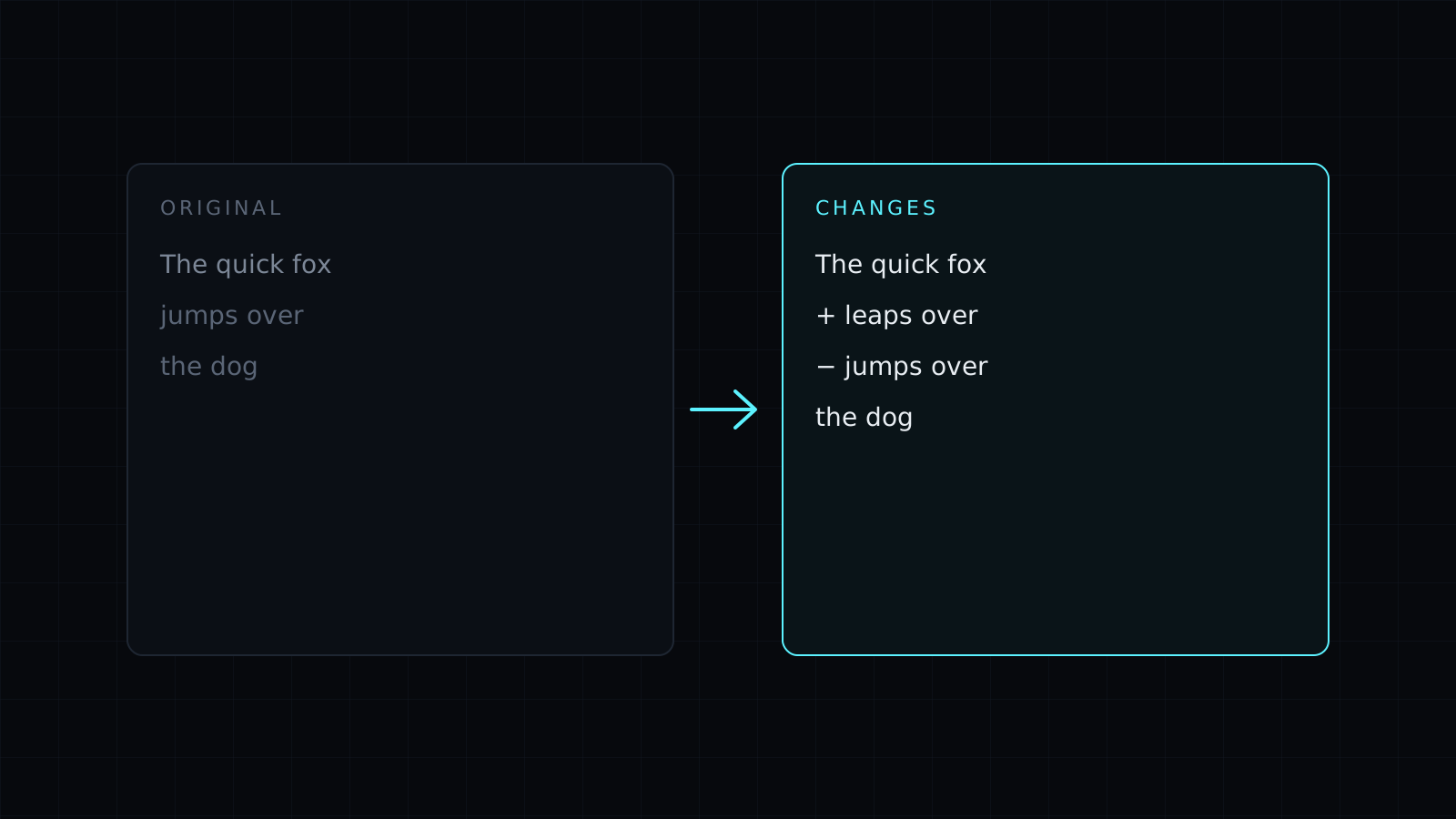
Paste the earlier version into Original and the later one into Changed. Lines that only exist in the new version are highlighted as added, lines that were taken out are struck through as removed, and unchanged lines sit between them. Each line keeps its number from both sides, and the counts at the top tell you how many lines were added and removed. A line that was edited shows as one removed line and one added line, so read the pair together to see the change.
How do I compare two versions of a document or contract?
Copy the text out of each version and paste it in. This is where a text compare earns its place: a contract that came back from the other side, a policy rewritten by a colleague, an essay after an editor’s pass, a translation checked against its source, terms of service before and after an update. Instead of rereading both versions, you only read the lines that differ.
Text copied from a PDF or a word processor often has different line breaks or extra spaces. Turn on ignore spacing so spacing alone doesn’t count as a change, and ignore case if capitalization was tidied. Keeping one paragraph or clause per line gives the clearest comparison.
Can I see only the differences?
Yes. Turn on show only changes and the unchanged lines are hidden, leaving just the added and removed ones. Use Swap to flip which side is the original, and Clear to start again.
The comparison works on whole lines. It doesn’t highlight single words inside a line, it doesn’t open files directly, and it doesn’t merge the two versions for you: you paste text in, read the changes, and edit your document yourself.
Comparing code, config or logs instead? The Diff Checker page opens the same tool for that.
FAQ
Is the text I paste kept anywhere?
No. The comparison runs entirely in your browser, and nothing is stored. Clear the boxes or close the tab and it is gone.
Why does a reworded sentence show twice?
Changes are found line by line, so an edited line appears as the old line removed and the new line added.
What does it cost?
It comes with the Nexin library: Nexin Lite or Nexin Pro opens it, and it spends no credits.