
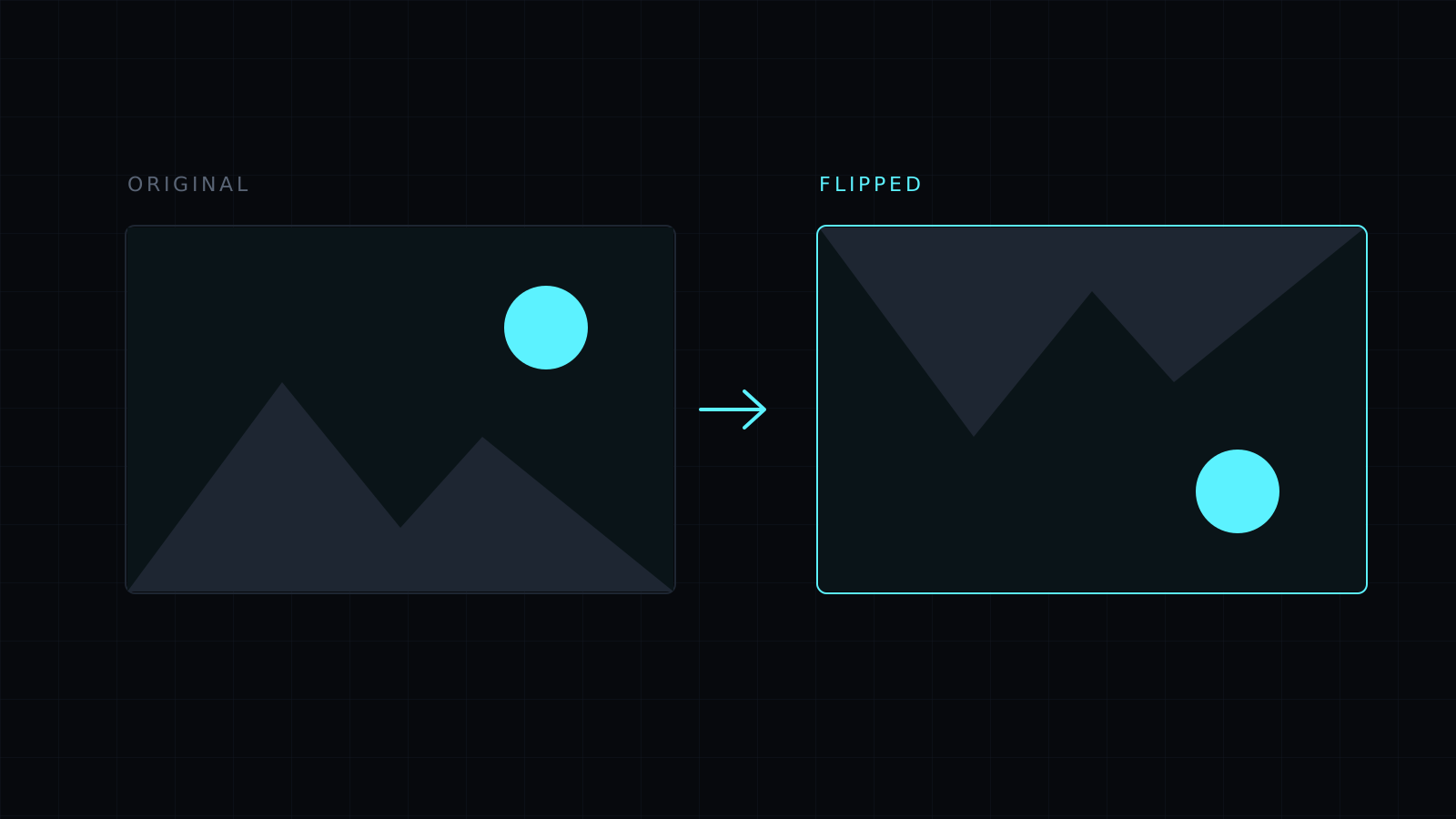
Flip Image is a way to flip image files in your browser: drop a picture and turn it upside down, or swap its left and right sides, with one click. It works at full resolution and saves as PNG, JPG or WebP. The image never leaves your device, nothing is stored, and it spends no credits.
What does it mean to flip an image?
The word is used for two different things, so it helps to know which one you want:
- Flip vertically: the top goes to the bottom, as if the picture were reflected in a lake. In the editor this is Flip.
- Flip horizontally: the left goes to the right, as if seen in a mirror. In the editor this is Mirror.
Many people say “flip” when they mean the mirror version, for example to fix a selfie or to point a product photo the other way. Both buttons sit next to each other, so try one and Undo if it was the other you needed.
How do I flip an image?
Drop it or choose it from your device: JPG, PNG, WebP, HEIC and AVIF all open. Press Flip for upside down or Mirror for left to right. Pressing the same button again puts it back. Then choose the format and download. The file keeps its name with -edited added.
Is flipping the same as rotating?
No. Rotating turns the whole image around its center, and the left side stays the left side once you look at it the right way up. Flipping makes a reflection: text comes out backwards. A photo that is merely lying on its side needs Rotate left or Rotate right, which are in the same editor. The Rotate Image page opens with them first.
When would I flip an image upside down?
To make a reflection for a design, such as a mountain repeated in water below it, to fix a scan or an overhead projector slide that came out reversed top to bottom, or to look at a drawing with fresh eyes and spot what is off. A photo that is just upside down is a different case: Rotate twice turns it 180° without reversing it, so text stays readable.
FAQ
Does flipping reduce quality?
No. Flipping moves pixels without changing them. Saving as PNG keeps everything exactly; JPG compresses slightly.
Can I flip several images at once?
No. The editor works on one image at a time; press Another image for the next.
What does it cost?
It comes with the Nexin library: Nexin Lite or Nexin Pro opens it, and it spends no credits.



