
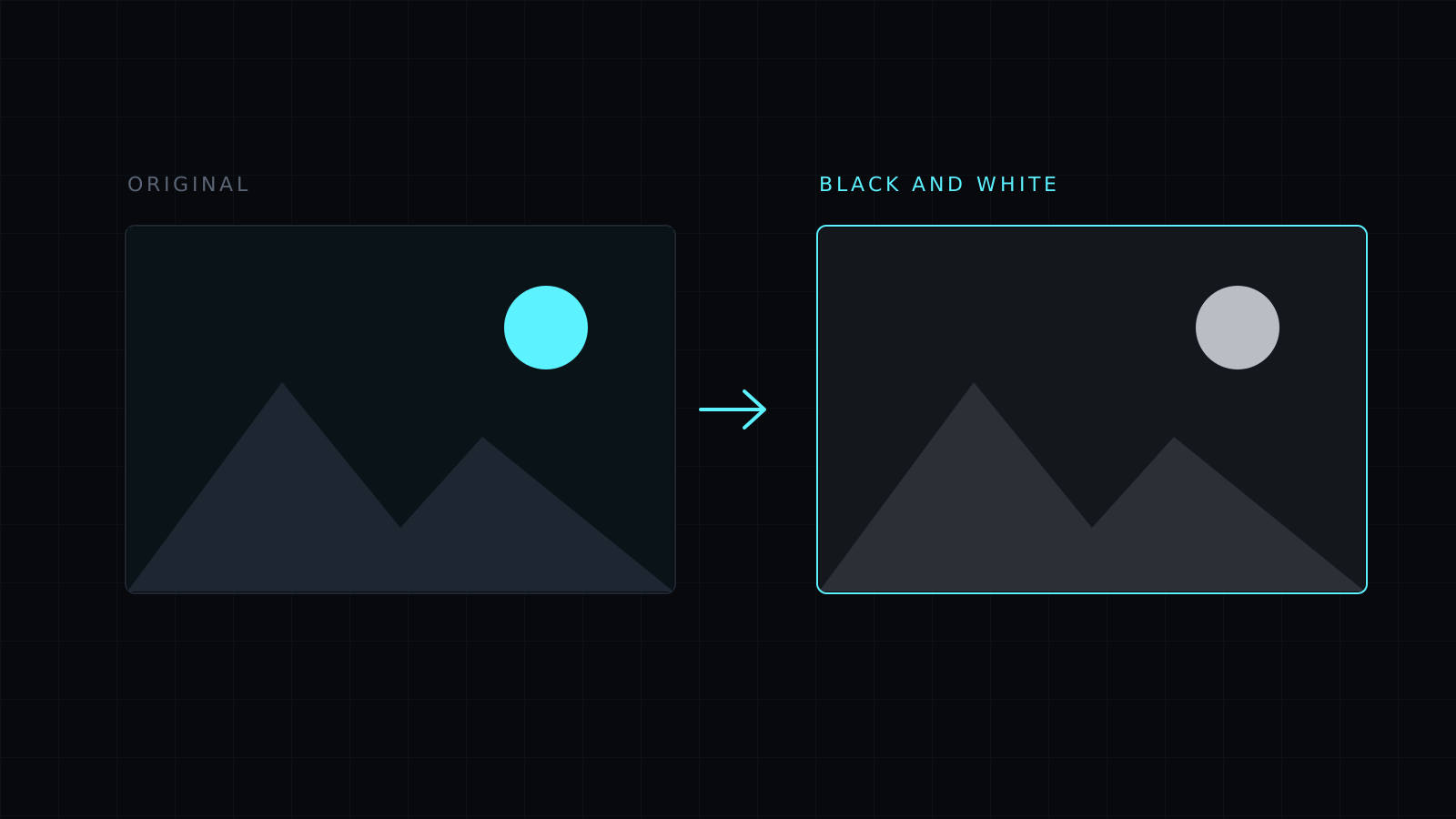
Grayscale Image turns a picture into a grayscale image in your browser: drop it, press Black and white, and every color becomes a shade of gray. It works on the whole image or on an area you drag. The image never leaves your device, nothing is stored, and it spends no credits.
How do I make a grayscale image?
Drop the picture or choose it from your device; JPG, PNG, WebP, HEIC and AVIF all open. With nothing selected, press Black and white and the whole image turns gray. To change only part of it, drag a rectangle over that area first. Then pick a format and download. The file keeps its name with -edited added.
Is grayscale the same as black and white?
In everyday use, yes. A “black and white photo” is almost always a grayscale image: it holds the full range of grays between black and white, not just the two extremes. That is what this tool makes. It is not a two-tone effect where every pixel becomes pure black or pure white.
Why convert a photo to grayscale?
- Black and white photos: a classic look for portraits, street shots and old-style prints, and a way to take attention off distracting colors.
- Printing: a grayscale version shows how a picture will come out on a black ink printer, a newspaper or a photocopy, before you print it.
- Consistency: a set of photos taken under different light looks more uniform once the colors are gone.
- Documents and forms: some applications ask for a grayscale scan or photo.
- Design: a gray background image behind colored text or buttons keeps the focus on them.
Can I keep one part of the photo in color?
Partly. The effect works on rectangles you select, so you can gray out the areas around a subject one box at a time and leave a rectangular area in color. It doesn’t follow the outline of a person or object, so the color area stays a rectangle.
Can I get the colors back?
While editing, Undo or Start over brings them back. A saved grayscale file no longer contains the color, so keep your original.
FAQ
Is my image uploaded?
No. Everything runs in your browser and the image stays on your device.
Does grayscale make the file smaller?
Sometimes a little, but not reliably. To make the file lighter, use Compress Image.
What does it cost?
It comes with the Nexin library: Nexin Lite or Nexin Pro opens it, and it spends no credits.



