
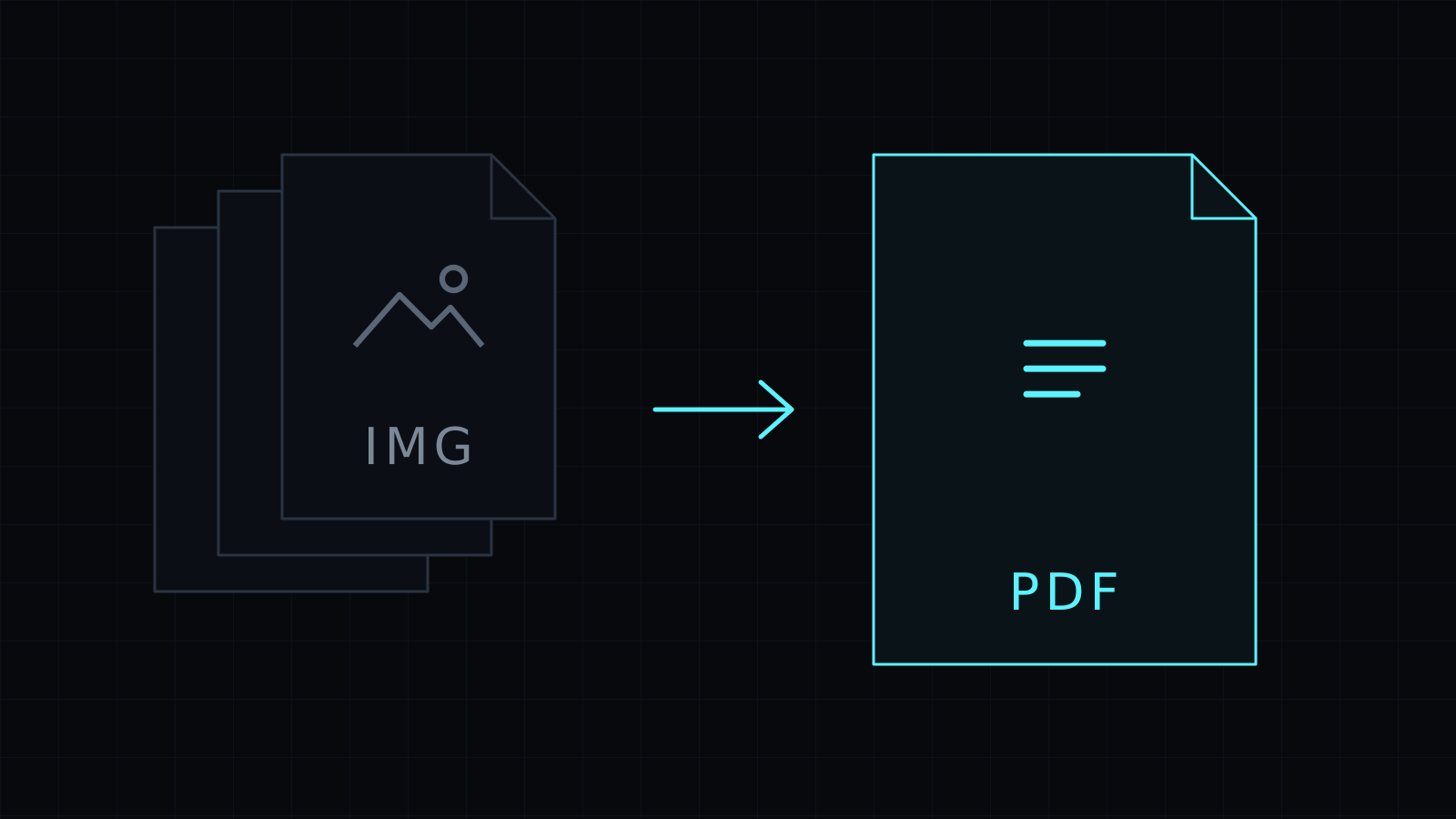
The Image to PDF Converter handles image to pdf in your browser for nearly any picture format. Drop photos, screenshots or graphics, mixed together if you like, and download them as one PDF. Your files never leave your device: nothing is uploaded, nothing is stored, and it spends no credits.
Which image formats can I turn into a PDF?
Most of what you’ll find on a phone or computer:
- JPG, from cameras, scanners and most phones.
- PNG, from screenshots and design tools.
- WebP, the format many websites serve when you save an image.
- HEIC, the iPhone photo format.
- AVIF, a newer web format.
- GIF, using its first frame.
A photo from your iPhone, a WebP saved from a site and a PNG screenshot can go into the same PDF.
How do I convert an image to PDF?
- Drop the images, or pick them from your device. The pages follow the order you picked them.
- Choose a page size: “Same as the image”, A4 or US Letter.
- Choose a margin: none, small or medium.
- Make the PDF and download it.
One image downloads as a PDF with its own name; several download as images.pdf.
What happens to quality and page layout?
JPG files are placed in the PDF untouched, with no second round of compression. Every other format is embedded as PNG, which is lossless, so nothing is lost on the way.
With “Same as the image”, each page takes the exact size of its picture. With A4 or US Letter, the picture is centered on a printable sheet that turns to portrait or landscape to match it. Small images are never enlarged, so they don’t turn blurry; they just sit in the middle of the page.
Why put images in a PDF at all?
A PDF keeps several pictures in one file, in a fixed order, and opens the same way on every device. That makes it the expected format for portfolios, school assignments, property photos for an agent, evidence for a claim or a printed photo handout. Only have JPGs? The JPG to PDF Converter is set up for them. Need the reverse? PDF to JPG turns pages back into images.
FAQ
Are my images uploaded?
No. The image to pdf conversion runs entirely in your browser, and nothing is stored.
Can I add HEIC photos from my iPhone?
Yes. HEIC is one of the formats it reads, so iPhone photos go straight into the PDF.
What does it cost?
It comes with the Nexin library: Nexin Lite or Nexin Pro opens it, and it spends no credits.



