
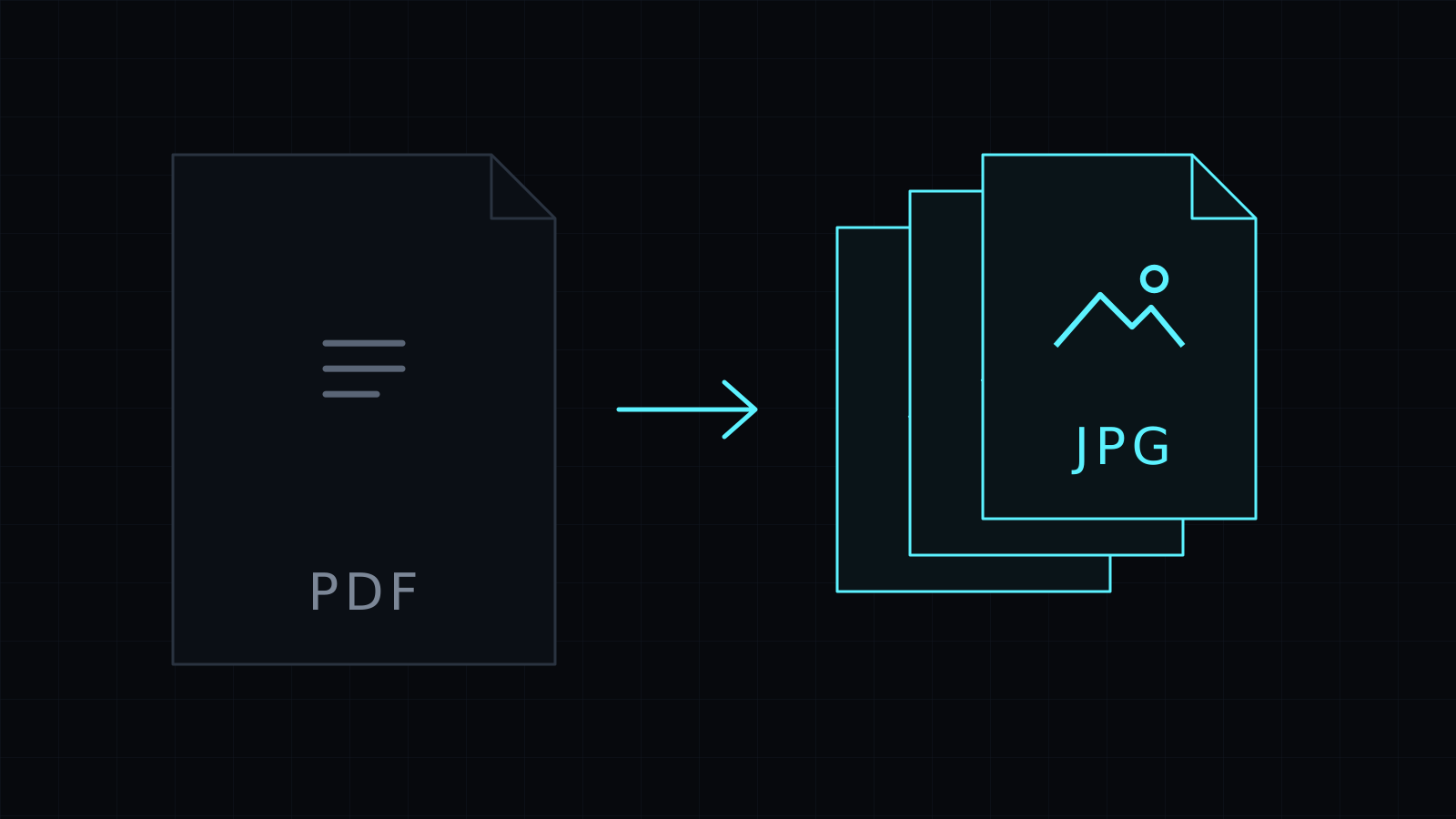
The PDF to JPG Converter runs pdf to jpg in your browser, turning every page of a PDF into its own JPG image. Drop the file, pick a resolution, and download the pages one by one or all at once. The PDF stays on your device: nothing is uploaded or stored, and it spends no credits.
Why convert PDF to JPG?
A PDF is great for reading, but many places only take images. Converting pdf to jpg helps when you want to:
- Post slides from a deck as an Instagram or LinkedIn carousel.
- Show a preview of a report, a menu or a flyer on a website or in a chat.
- Make a thumbnail of a document’s cover page for a store listing or a blog post.
- Upload a page to a form, a CMS or an app that won’t accept PDFs.
How do I convert a PDF to JPG images?
- Drop the PDF, or pick it from your device.
- JPG is already chosen. Pick Low (72 dpi), Medium (144 dpi) or High (216 dpi).
- Convert. Every page becomes its own JPG.
- Download a single page, or use Download all.
Files are named after the PDF with the page number, such as report-01.jpg, report-02.jpg.
Which resolution should I pick?
- Low, 72 dpi keeps files small. Fine for quick previews and thumbnails.
- Medium, 144 dpi is the default and suits screens, social posts and websites.
- High, 216 dpi gives sharper text and detail for zooming in or printing small pages.
Every page is drawn on a white background, so transparent areas in the PDF come out white in the JPG.
Is it safe to convert PDF to JPG online?
Here the PDF never goes to a server: the pages are rendered in your browser tab, on your device, and nothing is kept afterwards. That matters for contracts, statements and anything with personal details. A PDF locked with a password needs it removed before converting.
Keep in mind that the JPGs are pictures of the pages, so the text in them can’t be selected or searched. Need lossless images for crisp diagrams? Use PDF to PNG. Going the other way? JPG to PDF puts images back into a PDF.
FAQ
Can I convert just one page?
Every page is converted, then you download only the pages you need.
Is my PDF uploaded?
No. The pdf to jpg conversion runs entirely in your browser, and nothing is stored.
What does it cost?
It comes with the Nexin library: Nexin Lite or Nexin Pro opens it, and it spends no credits.



