
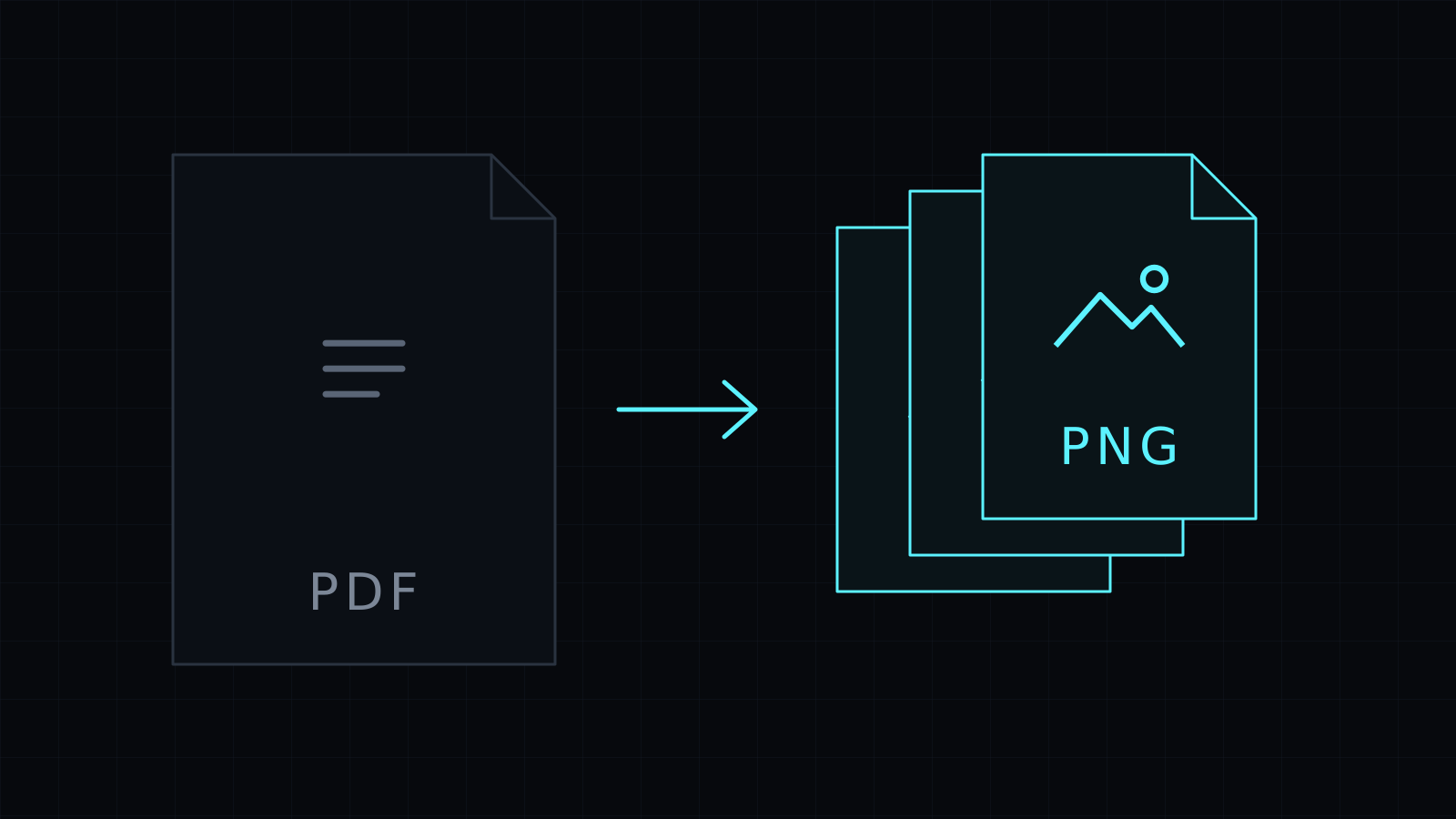
The PDF to PNG Converter does pdf to png in your browser. Each page of the PDF becomes a separate, lossless PNG image, at the resolution you choose. The document never leaves your device: nothing is uploaded or stored, and it spends no credits.
Why choose PNG over JPG for PDF pages?
JPG compression smudges sharp edges a little. On a photo you rarely notice; on small text, thin lines, tables and charts you sometimes do. PNG keeps every pixel, so pages with type and vector graphics come out clean. Converting pdf to png is the better pick when you want to:
- Drop a chart or a diagram from a report into slides or a doc.
- Pull a page from a spec or a datasheet into Figma, Canva or a whiteboard tool.
- Add a page of a paper or a manual to documentation or a wiki.
- Edit a page as an image without stacking compression each time you save.
The trade-off is file size. PNG pages are heavier than JPG ones. For quick previews and social posts, PDF to JPG gives lighter files.
How do I convert PDF to PNG?
- Drop the PDF, or pick it from your device.
- PNG is already selected. Choose Low (72 dpi), Medium (144 dpi) or High (216 dpi).
- Convert, and every page becomes its own PNG.
- Download the page you want, or Download all.
The images are named after the PDF plus a two-digit page number, like manual-01.png and manual-02.png, so they sort in page order.
What resolution works for slides and design tools?
Medium, 144 dpi, is the default and looks sharp on most screens. Pick High, 216 dpi, when you’ll crop into part of a page, such as one chart from a dense report, so the detail holds up. Low, 72 dpi, is enough for a small preview.
What should I know before converting?
- Pages are drawn on a white background, so the PNGs are not transparent.
- The PNGs are images, so their text can’t be selected or searched.
- A password-protected PDF needs the password removed first.
- Need the images smaller afterwards? Compress Image can resize them or save them in a lighter format.
FAQ
Is my PDF uploaded?
No. The pdf to png conversion runs entirely in your browser, and nothing is stored.
Can I get a transparent background?
No. Every page is drawn on white, the way it looks in a PDF reader.
What does it cost?
It comes with the Nexin library: Nexin Lite or Nexin Pro opens it, and it spends no credits.



