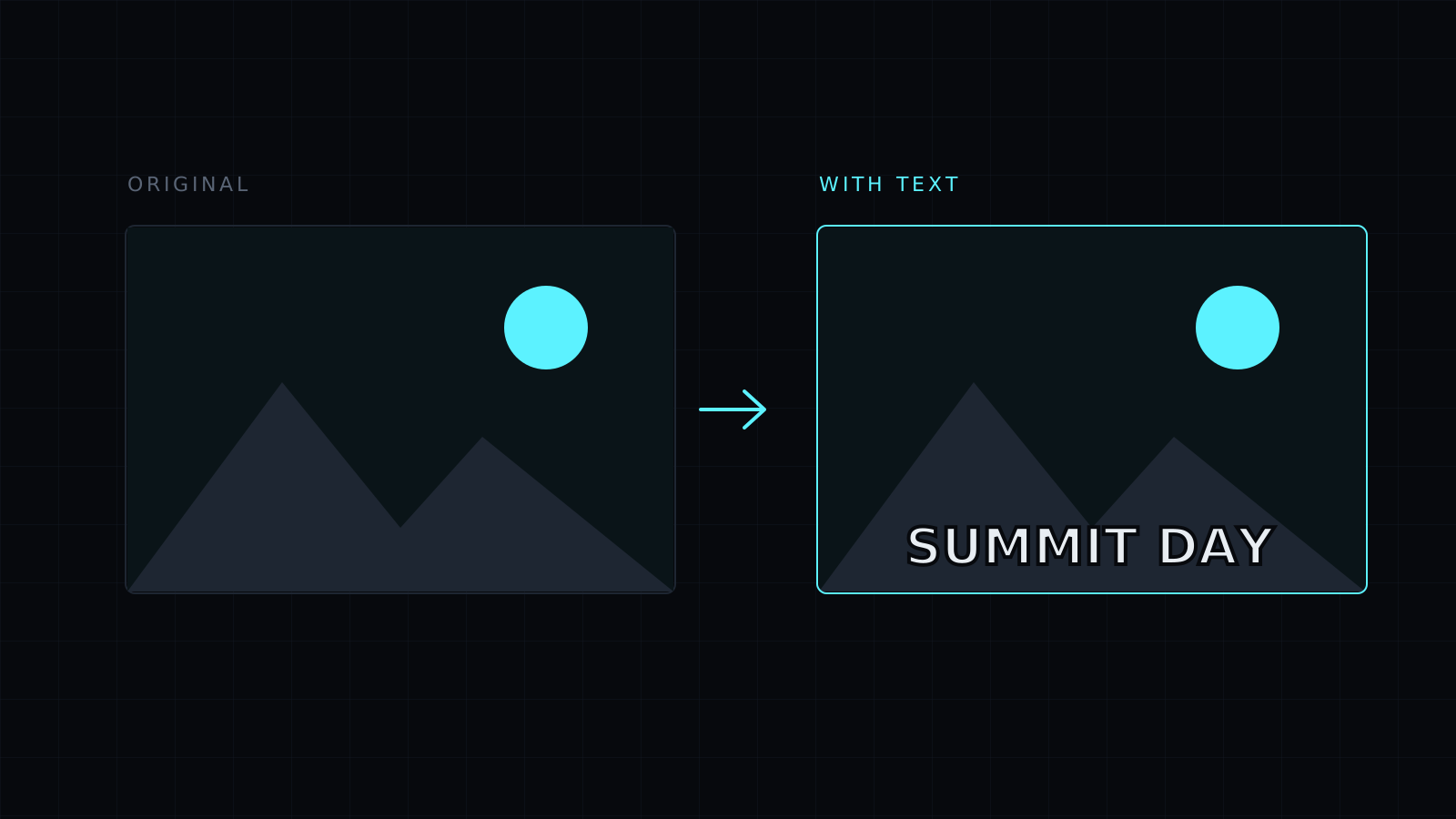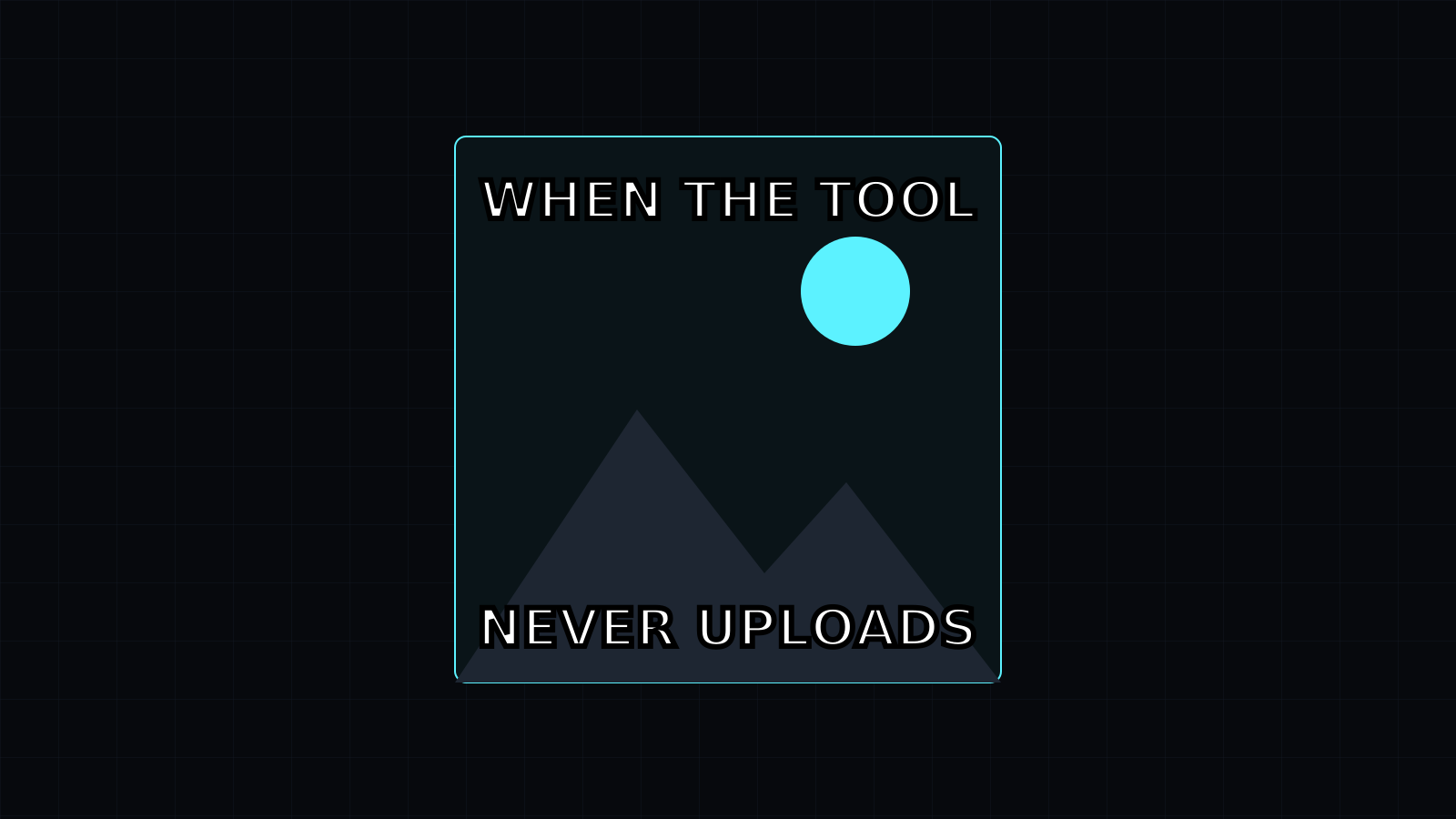
The Meme Generator is a meme generator that puts the classic top and bottom caption on a picture you choose and hands you a PNG. Drop an image, type two lines, and download. It runs in your browser tab, so the picture stays on your device, nothing is stored, and it spends no credits.
How do I make a meme with my own picture?
- Drop a photo or a screenshot, or pick it from your device. JPG, PNG, WebP, HEIC (iPhone photos) and AVIF all work.
- Type the top line and the bottom line. Either can stay empty.
- Move the size slider until the words fill the width without crowding the face or the subject.
- Download the PNG and post it.
Long lines wrap onto a second or third line instead of running off the edge, so a punchline like “WHEN THE BUILD PASSES ON THE FIRST TRY” still fits a square photo.
What font do memes use?
The look people recognise is white capital letters with a thick black outline, traditionally in Impact. This meme generator draws exactly that, using Impact when your device has it installed (most Windows and Mac computers do) and a similar bold sans-serif when it doesn’t, as on many phones. The outline keeps the text readable on light and dark parts of the picture alike. You can switch ALL CAPS off for a calmer caption and change the text color when white doesn’t suit the image.
Can I make a meme without a picture?
Yes. Choose a plain background color and a shape: square for most feeds, 4:5 for Instagram posts, 16:9 for slides and wide posts. That gives you a text-only meme or a simple quote card.
Where are the famous meme templates?
There is no template gallery on purpose. The well-known meme pictures are photos and film stills that belong to their owners, so this meme generator works with pictures you took yourself or are allowed to use. It makes still images only: no animated GIFs, stickers or extra layers. To place text anywhere on an image, use Add Text to Image.
FAQ
Is my image uploaded?
No. The meme is drawn on a canvas in your browser and downloaded from there. Nothing leaves your device.
Can I use photos from my iPhone?
Yes. HEIC photos open directly, along with JPG, PNG, WebP and AVIF.
What does it cost?
It comes with the Nexin library: Nexin Lite or Nexin Pro opens it, and it spends no credits.