
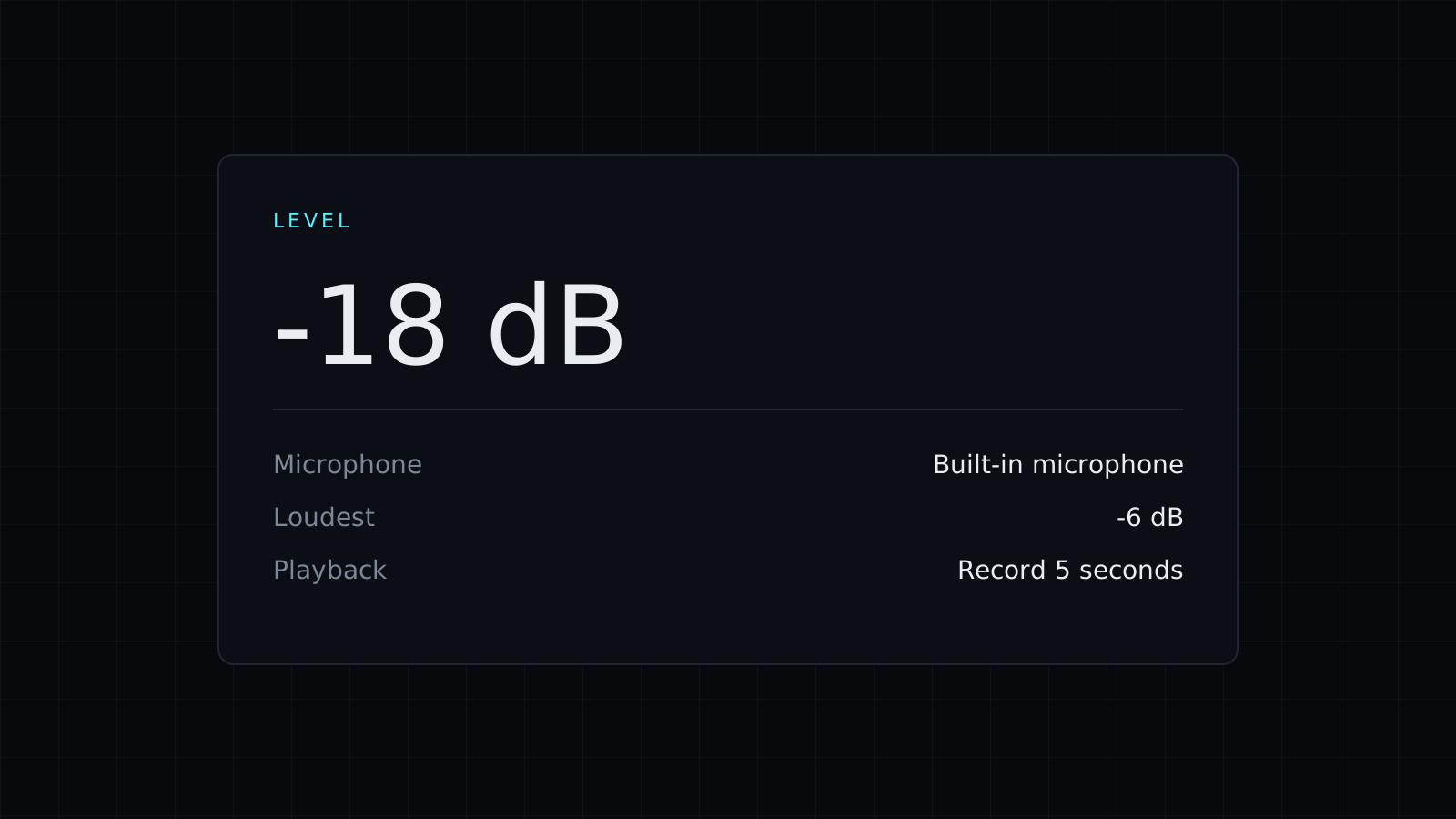
Mic Test is a mic test you run in your browser to check that your microphone works and how it sounds, before a call, a stream or a recording. Press Start, speak, and watch the level move. Nothing is sent to a server, nothing is saved, and it spends no credits.
How do I test my microphone?
- Press Start. Your browser asks for permission to use the microphone; allow it.
- If you have more than one, pick the microphone to test: a USB mic, a headset, AirPods or the built-in one.
- Speak at your normal volume. The live bar shows the level in dB, the loudest level is kept beside it, and a message confirms when it hears you.
- Press Record 5 seconds, then play it back to hear yourself as others will.
The recording stays on the page and disappears when you leave. It is never saved or uploaded.
Why is my mic not working?
The mic test tells you which of the usual problems it is:
- Access is blocked: the browser or the operating system denied permission. Allow the microphone in the site settings (the icon next to the address), and on a Mac in System Settings, Privacy and Security, Microphone.
- No microphone is found: nothing is plugged in or recognized. Reconnect it, try another port, or check that a Bluetooth headset is connected for calls.
- Another app is using it: close Zoom, Teams, Discord or OBS and press Start again.
If the bar moves but the level stays very low, pick a different microphone in the list, move closer, or raise the input volume in your system sound settings. If it is very high on soft speech, lower it so loud moments don’t distort.
What should a good mic test sound like?
On playback, your voice should be clear and steady, without a hiss, a hum, or echo from your speakers. Listen for room noise between words, like a fan or a keyboard, and for clipping when you speak up. A headset usually beats a laptop microphone for calls because it sits closer to your mouth.
Testing your camera before the same call? The Webcam Test checks the picture, resolution and frame rate.
FAQ
Is my recording stored anywhere?
No. The 5-second recording lives only on the page in your browser and is gone when you close it.
Does it work with Bluetooth headsets?
Yes, if your system lists it as a microphone. Pick it in the list after pressing Start.
What does it cost?
It comes with the Nexin library: Nexin Lite or Nexin Pro opens it, and it spends no credits.



