
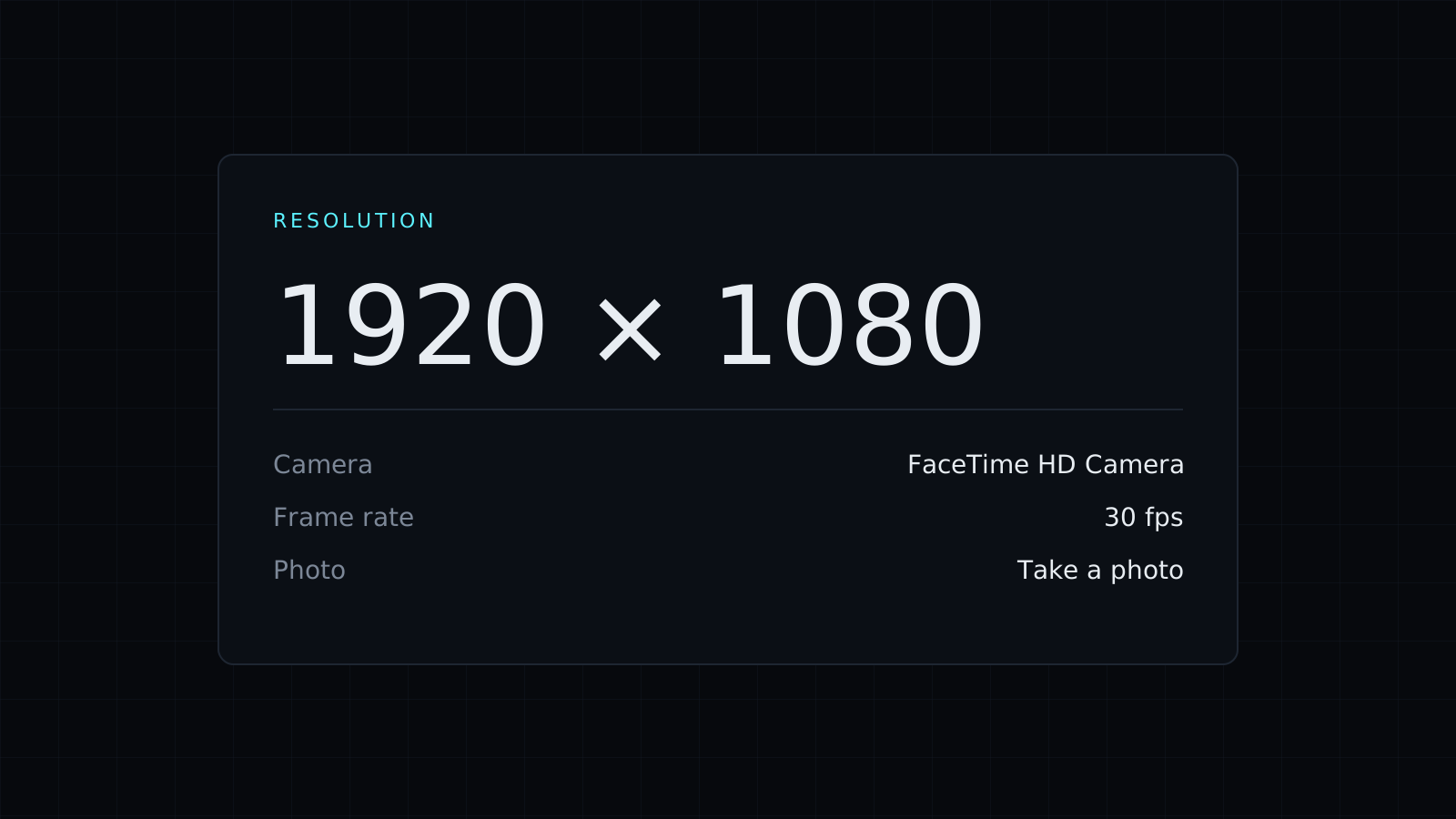
Webcam Test is a webcam test you run in your browser to check that your camera works and what it delivers, before a call, an interview or a stream. Press Start and the live preview appears with the resolution and frame rate the camera reports. Nothing is sent to a server, nothing is saved, and it spends no credits.
How do I test my webcam?
- Press Start. Your browser asks for permission to use the camera; allow it.
- If you have more than one camera, pick the one to test: the built-in camera, an external USB webcam, or a phone used as a camera.
- Look at the live preview, and read the resolution (such as 1280x720 or 1920x1080) and the frame rate the camera reports.
- Switch Mirror on or off, and press Take a photo to save a still with Download photo as a PNG.
Why is my webcam not working?
The webcam test names the problem:
- Access is blocked: the browser or the system denied permission. Allow the camera in the site settings (the icon next to the address), and on a Mac in System Settings, Privacy and Security, Camera.
- No camera is found: nothing is connected or recognized. Reconnect the USB cable, try another port, or open a physical privacy shutter if your laptop has one.
- Another app is using it: most cameras work with one app at a time. Close Zoom, Teams, FaceTime or OBS and press Start again.
What do resolution and frame rate tell me?
They are the values the camera reports to the browser. 1280x720 is HD and fine for most calls; 1920x1080 is sharper. A frame rate around 30 frames per second looks smooth, while a much lower figure often points to poor light, since many cameras slow down to gather more of it. Video apps may still send a lower resolution than the camera supports, depending on your connection.
Why does my webcam look mirrored?
Previews are usually mirrored so moving feels natural, like a mirror. The people on a call normally see the unmirrored image, which is why text on your shirt reads backwards only on your own screen. Switch Mirror off to see what they see.
Testing your microphone before the same call? The Mic Test shows your level and plays back a short recording.
FAQ
Is the video or photo uploaded?
No. The preview and the photo stay in your browser; the photo is saved only when you download it.
What does it cost?
It comes with the Nexin library: Nexin Lite or Nexin Pro opens it, and it spends no credits.



