
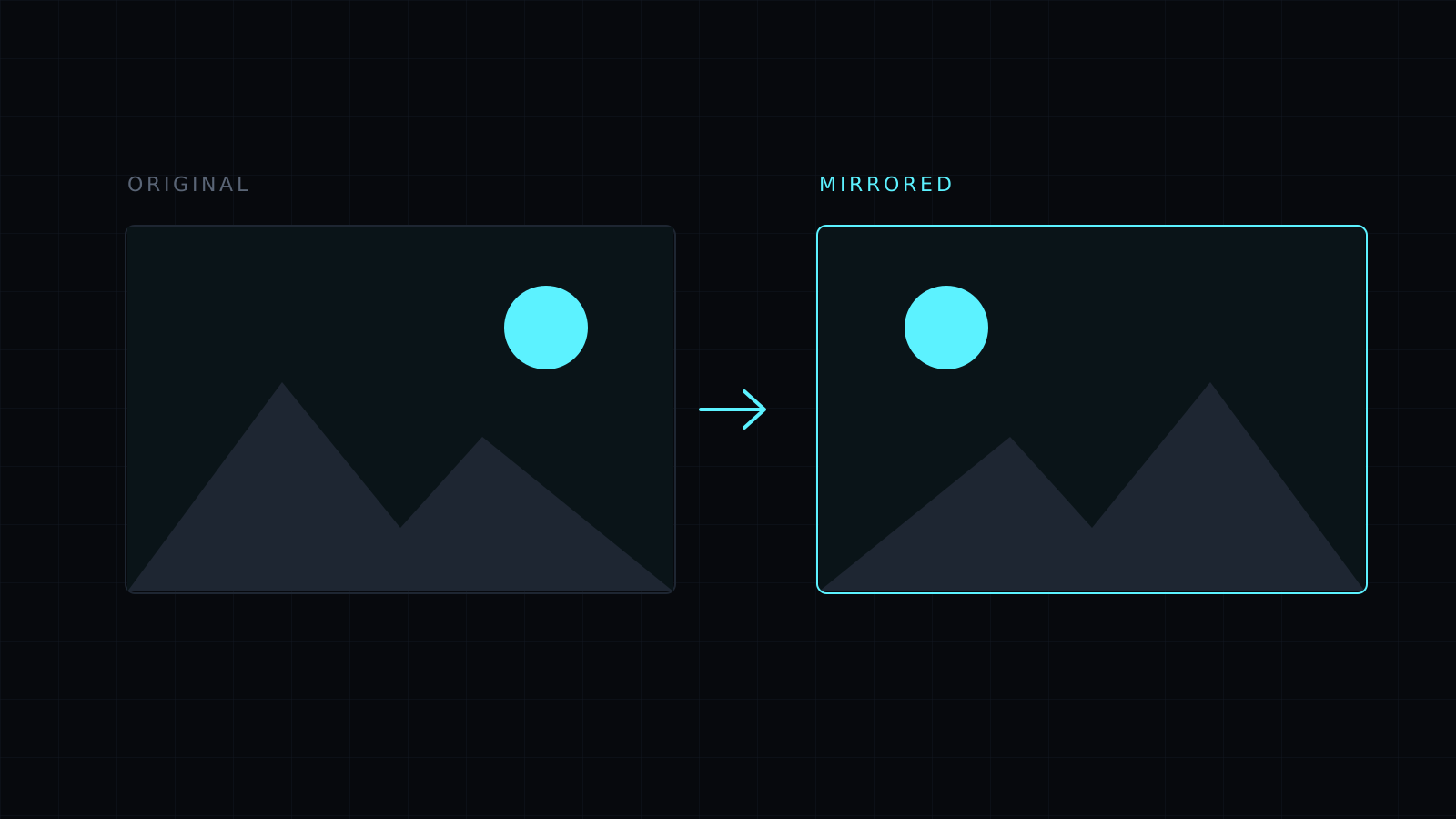
Mirror Image lets you mirror image files in your browser: drop a picture and its left and right sides swap places, exactly as in a reflection. One click, full resolution, saved as PNG, JPG or WebP. The image never leaves your device, nothing is stored, and it spends no credits.
How do I mirror an image?
Drop it or choose it from your device. JPG, PNG, WebP, HEIC and AVIF all open. Press Mirror and the picture is reversed left to right. Press it again and it goes back. Then pick a format and download; the file keeps its name with -edited added.
Why is my selfie mirrored?
Front cameras show you a mirrored preview, because that is the face you know from the mirror. Some phones also save the photo that way, so writing on a shirt or a sign behind you comes out backwards, and a parting appears on the wrong side. Mirroring the image puts it the way other people see you and makes the text readable again. Other phones save the true view, and then the photo can feel odd to you; mirroring it gives you the familiar face back. Either way it is one button.
What is the difference between mirror and flip?
A mirror image is reversed left to right. A flipped image, in the strict sense, is turned upside down. In everyday speech “flip” often means the mirror version, which is why the two get confused. The editor has both: Mirror for left to right and Flip for top to bottom. The Flip Image page opens with Flip first.
Other reasons to mirror an image
- Design balance: a person or product facing off the edge of a layout can be turned to face the text.
- Transfers and printing: iron-on transfers and some printing methods need the artwork reversed before printing.
- Symmetry checks: artists mirror a drawing to spot proportions that look off.
Be careful with images that contain text, logos or recognizable places: mirroring reverses them, which readers notice.
FAQ
Does mirroring change the quality?
No. The pixels are only moved. PNG keeps them exactly; JPG compresses slightly and turns transparent areas white.
Can I mirror part of an image?
No. Mirror applies to the whole image. You can crop first, then mirror what is left.
What does it cost?
It comes with the Nexin library: Nexin Lite or Nexin Pro opens it, and it spends no credits.



