
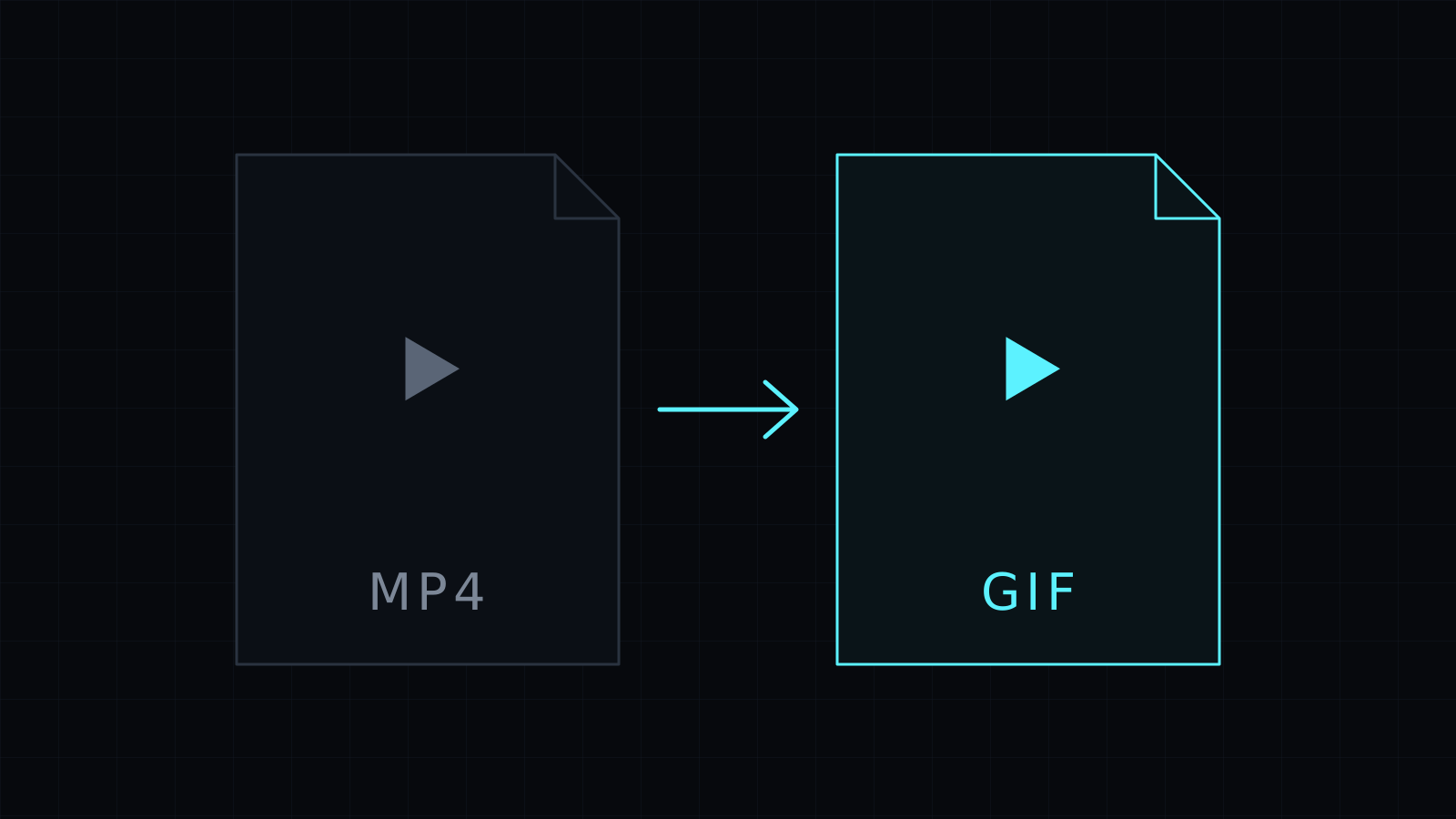
The MP4 to GIF Converter handles mp4 to gif in your browser. Drop an MP4, mark where the loop starts and how long it runs, and download the GIF. Your video stays on your device: it is never uploaded or stored, and it spends no credits.
When is a GIF better than an MP4?
MP4 is the better video file in almost every way: smaller, sharper, with sound. A GIF wins when the place you’re posting doesn’t treat video well. Many chat apps, wikis, issue trackers and email clients show a GIF inline and autoplaying, while an MP4 becomes an attachment someone has to click. A three-second loop of a dropdown opening, a chart animating or a product turning is often the fastest way to show what you mean.
Common MP4 sources work well here: screen recordings from Loom, Zoom or OBS exports, phone videos from Android, clips from an editor, or a short take you filmed of your product.
How do I convert MP4 to GIF?
- Drop the MP4 file, or pick it from your device.
- Enter the Start (in seconds) of the moment you want.
- Enter the Length, up to 20 seconds.
- Pick 8, 10 or 15 frames per second and a width of 320, 480, 640 or 800 px.
- Make the GIF and download it.
Tip: play the MP4 first and note the second where the action begins, so the loop starts on the right frame.
How do I keep an MP4 to GIF file small?
The GIF format has no modern compression and caps every frame at 256 colors, so it grows quickly. The same clip can come out much heavier as a GIF than as the MP4 it came from. Three levers keep it reasonable:
- Cut the length down to the loop you need.
- Use 8 or 10 fps unless the motion is fast.
- Stay at 480 px or below for chat and documentation.
The 256-color limit means photographic footage may show some banding, while UI recordings with flat colors keep crisp edges. The GIF has no audio track.
Prefer to keep it as video but smaller? Compress Video makes a lighter MP4. Starting from an iPhone clip? Use MOV to GIF.
FAQ
Is my MP4 uploaded to a server?
No. The mp4 to gif conversion runs entirely in your browser, and nothing is stored.
Does the GIF keep the sound?
No. GIF is an image format with no audio.
What does it cost?
It comes with the Nexin library: Nexin Lite or Nexin Pro opens it, and it spends no credits.



