
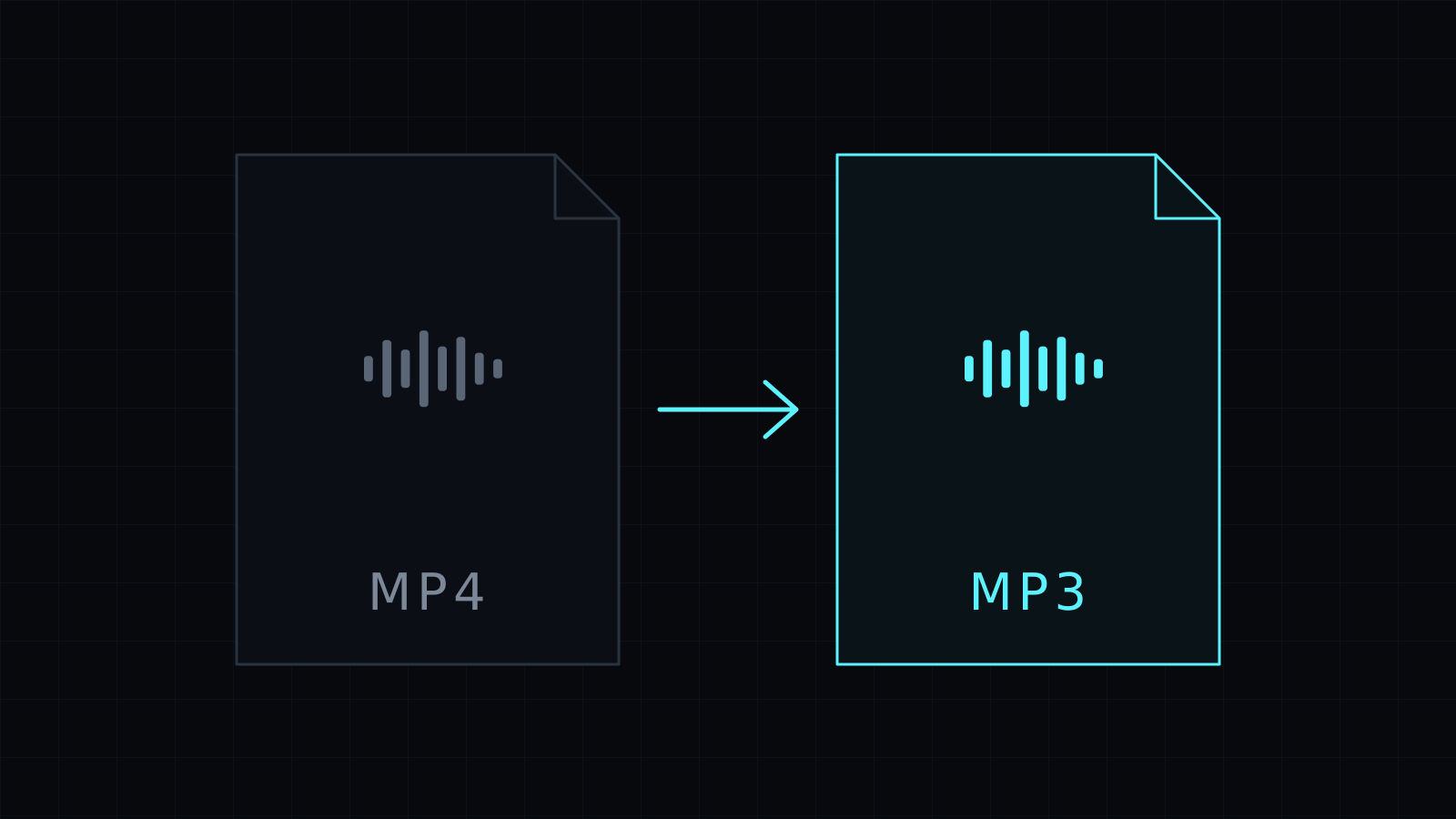
The MP4 to MP3 Converter does mp4 to mp3 in your browser: drop a video, and download just its sound as an MP3. The picture is left behind, the audio is encoded with the LAME MP3 encoder running on your device, and the file is never uploaded or stored. It spends no credits.
Why convert MP4 to MP3?
An MP4 carries both picture and sound. Often you only want the sound: a recorded talk you’d rather listen to on a walk, an interview you need to transcribe, a lesson for the commute, or the audio of a clip you filmed yourself to drop into an editor. Keeping the whole video around for that wastes space and won’t play on everything.
MP3 plays on practically every device made in the last twenty years: phones, car stereos, smart speakers, old MP3 players, podcast apps and audio editors. Pulling the track out of the MP4 gives you a small file that works anywhere.
How do I convert MP4 to MP3?
- Drop the MP4, or pick it from your device.
- MP3 is already chosen. Pick 128, 192 or 320 kbps.
- Convert, watch the progress bar, and download the MP3.
The Stop button cancels a job if you dropped the wrong file. The converter handles one file at a time, so for a series of videos, download each MP3 before dropping the next.
Which bitrate should I pick?
- 128 kbps keeps files small. Fine for speech, lectures and voice recordings.
- 192 kbps is the balanced default, good for most music and mixed audio.
- 320 kbps is the highest MP3 setting, for music you care about.
Keep in mind that the sound inside an MP4 is usually already compressed. Converting it at 320 kbps won’t make it better than the original; it only avoids losing more. If you need an uncompressed file for editing, pick WAV instead, or M4A (AAC) for Apple apps.
Want to keep the video but in another format? The Video Converter handles MP4, WebM, MOV and MKV.
FAQ
Is my video uploaded anywhere?
No. The mp4 to mp3 conversion runs entirely in your browser, and nothing is stored.
Can I convert a MOV or WebM to MP3 the same way?
Yes. The converter also takes MOV, WebM and MKV, plus most audio files your browser can decode.
What does it cost?
It comes with the Nexin library: Nexin Lite or Nexin Pro opens it, and it spends no credits.



