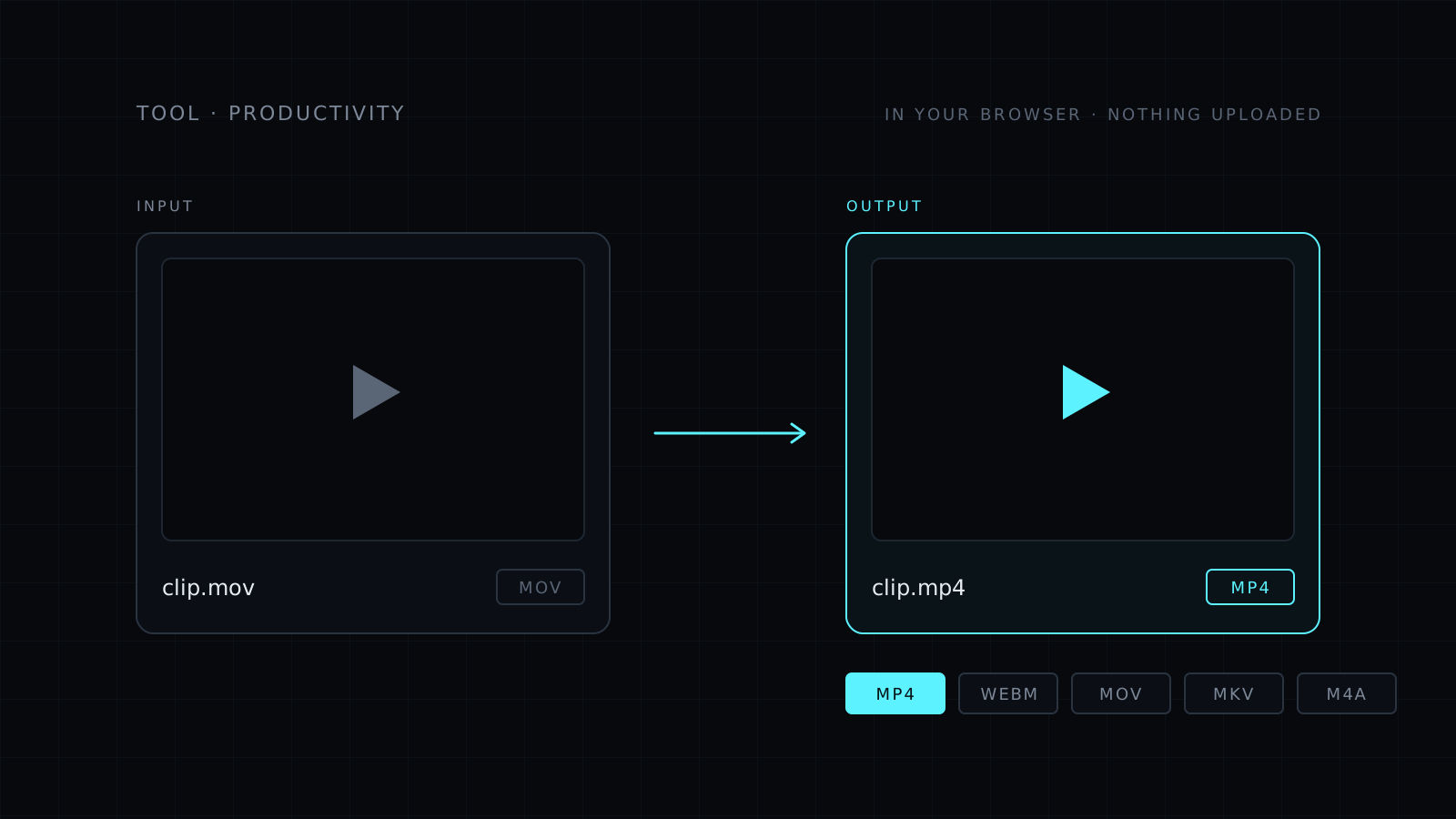
The Video Converter is a video converter that runs in your browser. You drop a video, pick MP4, WebM, MOV or MKV, and download the new file. You can also pull out just the audio as an M4A. Your file never leaves your device: nothing is uploaded, nothing is stored, and it spends no credits.
What does a video converter do?
It changes the container your video lives in, and when needed, the way the picture and sound are encoded. A phone may record MOV while a website or an editor asks for MP4. A web page may play WebM best. An archive may use MKV. A converter turns one into the other so the file opens where you need it.
Most converters ask you to upload the video first, wait, then download it again. This one does the work on your own computer or phone, inside the browser tab.
How do I convert a video without losing quality?
Pick a format whose codecs already match your video. When they fit, the converter copies the video and audio streams as they are, with no re-encoding. That is the fastest path and the quality stays exactly the same.
When the codecs don’t fit the new format, the video has to be re-encoded. In that case the converter uses your browser’s hardware video encoder (WebCodecs), so the work runs on your device’s own chip instead of a remote server.
What you can convert
- Input: the common formats your browser can read, such as MP4, MOV, WebM, MKV and more.
- Output: MP4, WebM, MOV or MKV.
- Audio only: M4A, for a podcast clip, a voice memo or a song from a video.
If you also need the file smaller, the Compress Video tool makes a lighter MP4 with a size level and a max resolution.
It needs a modern browser: recent Chrome, Edge or Firefox, or Safari 17 and later. Very large files depend on your device’s memory, since the whole job runs locally.
Who it’s for
- People who need a phone video to open in an app that only takes MP4.
- Creators preparing clips for an editor or a website.
- Anyone who wants the sound from a video as a separate file.
- Teams handling client footage that shouldn’t sit on someone else’s server.
FAQ
Is my video uploaded anywhere?
No. The conversion runs entirely in your browser. The file never leaves your device and nothing is stored, so private footage stays private.
What does it cost?
It comes with the Nexin library: Nexin Lite or Nexin Pro opens it, and it spends no credits.
Why is one conversion fast and another slow?
When the codecs already fit the new format, the streams are copied without re-encoding, which is quick. When they don’t, the video is re-encoded on your device, which takes longer and depends on your hardware.