
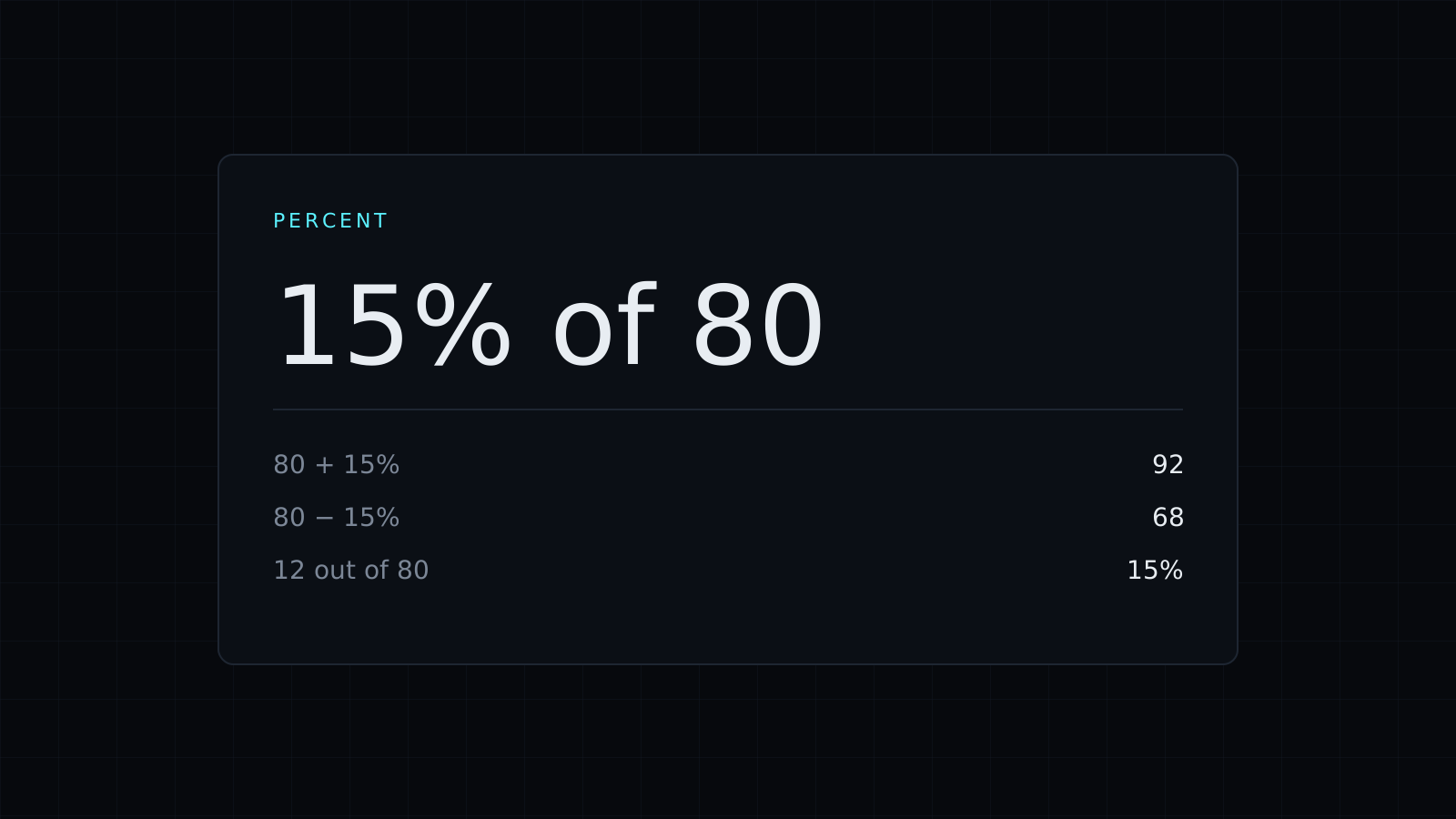
This percentage calculator answers the three questions people ask about percentages most often, right in your browser. Choose a mode, type two numbers and the answer appears as you type. Nothing is sent to a server, and it spends no credits.
How to calculate a percentage of a number
Multiply the number by the percentage and divide by 100. In the “What is X% of Y” mode, 15% of 80 gives 12. The same line also shows 80 plus 15%, which is 92, and 80 minus 15%, which is 68. That covers the usual cases in one look: a sales tax added to a price, or a discount taken off it.
How to find what percent one number is of another
Divide the part by the whole and multiply by 100. In the “X is what % of Y” mode, 18 out of 72 is 25%. Use it for a test score, a budget line against the total, or how far you are through a goal.
How to calculate percentage change
Subtract the old value from the new one, divide by the old value and multiply by 100. In the “Percentage change from X to Y” mode, going from 40 to 50 is a 25% increase, with a difference of 10. Going back from 50 to 40 is a 20% decrease, not 25%, because the starting value changed. That asymmetry trips people up, and it is why the percentage calculator always tells you which number it treats as the start.
Worked examples
- A jacket costs 250 and is 20% off: 20% of 250 is 50, so you pay 200.
- A price rises from 40 to 50: that is a 25% increase.
- You answered 18 of 72 questions: you are 25% of the way through.
Who it’s for
- Shoppers checking a discount or a tax before paying.
- Students checking homework and test scores.
- Anyone comparing two numbers in a report and wanting the change as a percent.
Prefer to type the whole calculation? The Calculator accepts expressions like 12.5% of 840.
FAQ
Why is a 25% increase not undone by a 25% decrease?
Each percentage is taken from a different starting value. From 40, plus 25% is 50. From 50, minus 25% is 37.5. To get back to 40 you need a 20% decrease.
Is anything I type sent to a server?
No. The percentage calculator runs entirely in your browser.
What does it cost?
It comes with the Nexin library: Nexin Lite or Nexin Pro opens it, and it spends no credits.



