
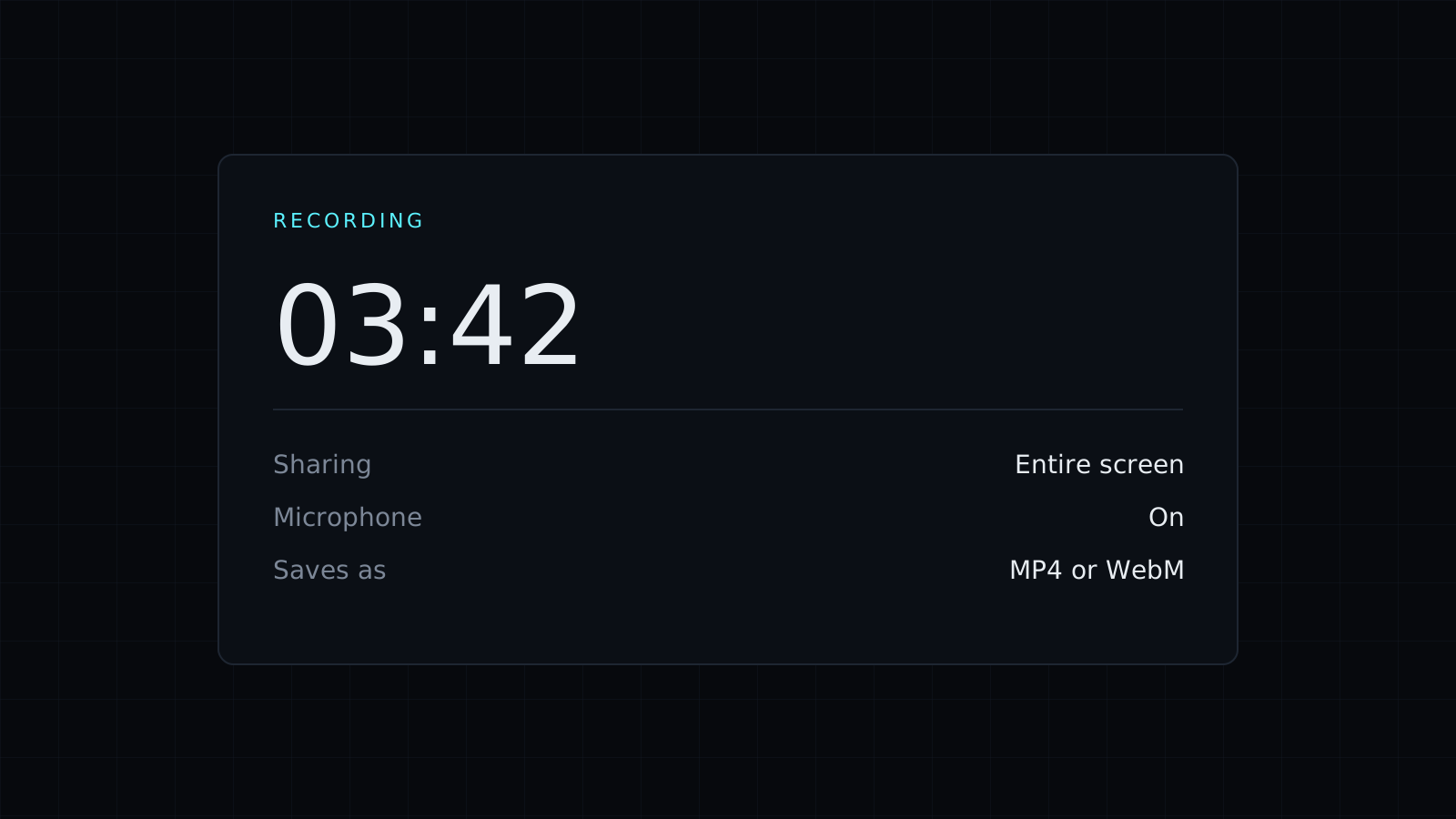
The Screen Recorder is a screen recorder that runs in your desktop browser: choose your whole screen, a window or a single tab, record with your voice and the sound, and download the video. There is nothing to install, the recording stays on your device, nothing is stored, and it spends no credits.
How do I record my screen with audio?
- Switch on the microphone if you want to talk over the recording, and the sound if you want the audio of what’s playing.
- Press Start. Your browser opens its own dialog asking what to share: the entire screen, a window or a tab.
- Record. A timer shows how long you’ve gone, and Pause/Resume lets you skip the parts nobody needs to see.
- Press Stop, or use the browser’s Stop sharing bar.
- Watch the preview and download the file.
The microphone and the shared sound are mixed into one audio track. Which sound you can share depends on the browser and the system: Chrome and Edge offer the tab’s sound when you share a tab, and on Windows they can also share the system sound with the whole screen. When the browser doesn’t offer it, the recording simply has your microphone, or no audio.
Is this screen recorder safe to use?
The browser asks permission every time and shows that the screen is being shared for as long as it lasts. The video is built in your browser tab, saved straight to your device, and never goes to a server.
MP4 or WebM?
You get MP4 when your browser can record it, which plays almost everywhere, including on phones and in most video editors. Otherwise the file is WebM, which Chrome, Firefox and VLC play and which most upload sites accept. If you need MP4 from a WebM file, a converter such as WebM to MP4 handles it.
What are the limits?
This screen recorder works in desktop browsers only, since phones don’t let web pages share the screen. It sets no time limit, but the video is held in memory until you download it, so an hour-long recording on a laptop with little memory can struggle. There is no webcam bubble, no trimming or editing and no cloud library: it records and saves.
FAQ
Do I need to install anything?
No. A recent desktop browser, such as Chrome, Edge or Firefox, is enough.
Is my recording uploaded?
No. It stays in your browser until you download it, and nothing is kept afterwards.
What does it cost?
It comes with the Nexin library: Nexin Lite or Nexin Pro opens it, and it spends no credits.



