
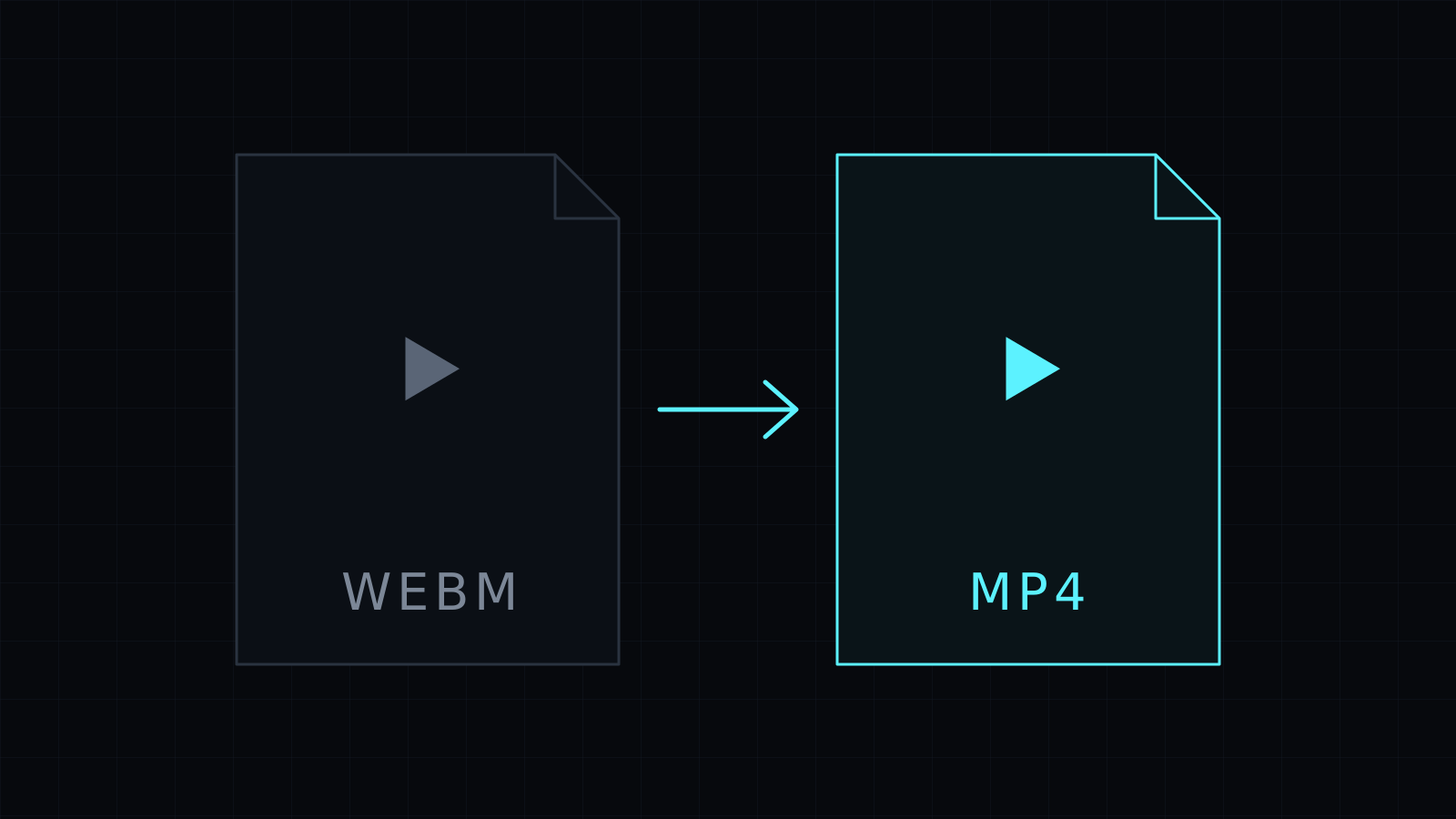
The WebM to MP4 Converter does webm to mp4 in your browser, on your own device. Screen recorders, browser extensions and many web downloads save WebM; this turns it into an MP4 your phone, editor or chat app will take. The video is never uploaded or stored, and it spends no credits.
Why convert WebM to MP4?
WebM was made for the web. Browsers play it well, and many screen recording tools and browser-based recorders save to it by default. Outside the browser it is a different story: some video editors don’t import it, phones may not preview it, and upload forms or messaging apps can reject it.
MP4 is the safer choice once a clip leaves the browser. Converting WebM to MP4 gives you a file that Windows apps, Mac apps, editors and social platforms expect.
Is WebM to MP4 conversion lossless?
It depends on what is inside. WebM files usually carry VP8, VP9 or AV1 video with Opus or Vorbis audio. When those streams are ones the MP4 container can hold, the converter copies them over without re-encoding, which is fast and keeps the quality.
When they don’t fit, the converter re-encodes at a balanced quality. That takes longer and is lossy, as every re-encode is. Encoding runs through your browser’s WebCodecs, so speed depends on your device.
How do I turn a screen recording into an MP4?
- Drop the WebM recording, or pick it from your device.
- MP4 is already selected as the output.
- Start the conversion, follow the progress bar, and download the MP4.
Stop cancels the job at any time. If you only need the voice or the sound, pick M4A instead to keep the audio alone.
It needs a recent Chrome, Edge or Firefox, or Safari 17 and later. The new video is held in memory until you download it, so a very long recording depends on your device. Going the other way, for a web page? The MP4 to WebM Converter does that.
FAQ
Why won’t my WebM file open in my video editor?
Many editors and players are built around MP4 and MOV. Converting the WebM to MP4 usually solves it.
Does my recording get uploaded?
No. The webm to mp4 conversion runs entirely in your browser, and nothing is stored.
What does it cost?
It comes with the Nexin library: Nexin Lite or Nexin Pro opens it, and it spends no credits.



