
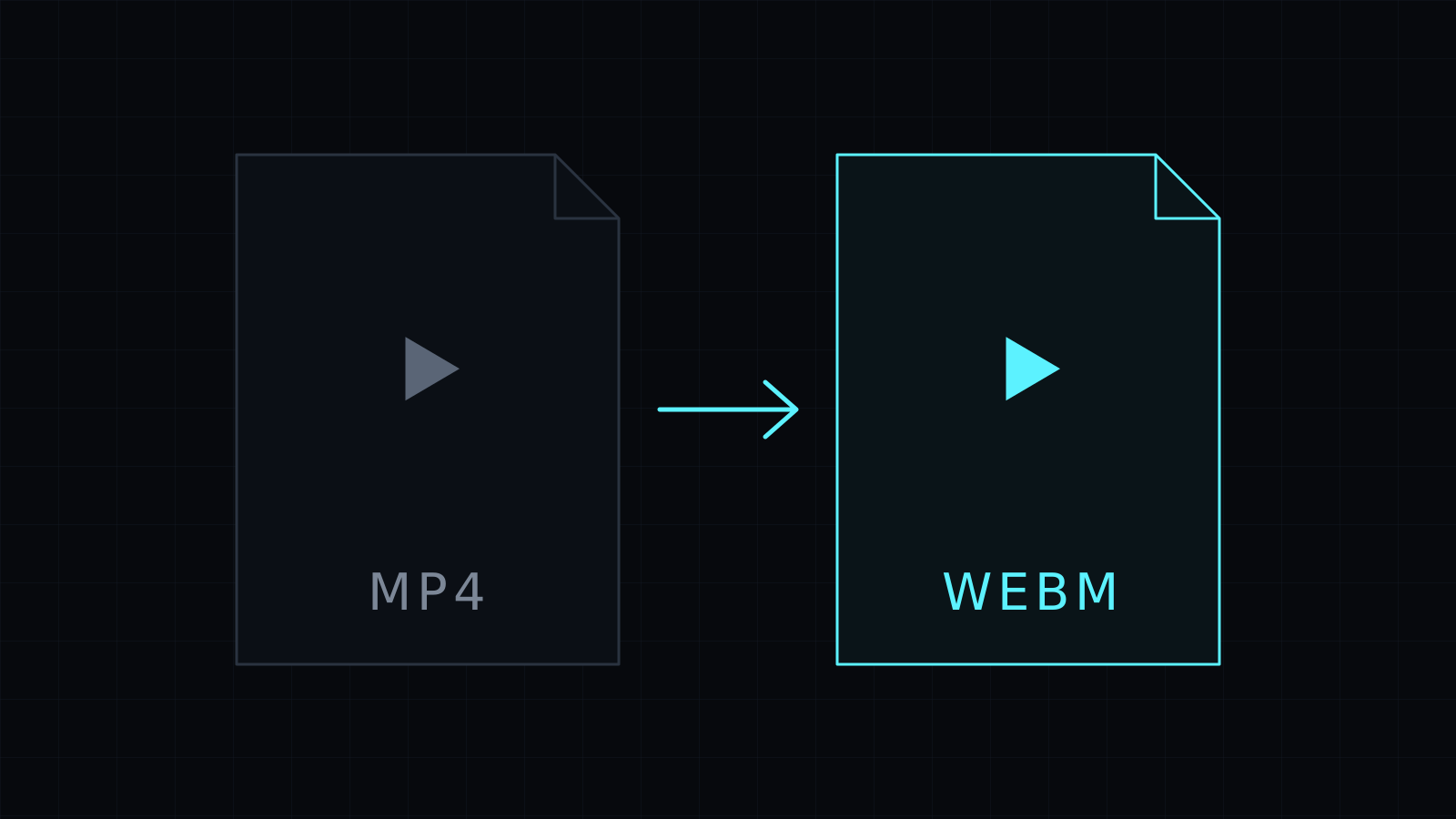
The MP4 to WebM Converter does mp4 to webm in your browser, with the video staying on your device. Use it when a web page, a site builder or an HTML5 player asks for WebM. Nothing is uploaded or stored, and it spends no credits.
Why convert MP4 to WebM?
WebM is an open video format built for the web. Browsers play it natively in a <video> tag, and its codecs (VP8, VP9 and AV1) are royalty-free. Developers often ship a WebM next to the MP4 for background videos, hero loops and product clips, and some web tools and players ask for WebM outright.
If the video is going onto a web page you control, a WebM version is a common choice. If it is going to a phone, an editor or a social platform, keep the MP4.
Does converting MP4 to WebM re-encode the video?
Yes, always. An MP4 usually holds H.264 video, and WebM can’t carry H.264, so the picture has to be encoded again into a WebM codec. The converter does it at a balanced quality through your browser’s WebCodecs. Like any re-encode, it is lossy and takes longer than a simple copy, and the time depends on your device.
Encoding WebM needs a browser that can encode those codecs. If yours can’t, the tool says so, and Chrome or Edge is worth a try.
How to convert MP4 to WebM
- Drop your MP4 file, or pick it from your device.
- WebM is preselected as the output.
- Start the conversion, follow the progress bar, and download the WebM file.
A Stop button cancels the job. It needs a recent Chrome, Edge or Firefox, or Safari 17 and later. The output is kept in memory until you download it, so long videos depend on your device.
Want the clip lighter before it goes on a page? Compress Video makes a smaller MP4 that you can then convert. Need the reverse? The WebM to MP4 Converter does that.
FAQ
Is WebM smaller than MP4?
It depends on the codec, the settings and the video itself, so compare the two files before you choose one for your page.
Is my video uploaded to convert it?
No. The mp4 to webm conversion runs entirely in your browser, and nothing is stored.
What does it cost?
It comes with the Nexin library: Nexin Lite or Nexin Pro opens it, and it spends no credits.



