
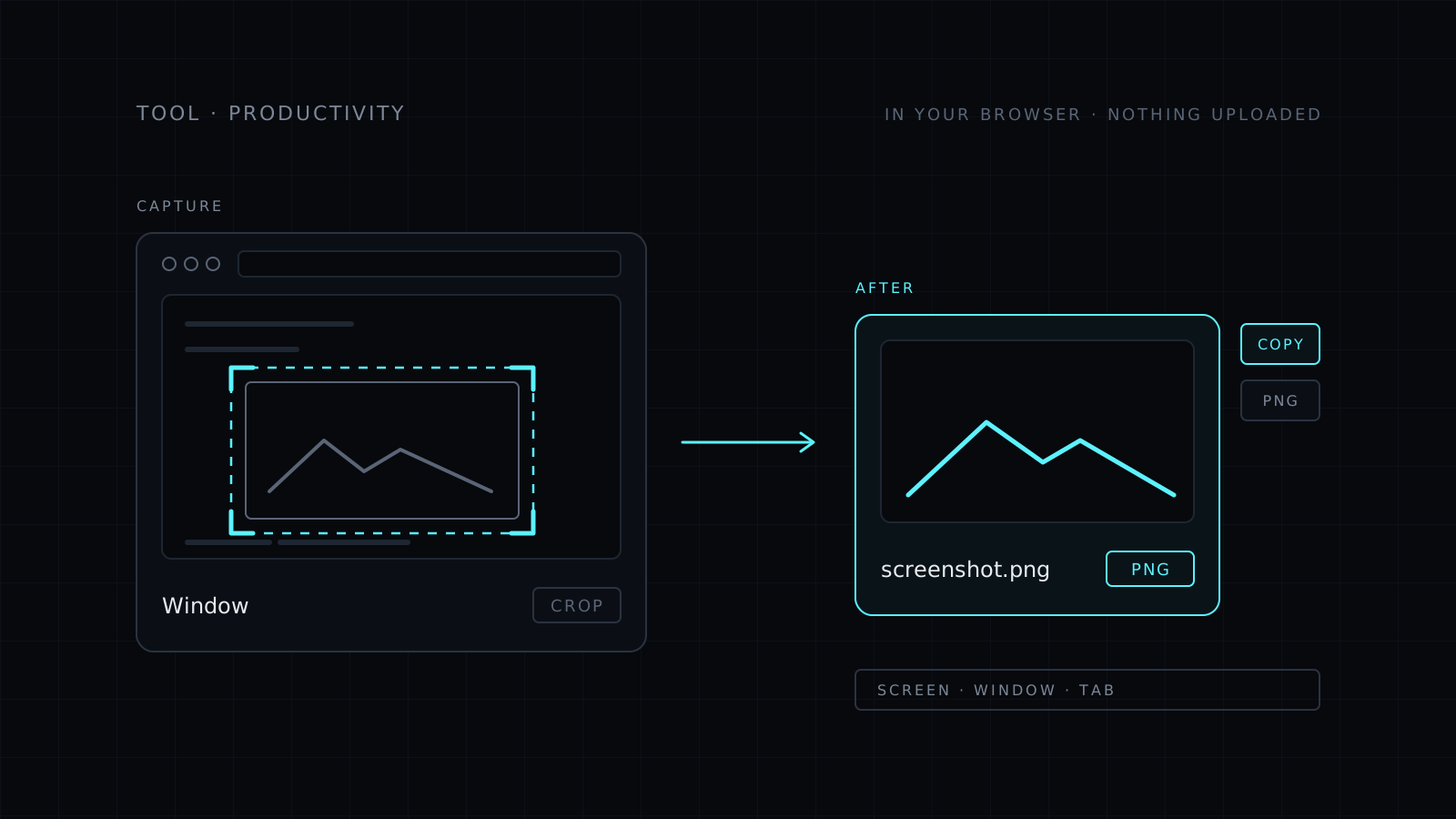
Screenshot is a screenshot tool that runs right in your browser. You click Capture, choose a screen, window or tab, and get one picture of it. Then you drag to crop and copy the image to your clipboard or download it as a PNG. Nothing is uploaded, nothing is stored, and there’s nothing to install.
How do I take a screenshot in my browser?
Click Capture. Your browser shows its own permission prompt and asks what to share: a whole screen, a single window or one tab. Pick one, and Nexin takes a single picture of it and stops sharing straight away. The prompt shows up every time, so nothing is ever captured without you choosing it.
How do I crop a screenshot?
After the capture, drag over the part you want to keep. Crop to a single error message, a chart or a paragraph instead of sending the whole screen with your tabs and notifications around it. Then copy it to paste straight into a chat, a document or an email, or download it as a PNG file.
Where does it work?
It works in desktop browsers that support screen sharing: recent Chrome, Edge, Firefox and Safari. It doesn’t work on phones, because mobile browsers don’t offer screen sharing to web pages.
The Nexin desktop app is coming soon for Mac, Windows and Linux, and it will take screenshots with a keyboard shortcut.
Screenshots for a site or a store can get heavy. Compress Image makes them lighter, also in your browser.
Who it’s for
- Anyone reporting a bug or asking for help who needs to show what’s on screen.
- People on a shared or work computer where they can’t install a capture app.
- Writers and support teams pasting pictures into docs and replies.
- Anyone who doesn’t want screenshots of private work sent to a stranger’s server.
FAQ
Are my screenshots uploaded to a server?
No. The capture, the crop and the download all happen in your browser. Your screenshot never leaves your device and nothing is stored.
Does Nexin keep recording my screen?
No. It takes one picture and stops sharing at once. Your browser asks for permission every time you click Capture.
What does it cost?
It comes with the Nexin library: Nexin Lite or Nexin Pro opens it, and it spends no credits.



