An sop template gives you headings; this skill gives you the finished standard operating procedure, written in Claude from whatever you already have. Describe the task, paste notes, or paste the transcript of a screen recording where you do it once, and you get a procedure a new hire can follow without asking you every five minutes.
How do you write a standard operating procedure?
A useful SOP answers four questions: why this task exists, who does it, what to have ready, and exactly what to do in what order. The skill writes each step as one action with a clear result to expect, so the person doing it knows when a step worked before moving on. It adds quality checks at the points where an error costs money or time, a troubleshooting table for the problems you mentioned, and a revision table so the document can be kept up to date.
It writes in plain, direct language: imperative verbs, one action per step, the exact button or field names you gave it.
Standard operating procedure template, filled from your notes
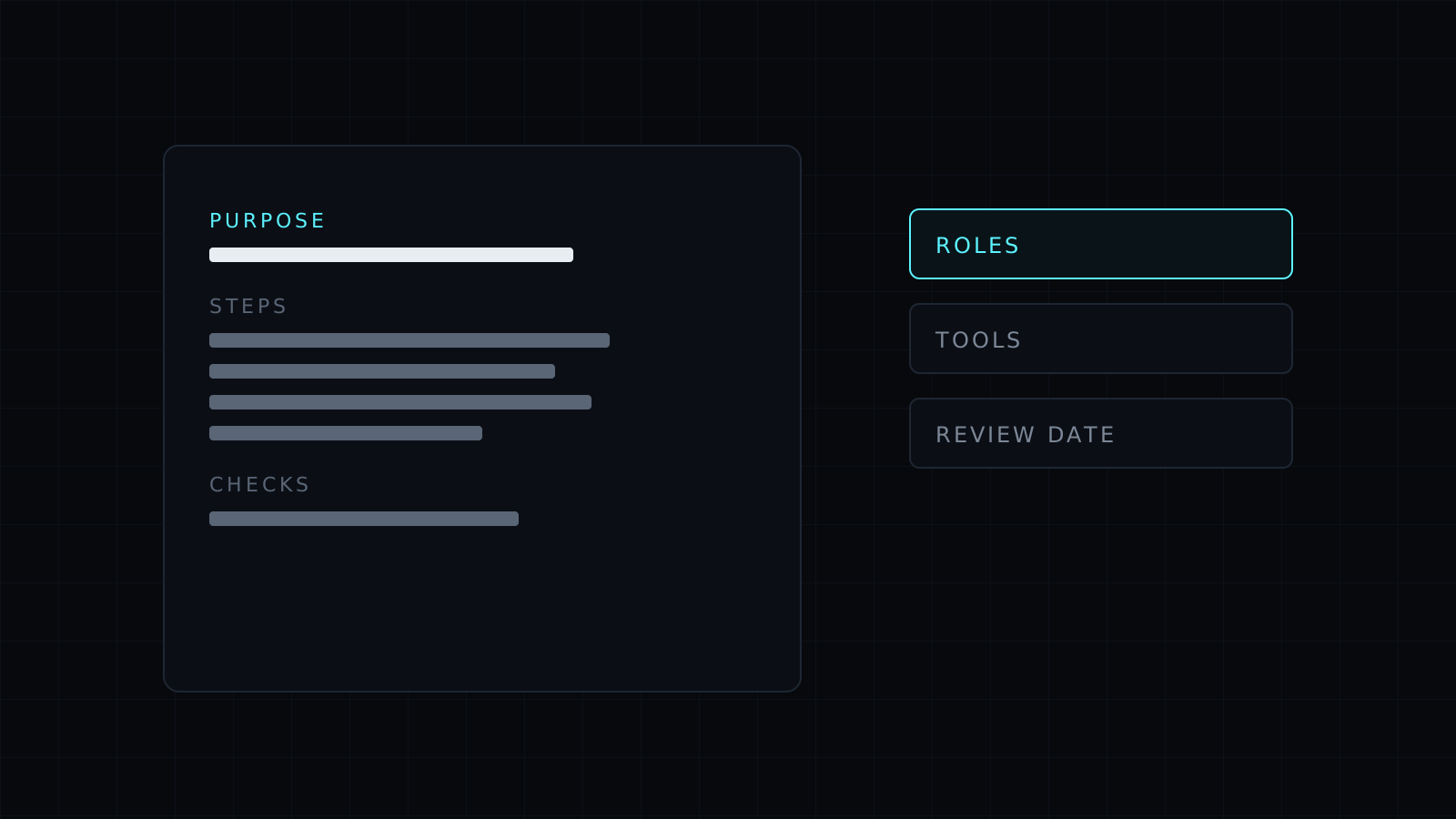
People look for a standard operating procedure template because starting from a blank page is the hard part. The skill uses a proven structure (purpose, scope, roles, prerequisites, steps, checks, troubleshooting, revisions) and fills it from your material. The messier the input, the more the structure helps: a rambling voice memo comes back as numbered steps, and repeated or out-of-order instructions get sorted.
It asks before it guesses
Procedures often touch safety, money or regulated work. When your notes don’t say which protective equipment is needed, what the approval limit is, or which rule applies, the skill marks the gap and asks. It never invents a temperature, a threshold or a legal requirement to make the document look complete.
FAQ
What can I give it as input?
A written description, bullet notes, a chat thread, an existing outdated document, or the transcript of a screen recording or call where someone walks through the task.
Which format does the SOP come in?
Markdown with headings, tables and numbered steps, which pastes cleanly into Notion, Google Docs, Confluence or Word. It can also produce a one-page checklist version.
Is it only for operations teams?
No. It works for customer support macros, onboarding, bookkeeping routines, content publishing, warehouse tasks and any repeatable job you want done the same way every time.