
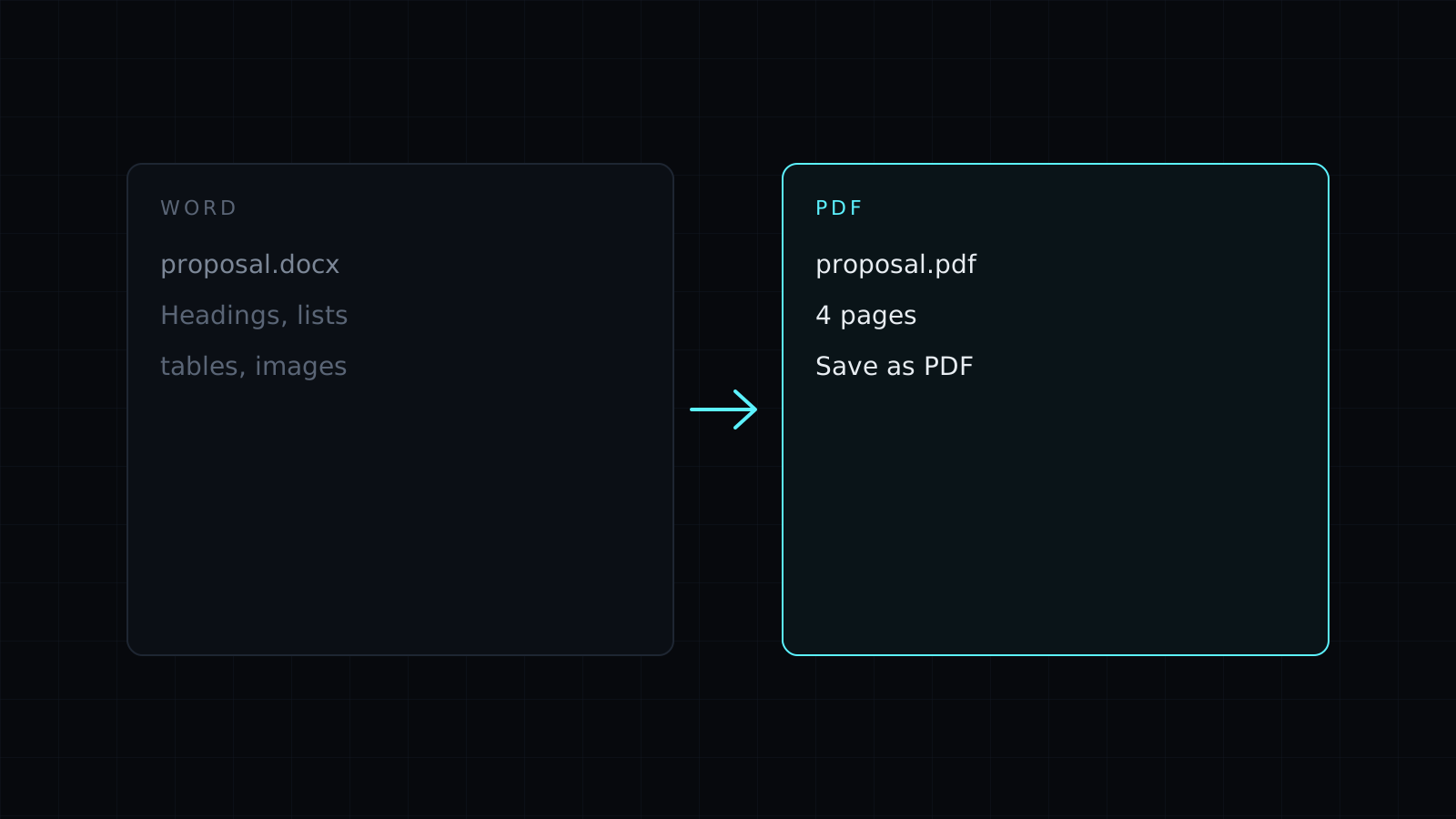
Word to PDF is a word to pdf tool that turns a .docx document into a PDF without Microsoft Word. Drop the file, check the pages in the preview, and save them as a PDF through your browser’s print window. It all happens in your browser, so the document stays on your device, nothing is stored, and it spends no credits.
How do I convert a Word document to PDF?
- Drop the .docx. It can come from Word, Google Docs (File, Download, Microsoft Word), Pages or LibreOffice.
- The pages are laid out in a preview. Scroll through and check them.
- Press Save as PDF. Your browser’s print window opens.
- Pick Save as PDF as the printer (Chrome and Edge call it that; on a Mac you can also use the PDF button), turn off Headers and footers so the date and address don’t print on the page, and save.
What comes through in the PDF?
Text, headings, bold and italics, lists, tables, images and the page size of the document all come through. Because the conversion uses the fonts on your device, a font you don’t have installed is replaced with a similar one, which can move line breaks slightly. Complex layouts, such as floating text boxes, some charts and shapes, can shift or simplify. That is why the preview comes first: what you see there is what the PDF gets.
Why convert Word to PDF?
A PDF looks the same on every device and can’t be edited by accident. Send a PDF when the layout matters and the reader only needs to read, sign or print:
- A resume or cover letter for a job application.
- An invoice, a quote or a contract.
- A school assignment that has to be submitted as PDF.
Can I convert an old .doc file?
Not directly. Open it in Word, Pages, LibreOffice or Google Docs and save it as .docx first, then drop it here. If the PDF needs to go back to an editable document later, PDF to Word gets the text into a .docx.
FAQ
Is my document uploaded?
No. The word to pdf conversion runs in your browser, and nothing is kept afterwards.
Why do I see a date and a web address on the PDF?
Those are the print window’s headers and footers. Turn them off in its settings before saving.
What does it cost?
It comes with the Nexin library: Nexin Lite or Nexin Pro opens it, and it spends no credits.



