
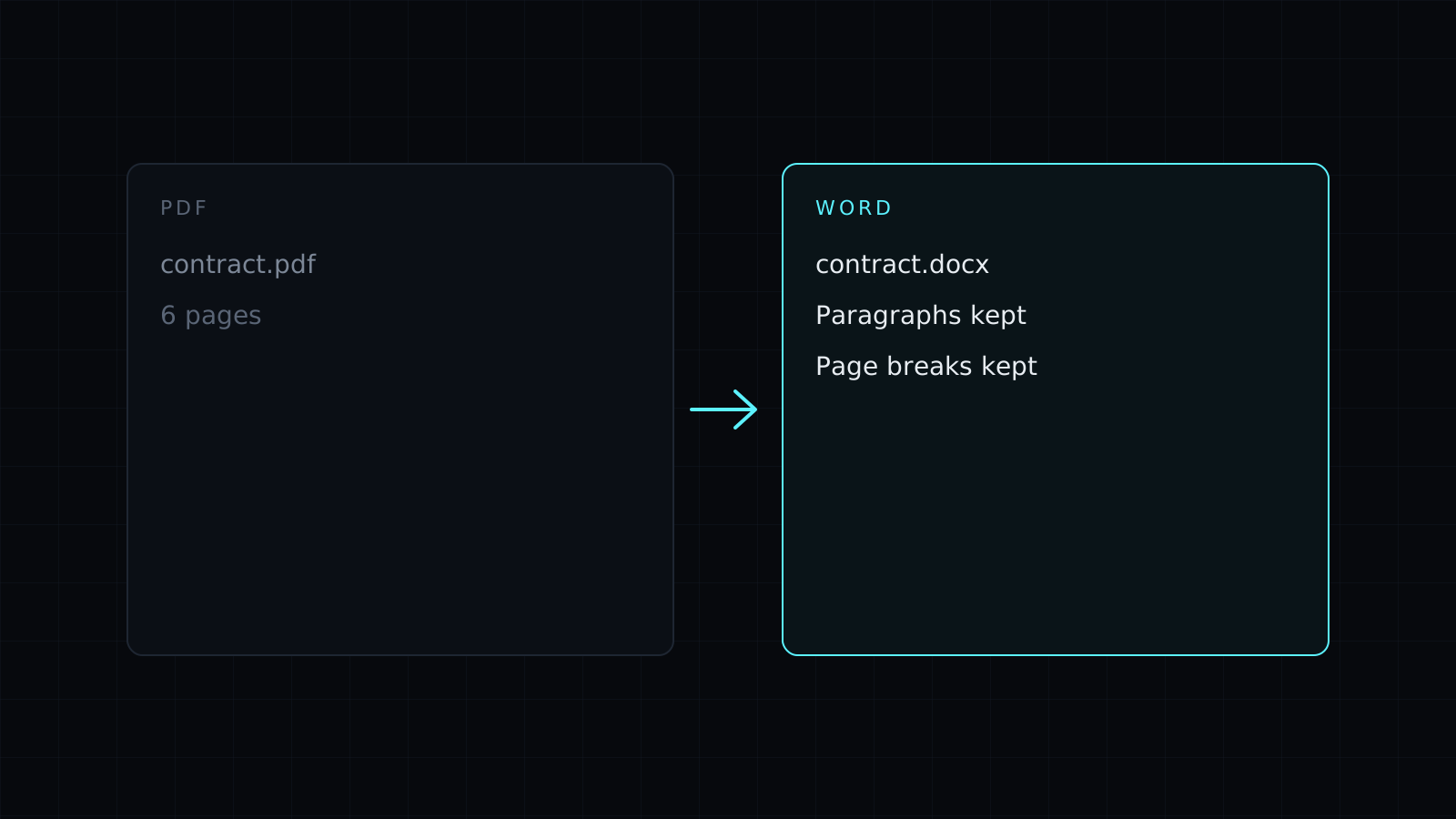
PDF to Word is a pdf to word converter that takes the text out of a PDF and puts it into a Word .docx you can edit. Drop the file and download the document: every paragraph is there, with a page break where each page of the PDF ended. It runs in your browser, so the PDF stays on your device, nothing is stored, and it spends no credits.
How do I convert a PDF to an editable Word document?
- Drop the PDF, or pick it from your device.
- Convert and download the .docx.
- Open it in Word, Google Docs, Pages or LibreOffice and start editing.
The text arrives paragraph by paragraph, so you can rewrite a section, fix a typo in an old contract, update last year’s report or reuse the wording of a brochure without retyping it.
Will the PDF to Word file look like the original?
No, and it’s worth knowing before you start. This tool carries over the words, not the design. The layout, images, tables, columns and fonts of the PDF are not rebuilt in the .docx: you get clean paragraphs in the document’s default style, with a page break per page. That is often what you want when the goal is editing, since a pixel-perfect conversion tends to come back full of text boxes that are hard to change. If you need the exact look of a page, keep the PDF, or save the pages as images with PDF to JPG.
Why is my Word document empty?
The PDF is probably a scan: pictures of pages with no text inside. A pdf to word converter that works from the text layer has nothing to take. Convert the pages with PDF to JPG, then read the words with Image to Text and paste them into your document. Password-protected PDFs need the password removed first.
PDF to Word or PDF to Text?
Pick PDF to Text when you only need the words to paste somewhere else, such as an email or a chatbot. Pick PDF to Word when you want a document to edit, format and send on. Finished editing? Word to PDF turns the .docx back into a PDF.
FAQ
Is my PDF uploaded?
No. The conversion runs entirely in your browser, and nothing is kept afterwards.
Are images and tables included?
No. Only the text comes through; the cell text of a table appears as ordinary text.
What does it cost?
It comes with the Nexin library: Nexin Lite or Nexin Pro opens it, and it spends no credits.



