
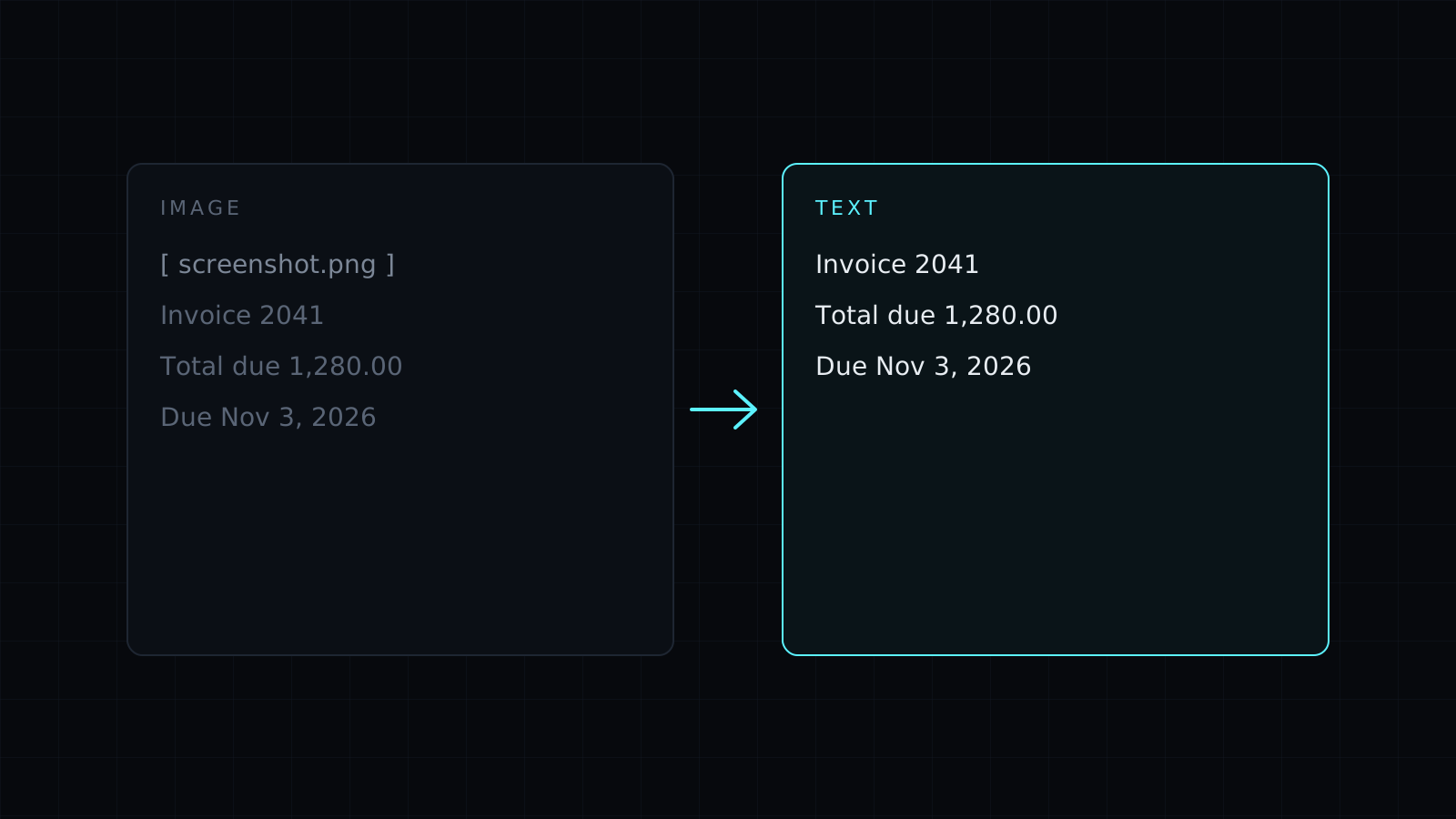
Image to Text is an image to text tool that reads the words in a picture and gives them back as text you can edit, copy and save. It uses OCR (optical character recognition) with Tesseract, running entirely in your browser, so your screenshots and photos stay on your device, nothing is stored, and it spends no credits.
How do I copy text from an image?
- Drop one or more images: a screenshot of a slide, a photo of a receipt, a scanned letter. JPG, PNG, WebP, HEIC and AVIF all work.
- The text appears in an editable box. The first run downloads the reader, about 7 MB, from Nexin; your browser keeps it, so later runs start faster.
- Correct anything misread, then Copy it or download a .txt file.
When part of an image was hard to read, the tool says so, which tells you where to look before you paste the text somewhere that matters.
What images give the best results?
Image to text works best on printed text in a clear picture. A screenshot is ideal, since the letters are sharp and level. For photos of paper, a few habits help:
- Shoot straight on, so the lines aren’t slanted.
- Use even light without shadows across the page.
- Fill the frame with the text and keep it in focus.
- Crop away busy backgrounds.
Handwriting, decorative or very small fonts, and text over photos come out rough, and some words will need fixing by hand. The reader uses the English model only, so accented letters and other alphabets are often misread.
Can I turn a scanned PDF into text?
A scanned PDF is really pictures of pages. Try PDF to Text first: if the PDF has a text layer, it is faster and exact. If it says there is no text, convert the pages with PDF to JPG and drop those images here.
Is it safe to use image to text online?
Here nothing goes online except the reader itself, the first time. The images are read on your device, inside your browser tab, which matters for IDs, bank letters and anything personal.
FAQ
Can I read several images at once?
Yes. Drop them together and each one is read in turn.
Does it read other languages?
It uses the English model only, so other languages come out with errors.
What does it cost?
It comes with the Nexin library: Nexin Lite or Nexin Pro opens it, and it spends no credits.



