
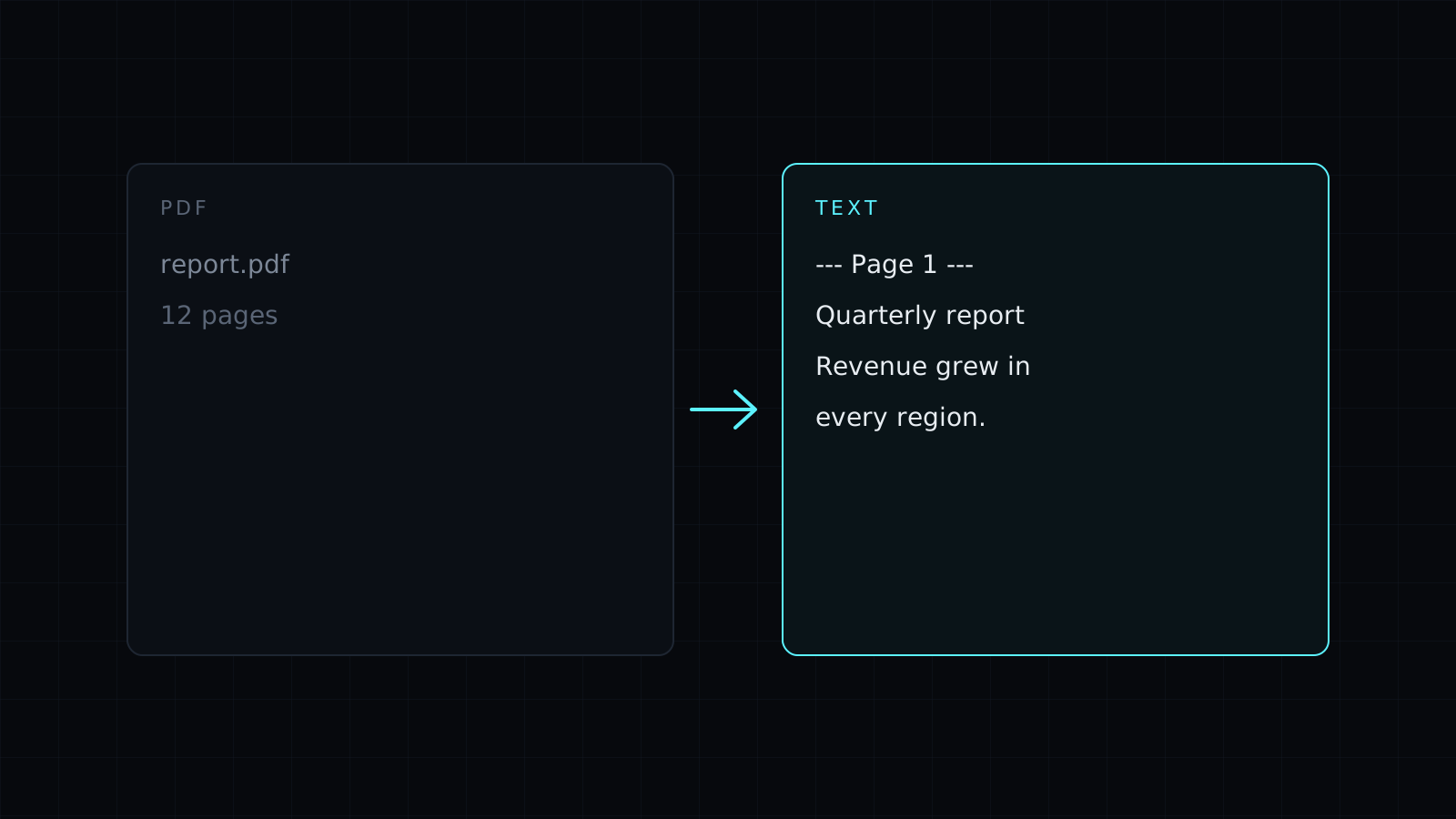
PDF to Text is a pdf to text tool that pulls the words out of a PDF and gives them to you as plain text. Drop the file and the text of every page appears, ready to copy or save as a .txt file. It runs in your browser, so the PDF stays on your device, nothing is stored, and it spends no credits.
How do I copy all the text from a PDF?
Selecting text in a PDF viewer is awkward: lines break in the middle of sentences, columns get mixed and you have to go page by page. This tool takes the whole document at once.
- Drop the PDF.
- The text of every page appears, with the broken lines of each paragraph joined back into one.
- Copy it, or download a .txt file.
Turn on Mark where each page starts and each page begins with a line like --- Page 3 ---. That helps when you need to quote a page number, check a passage against the original, or paste a long report into a chatbot and ask about a specific page.
Why does it say my PDF has no text?
Some PDFs are scans: photos of paper pages saved as a PDF. They look like text, but there are only pictures inside, so there is nothing for a pdf to text converter to take. The tool tells you when that happens. For those files, convert the pages with PDF to JPG, then drop the images into Image to Text, which reads them with OCR.
What comes through and what doesn’t?
You get the words, in reading order as the PDF stores them. Formatting doesn’t survive the trip to plain text: no bold, fonts, images or table borders. Tables come out as their cell text, and complex multi-column layouts may need a little tidying. Password-protected PDFs aren’t opened; remove the password first.
If you want the text in a document you can edit and format, PDF to Word makes a .docx instead.
FAQ
Is my PDF uploaded?
No. The pdf to text extraction runs entirely in your browser, and nothing is kept afterwards.
Does it work on long PDFs?
Yes. Every page is read; very large files depend on your device’s memory.
What does it cost?
It comes with the Nexin library: Nexin Lite or Nexin Pro opens it, and it spends no credits.



