
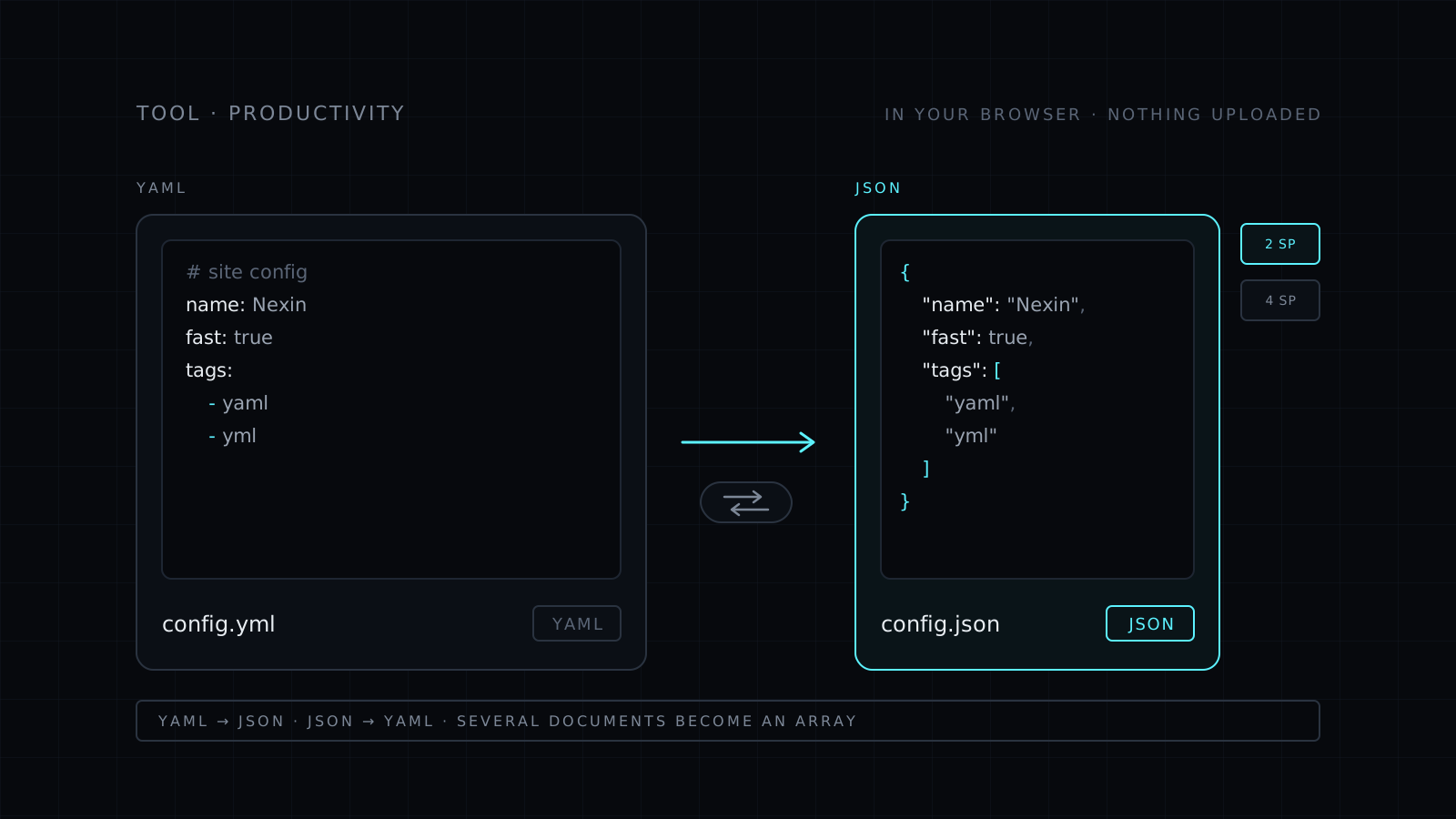
YAML to JSON Converter is a yaml to json tool that runs right in your browser. Paste YAML or open a .yaml or .yml file, and the JSON appears as you type. Flip the direction and it turns JSON into YAML instead. Your text never leaves your device: nothing is sent to a server, nothing is stored, and it spends no credits.
How do I convert YAML to JSON?
Paste the YAML and the JSON appears in the result as you type. Pick 2 or 4 spaces of indentation, then copy the result or download it as a .json file. It works the same for yml to json, since .yml is only the shorter extension for the same format. If the YAML doesn’t parse, you see the error with its line and column instead of a half-converted result.
How do I convert JSON to YAML?
Use the direction switch, or press the swap button to move the current result to the input side and convert it back. Any valid JSON converts. The output uses block style with the indentation you picked, and you can download it as a .yaml file.
What happens to comments and multiple documents?
- Comments are dropped. JSON has no comments, so a YAML comment has nowhere to go. Keep the YAML file if the notes matter.
- Several documents become an array. A YAML file with documents separated by
---converts to one JSON array, one item per document. - The data stays the same. Keys, strings, numbers, booleans, lists and nested mappings carry over.
Only want to check a file before converting? The YAML Validator points to the line that breaks. Want to tidy the JSON you got? The JSON Formatter formats and minifies it.
Who it’s for
- Developers moving config between tools that expect different formats.
- Anyone who needs to send a YAML config to an API that only takes JSON.
- People reading a long JSON payload who find YAML easier to scan.
- Anyone who doesn’t want to paste private config into a stranger’s server.
FAQ
Is my data sent to a server?
No. The conversion runs entirely in your browser. Your text never leaves your device and nothing is stored.
Why are my comments missing from the JSON?
JSON doesn’t support comments, so they can’t be carried over. Everything else in the YAML is converted.
Can I convert a .yml file?
Yes. Open the .yml file or paste its text. YAML and YML are the same format.



