
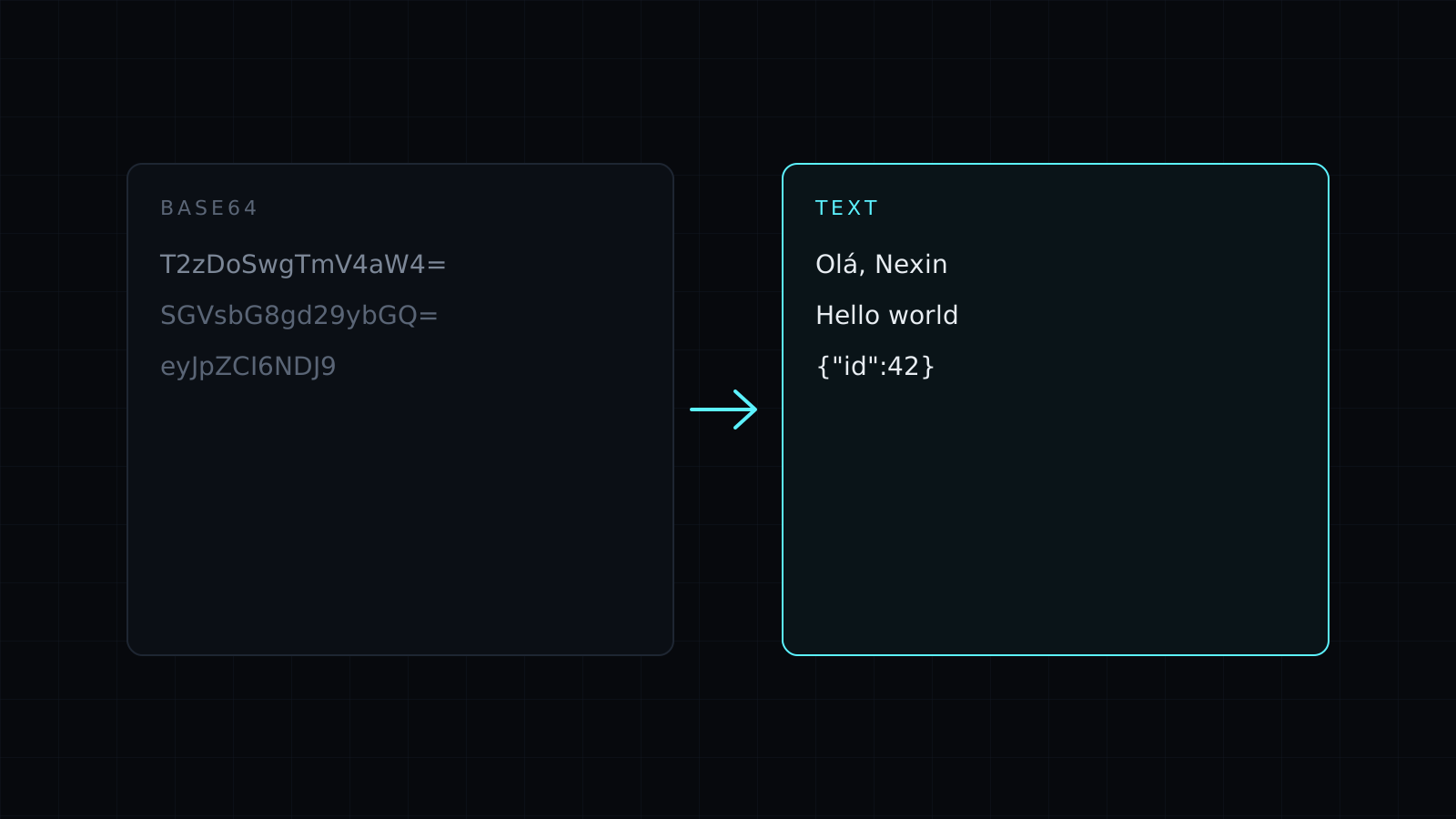
Base64 Decode is a base64 decode tool that turns a Base64 string back into readable text right in your browser. Paste the string and the decoded text appears as you type. Nothing is sent to a server, nothing is stored, and it spends no credits.
Base64 shows up wherever binary data has to travel as plain text: an email attachment, a data: URI in a stylesheet, a field in an API payload, a webhook body, the value of a basic auth header. When you need to know what is actually inside, you decode it.
How do I decode a Base64 string?
Paste it into the input. The tool reads it as UTF-8, so accented letters and emoji come back exactly as they were written. It accepts both alphabets: standard Base64 with + and /, and URL-safe Base64 with - and _, as used in tokens and links. Missing = padding is fine, and so are spaces and line breaks, so Base64 wrapped at 76 characters in an email decodes as it is.
Why does it say the result is binary data?
Not every Base64 string holds text. If the bytes inside aren’t valid UTF-8, the tool says how many bytes of binary data it found instead of showing garbled characters. That usually means an image, a PDF or another file was encoded. If you see the message on something you expected to be text, check that you copied the whole string.
Can I decode a basic auth header?
Yes. Take the part after Basic and paste it: you get username:password back. That is exactly why Base64 is not a way to protect anything. It is an encoding, not encryption, and anyone holding the string can read it. Treat a decoded credential as exposed and keep real production secrets out of any tool you don’t control.
Need to produce Base64 instead? The Base64 Encode page opens the same tool in encode mode, with a URL-safe option. Looking inside a token? The JWT Decoder decodes its Base64URL parts into JSON for you.
FAQ
Is my Base64 sent to a server?
No. Decoding runs entirely in your browser. Your text never leaves your device and nothing is stored.
What does “isn’t valid Base64” mean?
The input has characters Base64 doesn’t use, or it was cut short. Copy the full string again, without quotes or a prefix like data:image/png;base64,.
What does it cost?
It comes with the Nexin library: Nexin Lite or Nexin Pro opens it, and it spends no credits.



