
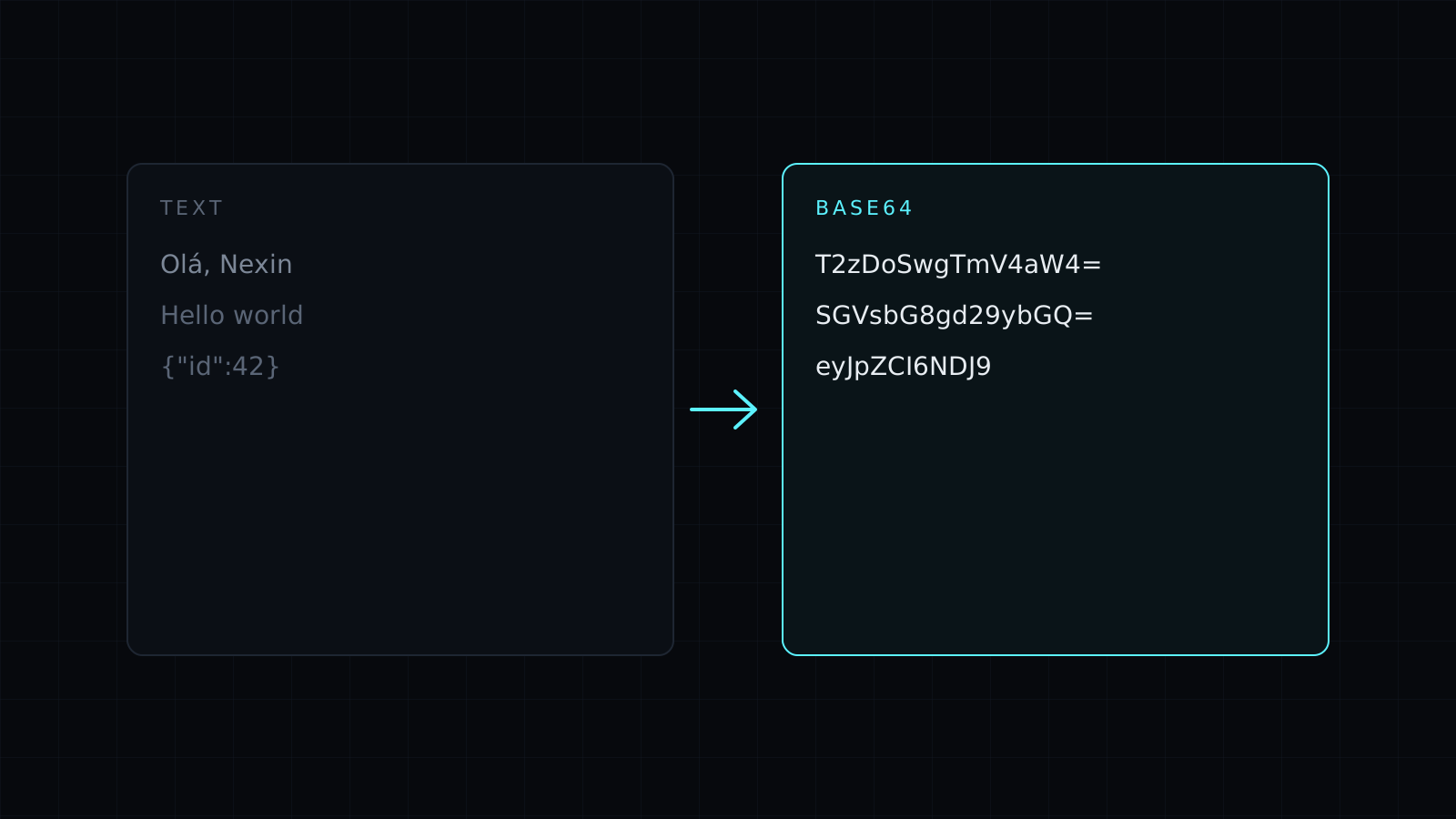
Base64 Encode is a base64 encode tool that turns any text into Base64 right in your browser. Type or paste the text and the encoded string appears as you type. Nothing is sent to a server, nothing is stored, and it spends no credits.
What is Base64 encoding used for?
Base64 writes bytes using only 64 safe characters: letters, digits, + and /. That lets data pass through systems built for plain text without being mangled. Common reasons to base64 encode something:
- API payloads and config. Put a certificate, a key file’s text or a JSON blob into a single string field or an environment variable.
- Basic auth headers. The value after
Basicisusername:passwordin Base64. - Data URIs. Small assets inline in HTML or CSS as
data:...;base64,.... - Email. Attachments travel as Base64 inside the message.
Does it handle accents and emoji?
Yes. The tool encodes the text’s UTF-8 bytes, so café or an emoji encodes correctly and decodes back to the same characters anywhere that reads UTF-8. Under the result you see how many bytes went in and how many characters came out. Base64 output is always about a third longer than the input, which is the cost of using only safe characters.
When should I use URL-safe Base64?
Standard Base64 uses +, / and =, which have special meanings in URLs and can’t appear in some file names. Turn on URL-safe and the tool writes - and _ instead and drops the = padding. That is the Base64URL variant used in JSON Web Tokens, signed links and query parameters. Leave it off when the receiving system expects standard Base64, such as a basic auth header.
Is Base64 encryption?
No. Base64 is an encoding: anyone can reverse it in a second, with no key. Use it to move data safely through text, never to hide it. For anything secret, use real encryption, and never paste production secrets into a tool you don’t control.
Got Base64 you need to read? The Base64 Decode page opens the same tool in decode mode. Building a link? The URL Encode tool percent-encodes values for query strings.
FAQ
Is my text sent to a server?
No. Encoding runs entirely in your browser. Your text never leaves your device and nothing is stored.
Why does my Base64 end with = or ==?
That is padding, which rounds the output to a multiple of four characters. URL-safe mode leaves it off.
What does it cost?
It comes with the Nexin library: Nexin Lite or Nexin Pro opens it, and it spends no credits.



