
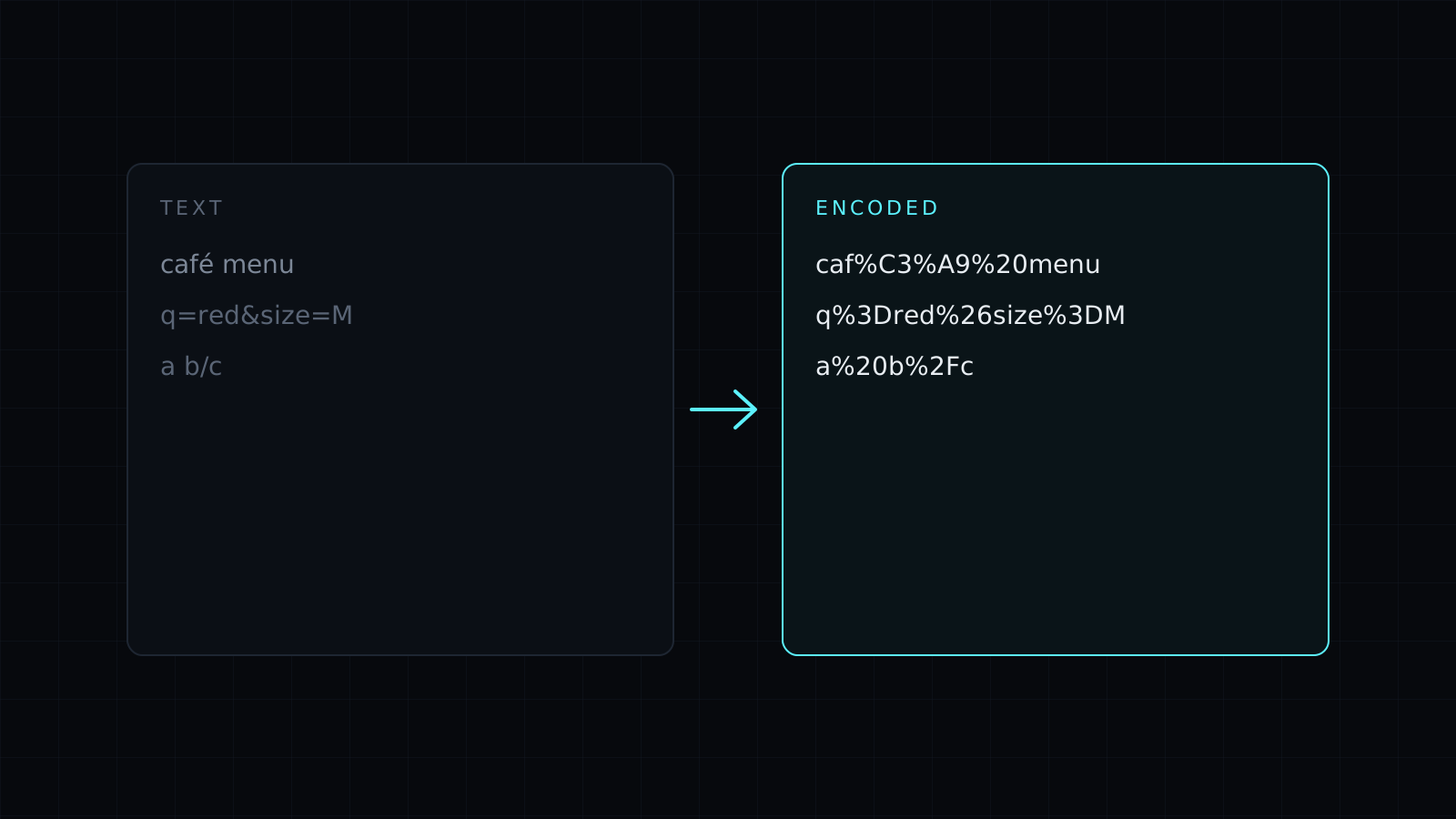
URL Encode is a url encode tool that percent-encodes text right in your browser, so it can go safely into a link. Type or paste the text and the encoded version appears as you type. Nothing is sent to a server, nothing is stored, and it spends no credits.
Why do I need to URL encode text?
A URL reserves some characters for its own structure: ? starts the query, & separates parameters, = joins a name to its value, / separates paths, # starts a fragment. If a value contains one of them, a search term like salt & pepper or a redirect address, the link breaks or means something else. Encoding replaces each risky character with a % and two hex digits, so & becomes %26 and a space becomes %20. Letters outside English are encoded from their UTF-8 bytes.
Should I encode one value or the whole URL?
This is the choice that matters, and the tool has an option for each:
- One value (the default). Every reserved character is encoded, including
/,?,&and=. Use it for a single query parameter, a UTM value, a search term, or a URL you are passing inside another URL as aredirectparameter. - Whole URL. Turn on the option and
:,/,?,&and=are kept, so the link keeps its structure, while spaces and other unsafe characters are still encoded. Use it to tidy a complete address that has spaces or accented letters in it.
Encoding a complete link with the default mode turns https:// into https%3A%2F%2F. That is correct when the link is a value inside another link, and wrong when it is the link itself.
How are spaces encoded?
As %20. Some forms send spaces as +, and most servers read both, but %20 is valid everywhere in a URL, so it is the safer choice.
Reading an encoded link instead? The URL Decoder opens the same tool in decode mode. Need text as Base64 for a token or a header? Use Base64 Encode.
FAQ
Is my text sent to a server?
No. Encoding runs entirely in your browser. Your text never leaves your device and nothing is stored.
Is URL encoding the same as percent encoding?
Yes. They are two names for the same thing: characters written as % plus two hex digits.
What does it cost?
It comes with the Nexin library: Nexin Lite or Nexin Pro opens it, and it spends no credits.



